Open Headunit apps repurpose old tablets into Android Auto dashboards for home productivity
Paid receiver applications allow Android devices to display the car interface on tablets, repurposing older hardware for productivity tasks outside vehicles.
Key points
- Open Headunit and Headunit Reloaded enable Android Auto on tablets via USB or Self-Mode.
- The setup requires an Android 11 phone and a compatible tablet running Android 5.0 or newer.
- This configuration allows users to view maps and messages on a secondary screen without a vehicle.
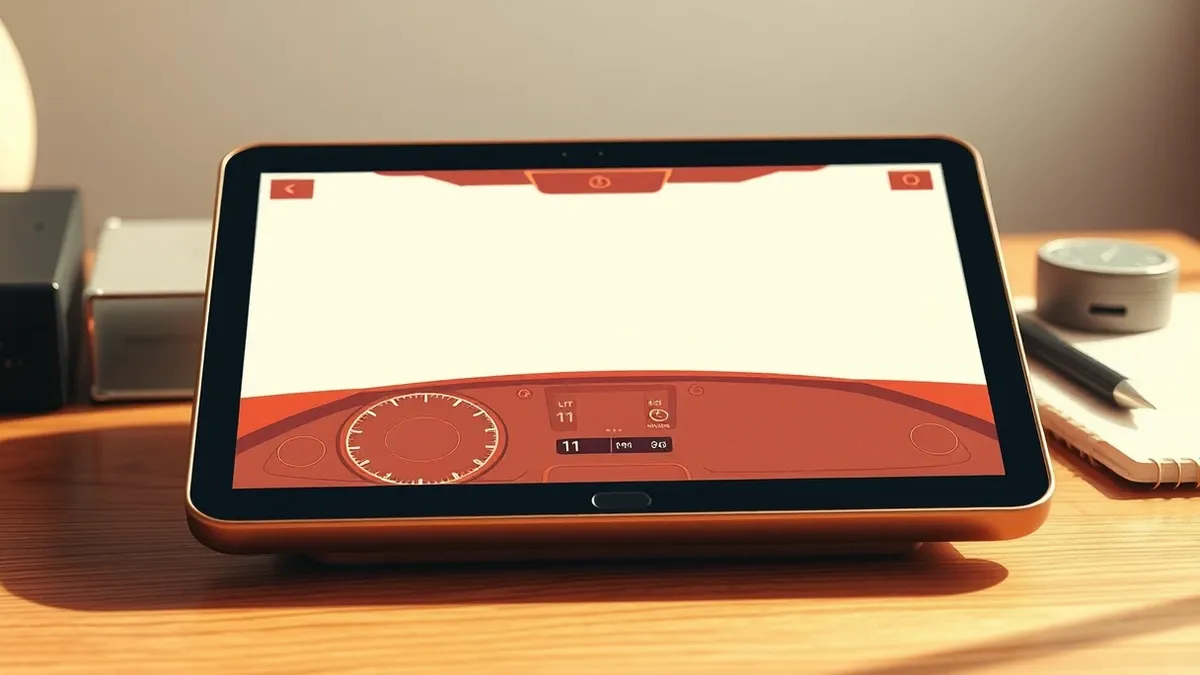
Third-party applications now allow Android Auto to function as a desktop display on tablets, according to reporting by Engadget. This capability transforms the car-focused interface into a productivity tool for desks or kitchen counters. The arrangement relies on receiver apps that mimic a vehicle head unit, enabling older Android tablets to serve as secondary screens for active smartphones.
Root cause
The functionality stems from the architecture of Android Auto, which projects a simplified interface from a phone to a compatible display. By installing specific receiver software on a tablet, the device is tricked into acting as the car's screen. The phone handles the processing, allowing tablets with limited battery life or outdated hardware to display the interface effectively.
Attack path
This is not a security breach but a configuration method. Users connect an Android phone running version 11 or newer to a tablet using a data-capable USB cable. If the tablet lacks a USB host port, an OTG adapter is required. The receiver app on the tablet initiates the connection, and the user grants permission on the phone to mirror the Android Auto interface.
Affected versions
- Android phones running Android 11 or newer are required for the host device.
- Receiving tablets must run Android 5.0 or newer to support apps like Open Headunit.
- Android Auto version 17.4 and later may require enabling the head unit server via developer settings for Self-Mode to function.
Mitigation
- No security mitigation is required as this is a legitimate software feature, not a vulnerability.
- Ensure USB cables are data-capable to maintain a stable connection between devices.
- Verify that the tablet’s USB port supports host mode or use an appropriate OTG adapter.
- Check Android Auto developer settings if Self-Mode fails on newer software versions.
What it means for organisations
IT teams should assess whether this configuration interferes with Mobile Device Management policies. Organisations need to determine if employees using personal devices for such setups could inadvertently expose corporate data through shared screens. Security leaders should clarify acceptable use policies regarding non-standard display configurations. Departments should communicate whether repurposing old tablets for this purpose is permitted, ensuring it does not bypass standard security controls or create unmanaged endpoints.
What to do and how to stay safe: Android Auto
- Verify that your USB cables support data transfer, not just charging, to ensure connectivity.
- Check if your tablet’s operating system is compatible with the chosen receiver application.
- Review Android Auto settings on your phone to ensure the connection is authorised.
- Monitor battery usage on the host phone, as mirroring may increase power consumption.
General security guidance from the TechSec Observer newsroom. It is not confirmed advice from the organisations named in this story.
Frequently asked questions
Can I use Android Auto on a tablet without a car?
Yes, by using third-party receiver apps like Open Headunit or Headunit Reloaded, you can display Android Auto on a tablet connected via USB.
What Android version do I need on my phone?
Your Android phone must be running version 11 or newer to support the connection with the receiver app on the tablet.
Is there a cost to use these apps?
Yes, Open Headunit costs $3.99 and Headunit Reloaded costs $4.99 on the Google Play Store.