Checking if your email was in a breach and what happens behind the scenes
Automated breach lookup services match cryptographic hashes of your address against massive public databases of leaked credentials.

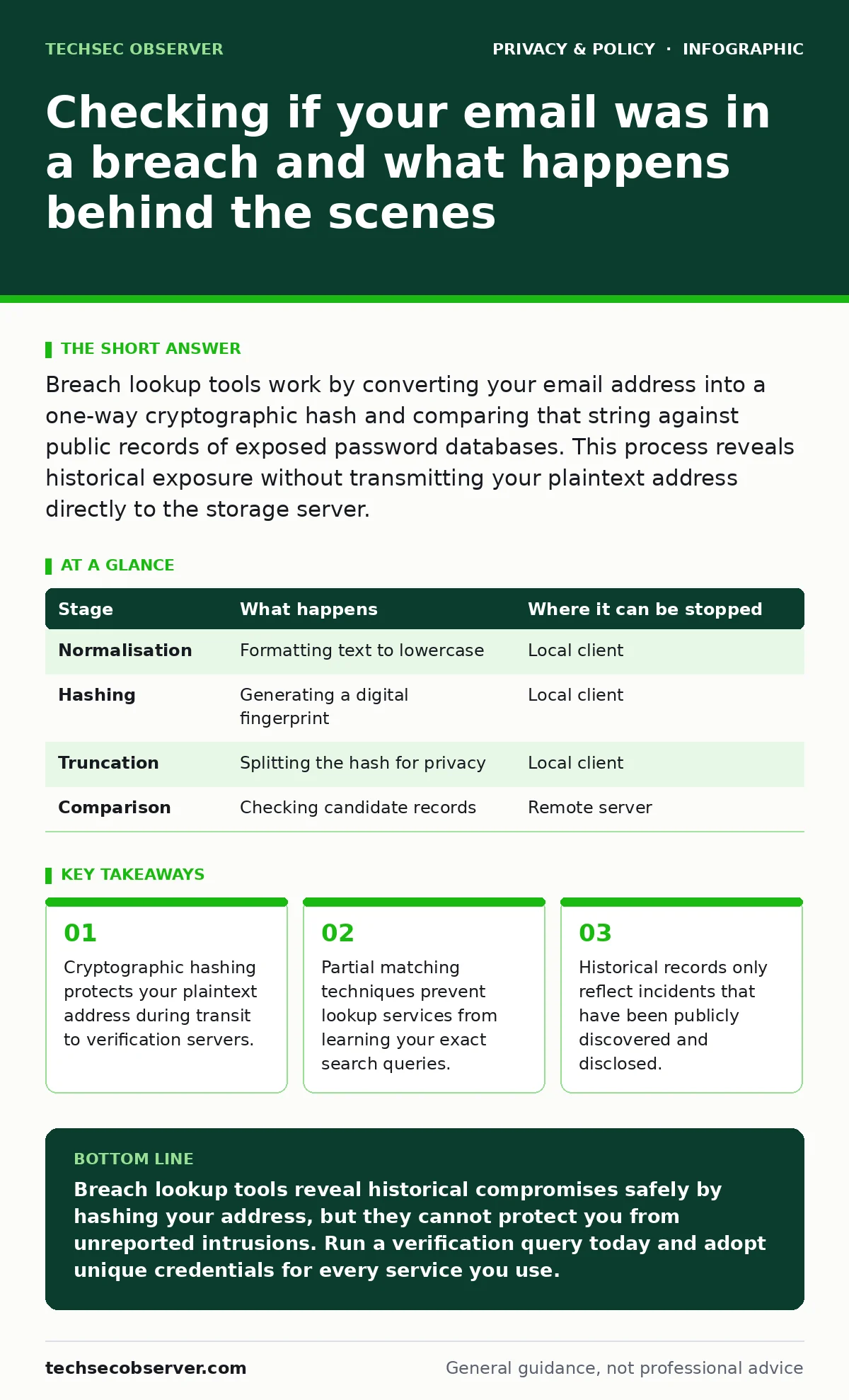
Breach lookup tools work by converting your email address into a one-way cryptographic hash and comparing that string against public records of exposed password databases. This process reveals historical exposure without transmitting your plaintext address directly to the storage server.
How Breach Lookups Transform Your Email Address
Email breach verification systems rely on complex cryptographic transformations to protect your personal data while confirming exposure. Plaintext transmission of email addresses over the network creates severe vulnerabilities, exposing your identity to interception. Developers design these lookup platforms to obscure the target string before it leaves your local machine.
Cryptographic algorithms convert arbitrary input data into fixed-size strings of characters, known as a hash. This mathematical operation is strictly one-way, meaning you cannot reverse the resulting hash back into the original email address through simple computation. Lookup services depend on this asymmetry to verify database inclusion without ever storing your actual contact details.
What Happens Behind the Scenes During a Query
Query execution involves a strict sequence of local and remote operations designed to preserve anonymity while querying massive datasets. Remote databases contain millions of compromised records gathered from past security incidents. Matching your address against these records requires careful handling of string variations and formatting quirks to avoid false negatives.
Client-side software prepares your input before transmission, ensuring that subtle differences in capitalization or whitespace do not break the lookup. Privacy-conscious tools employ techniques similar to those found in strategies for reducing your digital footprint, minimizing the amount of identifiable metadata sent across the network.
The Mechanics of Cryptographic Hashing in Lookups
Stage 1: Normalisation
Input normalisation ensures uniform formatting by converting all characters to lowercase and stripping accidental whitespace from the ends of the string. Minor formatting discrepancies would otherwise produce completely different cryptographic hashes, failing to match the pre-computed entries stored in the database.
Stage 2: Hashing
Algorithmic hashing processes the normalised email string through a mathematical function to generate a unique digital fingerprint. Standard implementations produce a long hexadecimal string that represents the original address uniquely.
Stage 3: Truncation
K-anonymity partitioning splits the generated hash string into a short prefix and a remaining suffix. Transmitting only the prefix to the remote server prevents operators from reconstructing your full query, effectively concealing your identity from the lookup provider.
Stage 4: Comparison
Server-side matching responds to the prefix query by returning a list of all complete hashes sharing that initial segment. Client-side software then compares the suffix of your hash locally against this returned list to confirm an exact match.
| Stage | What happens | Where it can be stopped |
|---|---|---|
| Normalisation | Formatting text to lowercase | Local client |
| Hashing | Generating a digital fingerprint | Local client |
| Truncation | Splitting the hash for privacy | Local client |
| Comparison | Checking candidate records | Remote server |
Hidden Limits of Historical Exposure Databases
Database completeness depends entirely on the public disclosure of past security incidents, leaving silent intrusions completely unrecorded. Many corporate networks suffer silent compromises where unauthorized actors exfiltrate data without leaving public footprints or triggering ransom demands.
Lookup tools cannot detect these covert intrusions because no leaked dataset exists for the platform to index. Relying solely on breach notifications creates a false sense of security regarding your ongoing exposure to metadata exposure risks and targeted surveillance campaigns.
Why Unreported Incidents Remain Invisible
Unreported intrusions bypass the traditional discovery pipeline because affected organizations often lack the logging infrastructure required to detect unauthorized data extraction. Forensic investigators can only catalog breaches that leave discernible artifacts in system logs or appear on public marketplaces.
Attackers frequently access corporate environments and quietly siphon address books without causing system crashes or operational disruptions. Consequently, an absence of positive results on a verification website merely indicates that no public record exists, rather than guaranteeing your credentials remain secure.
See also: Why is WPA3 more secure and how it stops offline dictionary attacks · What is public key encryption: how asymmetric cryptography secures your data
The Operational Trade-Offs of Privacy-Preserving Lookups
Client-side filtering introduces computational overhead on your local device because your processor must evaluate hundreds of candidate hashes downloaded from the server. Network efficiency is traded for cryptographic privacy, requiring more bandwidth to download a bucket of potential matches than a direct database query would demand.
Lookup providers face storage challenges because maintaining millions of pre-computed hash fragments requires optimized indexing structures to maintain fast response times. Developers must balance memory consumption against query latency, ensuring the service remains responsive under heavy concurrent user loads.
Key takeaways
- Cryptographic hashing protects your plaintext address during transit to verification servers.
- Partial matching techniques prevent lookup services from learning your exact search queries.
- Historical records only reflect incidents that have been publicly discovered and disclosed.
Breach lookup tools reveal historical compromises safely by hashing your address, but they cannot protect you from unreported intrusions. Run a verification query today and adopt unique credentials for every service you use.
Frequently asked questions
Can a breach lookup service steal my password?
Verification platforms generally request only your email address rather than your password, relying on leaked credential databases containing historical pairs. Entering your plaintext password directly into an untrusted lookup page, however, exposes your active credentials to potential theft.
Why do different lookup tools give different results?
Verification platforms index distinct collections of leaked data repositories, meaning coverage varies depending on which historical incidents a provider has acquired. An address appearing clean on one platform might register a hit on another due to database update cycles.
Does checking an email address put it on a new spam list?
Rogue lookup services can log query inputs and associated network metadata to build marketing profiles, turning a privacy check into an unexpected tracking vector. Trustworthy verification platforms discard incoming query prefixes immediately after returning the candidate list.
How often should I check my email address for exposure?
Periodic checks make sense whenever major security incidents hit public headlines, though continuous monitoring through automated alert services provides faster notification. Manual checks serve as a useful audit step after receiving alerts about specific service compromises.
How this guide was produced: written by the TechSec Observer editorial team with AI assistance, checked against the public references listed below, and reviewed when the facts change. See our editorial policy or report an error.