Metadata Exposure: Risks and Protection for Small Businesses
Your documents reveal operational secrets through invisible headers, forcing small teams to adopt rigorous sanitisation workflows to prevent accidental data leaks.
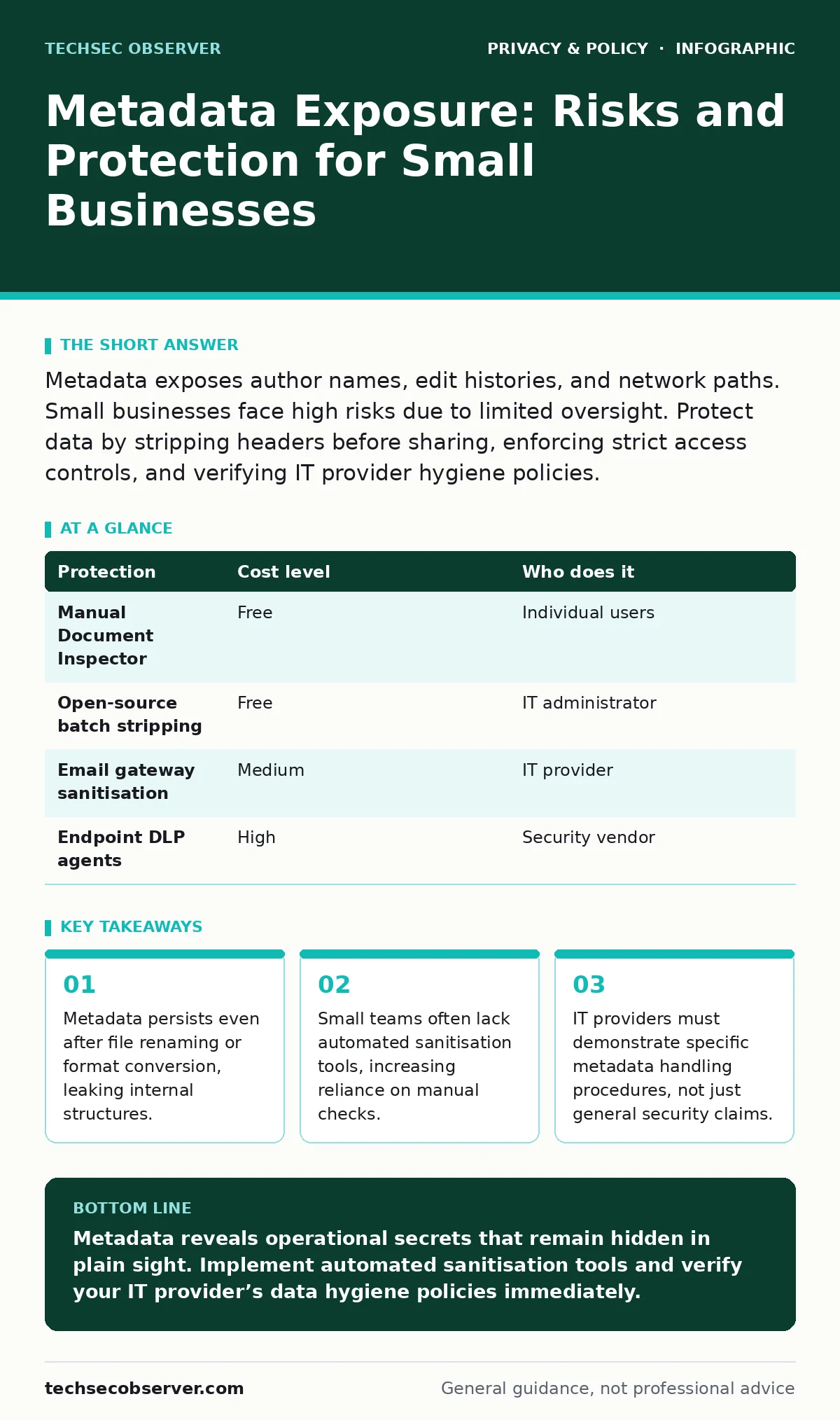
Metadata exposes author names, edit histories, and network paths. Small businesses face high risks due to limited oversight. Protect data by stripping headers before sharing, enforcing strict access controls, and verifying IT provider hygiene policies.
The Hidden Payload in Everyday Files
Every digital file you create carries more than just the visible content. Microsoft Word documents, PDFs, images, and spreadsheets embed metadata. This is structured data about the data itself. It records who created the file, when it was last modified, and what software generated it.
You might think renaming a file or converting it to a different format erases this history. It usually does not. The original author name often remains embedded in the XML structure of a document. GPS coordinates stay attached to photos taken with a smartphone. Even if you delete visible text, the edit history may still show what was removed.
For a small organisation, this invisible payload is a security liability. An attacker does not need to hack your server to learn your internal directory structure. They only need you to send them a file. The metadata tells them which servers you use, who holds administrative privileges, and how your team collaborates.
Why Small Organisations Face Disproportionate Risk
Large enterprises often deploy automated data loss prevention tools. These systems scan outgoing emails and strip metadata before the message leaves the corporate network. Small businesses rarely have this budget or technical depth.
You likely rely on manual processes. An employee saves a report, attaches it to an email, and hits send. There is no gateway scanner to catch the exposed network path. There is no policy enforcement engine to block files with sensitive headers.
This gap creates a specific vulnerability. Attackers target small businesses because they assume weak hygiene. They know that a small team is unlikely to have a dedicated security operations centre. The effort to exploit a metadata leak is low, but the intelligence gain is high. You become a stepping stone to larger partners or clients.
Low-Cost Protections for Document Hygiene
You can mitigate these risks without expensive enterprise software. The first step is awareness. Train staff to view file properties before sharing. Most operating systems allow you to right-click a file and select properties. Look for the details tab.
Strip metadata manually when possible. Microsoft Office includes a "Document Inspector" feature. It scans for hidden text, personal information, and custom document properties. Run this before saving files for external distribution. This is a free tool built into the software you already use.
Use open-source utilities for batch processing. Tools like exiftool can remove metadata from images and documents in bulk. This is particularly useful for marketing teams handling large volumes of photos. Automate this step in your workflow. Do not rely on individuals to remember to run the tool every time.
| Protection | Cost level | Who does it |
|---|---|---|
| Manual Document Inspector | Free | Individual users |
| Open-source batch stripping | Free | IT administrator |
| Email gateway sanitisation | Medium | IT provider |
| Endpoint DLP agents | High | Security vendor |
The Limits of User Training
Training alone is insufficient. You cannot expect every employee to check file properties before every email. Fatigue sets in. Exceptions become the rule.
Instead, integrate sanitisation into the sharing mechanism. If you use a secure file transfer service, ensure it strips metadata on upload. If you use email, consider a plugin that warns users when a file contains sensitive headers.
This approach shifts the burden from the user to the system. It aligns with the principle of privacy by design. You build protection into the process rather than asking people to remember it. This reduces the cognitive load on your staff while improving security posture.
What to Ask an IT Provider
If you outsource your IT, you must verify how they handle metadata. Many providers focus on network security and antivirus. They often ignore data hygiene at the endpoint.
Ask specific questions about their data handling procedures. Do they scan outgoing emails for metadata? Do they provide tools for staff to sanitise files? How do they manage backups? Backups often contain old metadata that reflects historical network structures.
See also: Block Wi-Fi Finder Apps From Mapping Your Network · Differential privacy census: how noise protects your data
Questions for Your IT Partner
Use this checklist during your next vendor review. These questions cut through generic marketing language. They force the provider to explain their technical implementation.
- How do you detect metadata in outgoing communications?
- Do you offer a self-service tool for staff to strip metadata?
- What happens to metadata when files are archived or backed up?
- How do you handle metadata in files received from third parties?
- Can you demonstrate the sanitisation process with a test file?
If the provider cannot answer these questions confidently, they are not managing this risk. You may need to implement your own controls. Do not assume that general "security compliance" covers metadata exposure. It rarely does.
Managing Image and Media Files
Images are particularly dangerous. They often contain EXIF data. This includes camera settings, timestamps, and precise GPS coordinates. If you publish photos on a website, this data reveals the location of your office or home.
Use dedicated image editors to strip this data. Most photo editing software allows you to save a copy without metadata. Do not just rename the file. The data remains embedded.
For social media, be aware that platforms may strip some metadata but not all. Instagram and Facebook remove GPS data, but they may retain camera model information. This helps attackers profile your device fleet. Use privacy-focused browsers to manage how you interact with these platforms. This reduces the amount of data you expose during uploads.
The Long-Term Strategy
Metadata exposure is a persistent threat. New file formats introduce new metadata fields. New software adds new tracking mechanisms. You must treat this as an ongoing process, not a one-time fix.
Regularly audit your shared files. Pick a random sample of documents sent to clients or partners. Check their metadata. If you find sensitive information, revisit your training and tools.
This discipline protects your intellectual property. It prevents competitors from seeing your internal workflows. It stops attackers from mapping your infrastructure. In a world where data is currency, the metadata is the receipt. Hide it carefully.
Key takeaways
- Metadata persists even after file renaming or format conversion, leaking internal structures.
- Small teams often lack automated sanitisation tools, increasing reliance on manual checks.
- IT providers must demonstrate specific metadata handling procedures, not just general security claims.
Metadata reveals operational secrets that remain hidden in plain sight. Implement automated sanitisation tools and verify your IT provider’s data hygiene policies immediately.
Frequently asked questions
Does deleting a file remove its metadata?
No. Deleting a file removes the reference to it, but the data may remain on the disk until overwritten. Metadata is part of the file structure, not the file name.
Can I trust cloud storage to strip metadata?
Most cloud storage providers store files as-is. They do not automatically strip metadata. You must sanitise files before uploading if you plan to share them publicly.
How do I check metadata on a Mac?
Right-click the file and select "Get Info". Look for the "More Info" section. For deeper inspection, use Terminal commands or dedicated metadata viewer apps.
Does encryption protect metadata?
Encryption protects the content, but not the filename or file size. Some encryption tools also hide metadata, but this depends on the specific implementation and settings.
How this guide was produced: written by the TechSec Observer editorial team with AI assistance, checked against the public references listed below, and reviewed when the facts change. See our editorial policy or report an error.