Reducing Your Digital Footprint: Practical Steps for Beginners
Your digital trail is not merely a list of websites you visit; it is a persistent record of your habits, connections, and preferences that persists long after you log off.

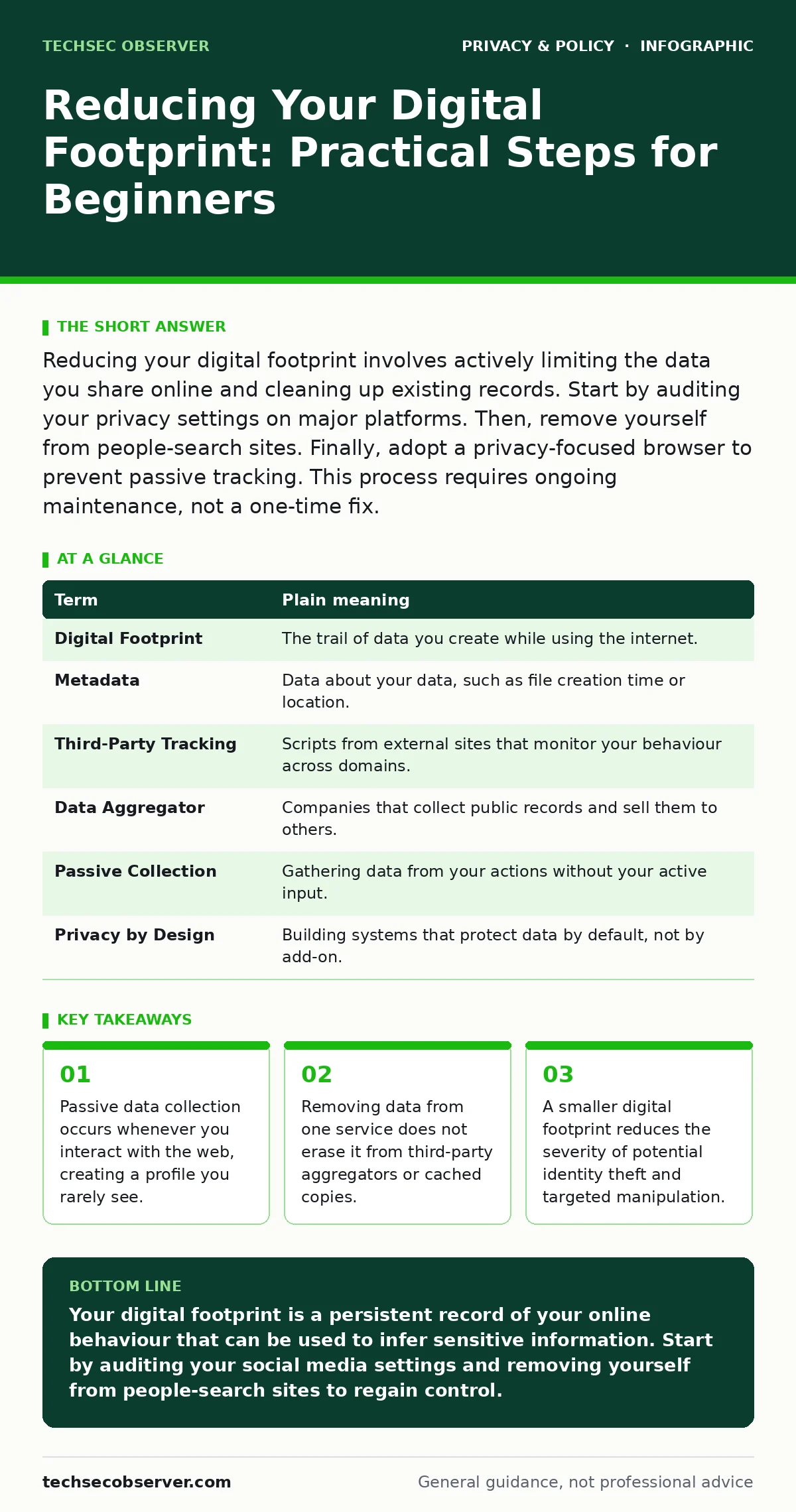
Reducing your digital footprint involves actively limiting the data you share online and cleaning up existing records. Start by auditing your privacy settings on major platforms. Then, remove yourself from people-search sites. Finally, adopt a privacy-focused browser to prevent passive tracking. This process requires ongoing maintenance, not a one-time fix.
The Persistent Trail Analogy
Imagine walking through a field of wet clay. Every step you take leaves a distinct impression. Even if you walk away, the footprints remain visible to anyone who passes through later. Now imagine that thousands of people are walking the same path, and the clay never dries. This is your digital footprint. It is the aggregate of every click, search, purchase, and interaction you have ever had online. Most people believe they can simply walk away and leave no trace. In reality, the impressions accumulate, overlap, and become a map of your life.
The goal is not to erase the clay entirely, which is impossible. The goal is to walk in ways that leave fewer, shallower, and less identifiable marks. You cannot control where others walk, but you can control the depth of your own steps.
Understanding the Components
To manage your footprint, you must understand what constitutes it. It is not just the content you post. It includes the metadata attached to files, the cookies stored in your browser, and the logs kept by internet service providers. These elements combine to form a profile that is often more detailed than your own self-perception.
| Term | Plain meaning |
|---|---|
| Digital Footprint | The trail of data you create while using the internet. |
| Metadata | Data about your data, such as file creation time or location. |
| Third-Party Tracking | Scripts from external sites that monitor your behaviour across domains. |
| Data Aggregator | Companies that collect public records and sell them to others. |
| Passive Collection | Gathering data from your actions without your active input. |
| Privacy by Design | Building systems that protect data by default, not by add-on. |
The Hidden Cost of Convenience
Convenience is the primary driver of footprint expansion. When you allow a service to "remember you," you are trading a small amount of friction for a significant amount of data. The trade-off is rarely explicit. You might think you are merely saving your password. In reality, you are linking that account to your device ID, your IP address, and your browsing history.
This linkage allows companies to infer sensitive information you never shared. Suppose you buy baby supplies online. You have not told anyone you are expecting a child. However, the pattern of your purchases reveals this fact to advertisers before you might have told your colleagues. This inference capability is the hidden cost of seamless digital experiences.
Auditing Existing Records
Before you can reduce new data collection, you must address what is already out there. People-search sites scrape public records, social media, and court documents to create profiles. These profiles are often inaccurate and difficult to remove. They serve as a low-hanging fruit for identity thieves.
Removing yourself from these sites is a manual process. You must visit each site and follow their opt-out procedure. This is tedious and repetitive. Many sites will re-list you after a certain period, requiring you to repeat the process. It is a maintenance task, not a one-time solution.
Controlling Passive Collection
Passive collection happens without your direct interaction. Every time you visit a website, scripts may run in the background. These scripts track your movement, screen resolution, and installed fonts. This data is used to create a unique identifier for your device.
Using privacy-focused browsers can mitigate this. These browsers block known trackers and prevent scripts from accessing your data. However, this comes with a trade-off. Some websites may not function correctly if trackers are blocked. You may need to disable protection for specific sites to access their features. This requires a balance between privacy and usability.
See also: Private file sharing services: secure transfer workflows · Block Wi-Fi Finder Apps From Mapping Your Network
Managing Consent and Cookies
Cookie consent banners are not merely legal formalities. They are the primary interface for data collection consent. Most users click "Accept All" to dismiss the banner quickly. This action grants permission for extensive tracking.
Instead, choose "Reject All" or "Manage Preferences." This limits the data collected to what is strictly necessary for the site to function. It may require more clicks to navigate the site, but it significantly reduces your footprint. Understanding legitimate interest under the GDPR helps you recognise when a company is claiming they need your data for business reasons, rather than for your benefit.
Practical Steps to Reduce Footprint
You can start reducing your footprint immediately with these three steps. They require no special software and take less than an hour.
- Audit your social media settings. Review who can see your posts, who can tag you, and whether your profile is searchable by email or phone number. Restrict these settings to friends only or disable them entirely.
- Remove yourself from people-search sites. Search your name on major data aggregators. Follow their opt-out instructions. Document the process so you can repeat it if you are re-listed.
- Switch to a privacy-focused browser. Install a browser that blocks trackers by default. Use it for all your daily browsing. Adjust settings for specific sites only when necessary.
The Ongoing Nature of Privacy
Reducing your digital footprint is not a destination. It is a continuous practice. New services will emerge, new tracking methods will be developed, and new data will be collected. You must remain aware of the trade-offs you make.
Every time you sign up for a new service, ask what data it collects. Every time you share a file, check the metadata. Every time you see a consent banner, think before you click. Privacy is not about secrecy. It is about control. By understanding the mechanisms of data collection, you can make informed choices about your digital presence.
Key takeaways
- Passive data collection occurs whenever you interact with the web, creating a profile you rarely see.
- Removing data from one service does not erase it from third-party aggregators or cached copies.
- A smaller digital footprint reduces the severity of potential identity theft and targeted manipulation.
Your digital footprint is a persistent record of your online behaviour that can be used to infer sensitive information. Start by auditing your social media settings and removing yourself from people-search sites to regain control.
Frequently asked questions
Does deleting my social media accounts erase my data?
No. Deleting your account removes your active profile, but data shared with others or collected by third parties may remain.
Is it safe to use public Wi-Fi for private activities?
No. Public Wi-Fi networks are often unsecured, allowing others to intercept your data. Use a virtual private network for added security.
Can I stop all online tracking?
You can significantly reduce it, but stopping all tracking is difficult. Some tracking is embedded in core web technologies.
How often should I review my privacy settings?
Review them every few months or whenever a platform updates its terms of service.
How this guide was produced: written by the TechSec Observer editorial team with AI assistance, checked against the public references listed below, and reviewed when the facts change. See our editorial policy or report an error.