Apple launches HomeView, HomePod mini 2 and refreshed Apple TV 4K hardware lineup
The new smart home range includes a facial recognition display, an AI speaker and a set-top box for centralised device control.
Key points
- HomeView supports up to six users via facial recognition and adjusts brightness automatically.
- HomePod mini 2 uses an S10 chip for audio processing and Siri integration.
- Apple TV 4K connects to four speakers for home theatre setups.
Apple Inc. expanded its smart home portfolio today with the debut of HomeView, HomePod mini 2 and an updated Apple TV 4K, according to SiliconANGLE. The launch also introduced a collection of partner-developed gadgets managed through the existing Apple Home app on iOS devices.
Product features
HomeView features a seven-inch screen that adjusts brightness based on time of day and modifies graphics rendering when users move away. This adaptive interface aims to improve viewability and personalise content presentation for household members without manual intervention. The device distinguishes itself through automatic environmental adjustments and user-specific content delivery mechanisms.
User interaction
Interaction with the system relies on biometric identification. HomeView uses facial recognition to customise content for up to six distinct users. The HomePod mini 2 processes audio and runs Siri on an Apple S10 chip, allowing voice commands to control other smart devices or execute tasks on linked iPhone or iPad applications from a distance.
Hardware variants
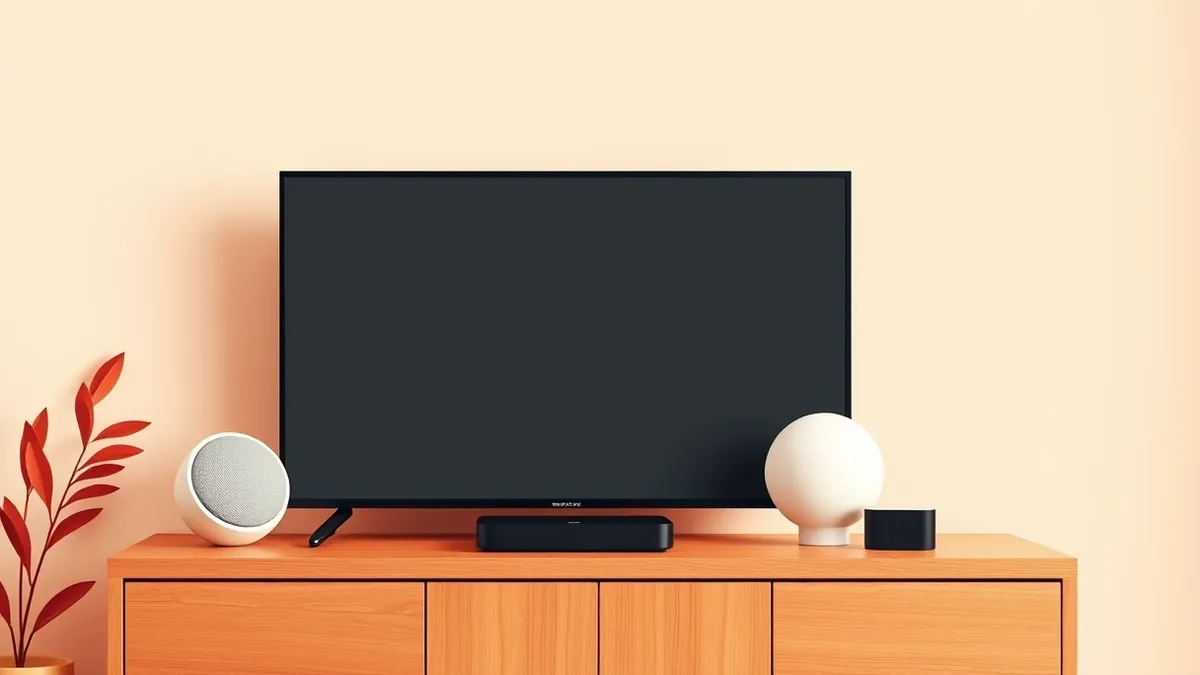
The new hardware line includes two HomeView models: a wall-mounted edition with three mounts and two speakers, and a tabletop version on an aluminium base with three speakers and force-cancelling radiators. The HomePod mini 2 adds light effects synced to music. The refreshed Apple TV 4K serves as a hub for streaming and smart home configuration.
Mitigation
- Verify lease agreements before installing wall-mounted hardware or modifying fixtures.
- Review privacy settings for cameras that trigger automatically upon user proximity.
- Check compatibility of existing smart devices with the new Apple Home app interface.
- Assess network capacity for multiple high-resolution streaming and camera feeds.
What it means for organisations
Teams usually assess hardware compatibility and network load before deploying consumer-grade smart home kits in managed environments. Check whether lease terms permit permanent installations like wall-mounted displays. Ensure that biometric data handling aligns with internal privacy policies. Inform facilities management about power requirements and mounting constraints. Coordinate with IT to verify that the Apple Home app can integrate with existing security protocols without exposing internal networks.
What to do and how to stay safe: Apple
- Audit current smart home device inventory for compatibility with the new Apple TV 4K hub.
- Review lease or property management rules regarding permanent structural modifications for mounting hardware.
- Configure privacy zones for cameras that use location-based triggers to ensure compliance with data protection standards.
- Monitor network bandwidth usage when adding high-resolution streaming and video recording devices to existing infrastructure.
General security guidance from the TechSec Observer newsroom. It is not confirmed advice from the organisations named in this story.
Frequently asked questions
How many users can HomeView recognise?
The device supports facial recognition for up to six different users to personalise content display.
What chip powers the new HomePod mini?
The HomePod mini 2 runs its audio processing software and Siri on the Apple S10 chip.
Can Apple TV 4K control other devices?
Yes, it enables connected displays to run Siri and control other smart home devices.