APIs vs Webhooks: Choosing the Right Integration Pattern
Webhooks push data to your server when events occur, eliminating the need for constant polling and reducing unnecessary network requests.

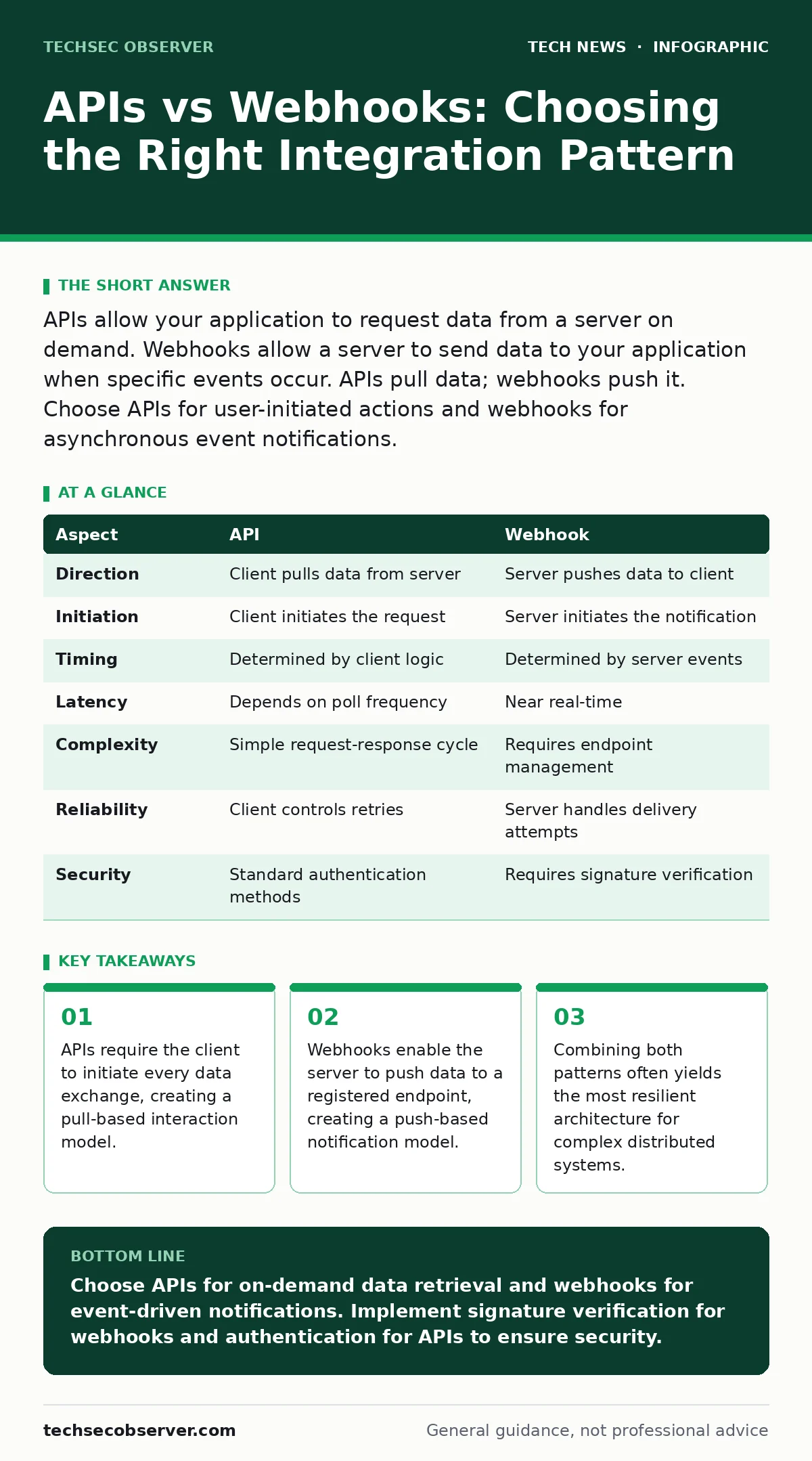
APIs allow your application to request data from a server on demand. Webhooks allow a server to send data to your application when specific events occur. APIs pull data; webhooks push it. Choose APIs for user-initiated actions and webhooks for asynchronous event notifications.
The fundamental difference between APIs and webhooks
APIs and webhooks serve different purposes in data exchange. An API allows your application to request specific information from a remote server. You decide when to ask and what to retrieve. A webhook allows a remote server to send data to your application automatically. The server decides when to send data based on predefined triggers. One pattern pulls data; the other pushes it. Understanding this distinction prevents architectural bottlenecks.
Imagine a banking application. You use an API to check your balance manually. The bank uses a webhook to notify your app when a large transaction occurs. The API responds to your query. The webhook responds to an event. Neither replaces the other entirely. They solve different synchronization problems.
What is an API?
An Application Programming Interface defines how software components interact. It specifies the methods, data formats, and protocols for communication. Most modern web applications use RESTful APIs. These rely on standard HTTP methods like GET and POST. Your application sends a request to a specific endpoint. The server processes the request and returns a response, usually in JSON format.
This model gives you control over timing. You fetch data only when your user needs it. This reduces server load for inactive users. It also simplifies debugging because every interaction starts with a clear request. However, it requires your application to know when data has changed. You must decide how often to check for updates.
What is a webhook?
A webhook is a user-defined HTTP callback. It triggers when an event occurs on a server. You provide a URL endpoint where the server will send data. When the event happens, the server sends an HTTP POST request to your URL. The payload contains details about the event. Your server must be online and ready to receive this data.
This model shifts the burden of timing to the server. You do not need to poll for changes. The server notifies you instantly. This is efficient for real-time updates. However, it requires your server to expose an endpoint to the public internet. This increases your attack surface. You must validate incoming requests carefully.
APIs vs webhooks: a point-by-point comparison
| Aspect | API | Webhook |
|---|---|---|
| Direction | Client pulls data from server | Server pushes data to client |
| Initiation | Client initiates the request | Server initiates the notification |
| Timing | Determined by client logic | Determined by server events |
| Latency | Depends on poll frequency | Near real-time |
| Complexity | Simple request-response cycle | Requires endpoint management |
| Reliability | Client controls retries | Server handles delivery attempts |
| Security | Standard authentication methods | Requires signature verification |
When to choose an API
Choose an API when data access is user-driven. If a user clicks a button to load a profile, an API is the correct choice. The user expects immediate feedback. You control the timing and scope of the data retrieval. APIs are also better for retrieving historical data. You can query records from last month or last year.
APIs work well when data changes infrequently. Constant polling is wasteful. On-demand fetching conserves bandwidth and processing power. They are also easier to test in development environments. You can mock responses without needing a live event trigger. This predictability simplifies integration testing.
See also: Why is WPA3 more secure and how it stops offline dictionary attacks
When to choose a webhook
Choose a webhook when you need immediate notification of events. If a payment is processed, a webhook informs your system instantly. You do not need to check every second for status changes. This reduces server load and improves user experience. Webhooks are ideal for asynchronous workflows.
They are also useful for integrating with third-party services. You cannot control when their events occur. Registering a webhook endpoint allows you to react to their actions. This is common in e-commerce, CI/CD pipelines, and social media integrations. You receive updates without maintaining constant connections.
Where APIs and webhooks overlap
Many systems use both patterns. A webhook notifies you that data has changed. An API retrieves the full details of that change. This hybrid approach balances efficiency and completeness. The webhook provides the signal. The API provides the substance.
Imagine a version control system. A webhook tells you a commit was made. You then use an API to fetch the diff. This reduces the payload size of the webhook. It also allows you to handle failures gracefully. If the webhook fails, you can poll the API later. This redundancy improves system resilience.
Security considerations for both
Both patterns require strong security measures. APIs typically use API keys or OAuth tokens. These authenticate the client before granting access. Webhooks require signature verification. The server signs the payload with a secret key. Your server verifies this signature before processing the data.
This prevents attackers from sending fake notifications. They cannot forge the signature without the secret key. You must also protect your webhook endpoint. Use HTTPS to encrypt data in transit. Validate the content type and structure of incoming requests. Regularly rotate your secret keys.
Conclusion on integration patterns
Selecting the right pattern depends on your data flow requirements. APIs offer control and predictability. Webhooks offer immediacy and efficiency. Most robust systems combine both. Use webhooks for notifications and APIs for data retrieval. This hybrid model minimizes latency while maintaining control.
Understanding these mechanisms helps you design scalable architectures. You avoid unnecessary polling and reduce server load. You also improve response times for users. Proper implementation ensures secure and reliable data exchange.
Key takeaways
- APIs require the client to initiate every data exchange, creating a pull-based interaction model.
- Webhooks enable the server to push data to a registered endpoint, creating a push-based notification model.
- Combining both patterns often yields the most resilient architecture for complex distributed systems.
Choose APIs for on-demand data retrieval and webhooks for event-driven notifications. Implement signature verification for webhooks and authentication for APIs to ensure security.
Frequently asked questions
Can webhooks replace APIs entirely?
No, webhooks only notify of events. You still need an API to retrieve detailed data or historical records.
How do I handle failed webhook deliveries?
Implement retry logic on the server side. Most providers attempt delivery multiple times with exponential backoff.
Are webhooks more secure than APIs?
Both require security measures. Webhooks need signature verification. APIs need authentication and authorization. Neither is inherently more secure.
What happens if my server is down when a webhook is sent?
The sending server will typically retry delivery. Ensure your server can handle retries and scale to receive bursts.
How this guide was produced: written by the TechSec Observer editorial team with AI assistance, checked against the public references listed below, and reviewed when the facts change. See our editorial policy or report an error.