Credential Stuffing: How Automated Attacks Reuse Stolen Login Data
Credential stuffing bypasses security by exploiting the human habit of reusing passwords across multiple unrelated services and platforms.

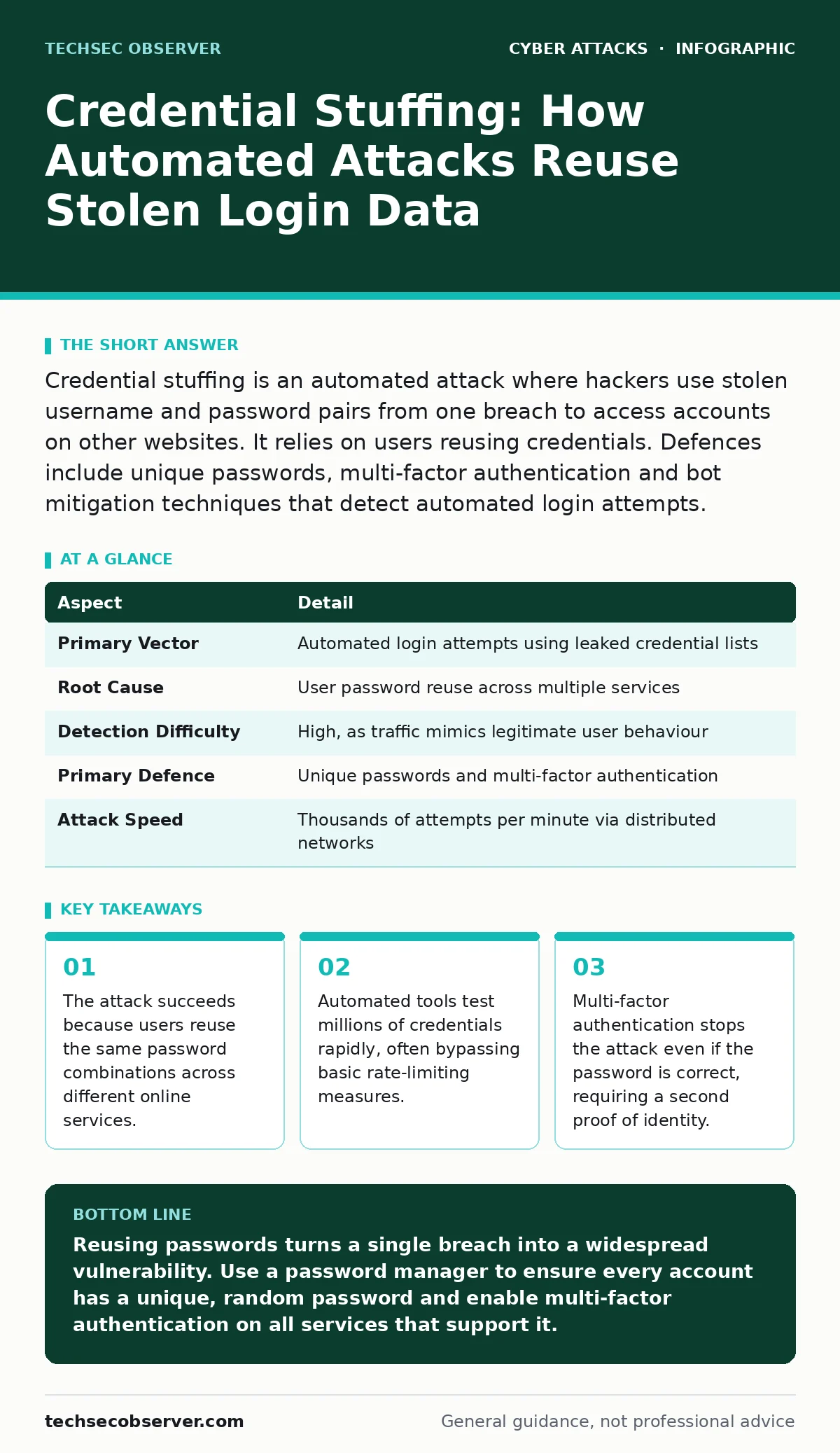
Credential stuffing is an automated attack where hackers use stolen username and password pairs from one breach to access accounts on other websites. It relies on users reusing credentials. Defences include unique passwords, multi-factor authentication and bot mitigation techniques that detect automated login attempts.
The Mechanics of Reused Secrets
Imagine you have a single key that opens your front door, your garden shed and your car. If a thief steals that key from your shed, they can access everything else. Credential stuffing works on this exact principle. Attackers acquire lists of valid username and password pairs from previous data breaches. They then use automated software to test these combinations against other websites, banking portals and social networks.
The attacker does not need to guess your password. They already know it works because it unlocked an account elsewhere. The core vulnerability is not a weakness in the website’s code, but a habit of the user. When you use the same password for email, shopping and banking, a breach at the shopping site gives the attacker a valid key for your bank.
| Aspect | Detail |
|---|---|
| Primary Vector | Automated login attempts using leaked credential lists |
| Root Cause | User password reuse across multiple services |
| Detection Difficulty | High, as traffic mimics legitimate user behaviour |
| Primary Defence | Unique passwords and multi-factor authentication |
| Attack Speed | Thousands of attempts per minute via distributed networks |
Why Automation Matters
The defining feature of credential stuffing is speed. A human cannot test a single password against a thousand websites in an hour. Software can. Attackers use botnets, which are networks of compromised computers, to distribute the load. This spreads the login attempts across many IP addresses, making the traffic look like it is coming from different users in different locations.
This distribution bypasses simple defences. If a website blocks an IP address after five failed logins, the attacker simply rotates to the next IP in their pool. The website sees a low failure rate per IP, which falls below the threshold for blocking. This is why intrusion prevention systems alone are often insufficient. They look for known attack signatures, but credential stuffing looks like normal login traffic, just from many different sources.
The Target: Every Account with a Password
Credential stuffing affects any service that uses username and password authentication. It is not limited to high-value targets like banks, though those are heavily targeted. Attackers also target retail accounts, gaming platforms and professional networks. The goal varies. Some attackers seek financial data. Others want to sell access to the account or use it for further social engineering attacks.
The damage extends beyond the immediate account. If an attacker accesses your email, they can reset passwords for other services. This creates a domino effect. One compromised account can lead to the loss of many others. This is why the initial breach matters less than the subsequent access. The attacker’s objective is often lateral movement, using one foothold to gain deeper access to your digital life.
Common Forms of the Attack
The basic form involves direct login attempts. However, attackers have developed variations to evade detection. One common method is bot protection evasion. Attackers use residential proxies, which route traffic through ordinary home internet connections. This makes the login attempts appear to come from real users rather than data centres.
Another form is account takeover. Once the attacker logs in, they may add their own email address or phone number to the account. This allows them to recover the account even if you change your password. They might also enable their own multi-factor authentication device, locking you out completely. This persistence makes the attack harder to reverse. You may not notice the breach until you try to log in and find your credentials rejected.
What People Usually Get Wrong
Many users believe that a complex password is enough. A password like "Tr0ub4dor&3" is strong against guessing, but it fails against credential stuffing. If you use that same complex password on two sites, and one is breached, the attacker has the key. Complexity does not mitigate reuse. Uniqueness is the critical factor.
Another misconception is that two-factor authentication is optional for low-value accounts. Attackers automate the initial login. If the account has no second factor, they gain access instantly. Even if the account seems unimportant, it may contain personal data that can be used for baiting attacks or identity theft. Every account that accepts a password is a potential entry point.
Reducing the Risk
The most effective defence is to ensure every password is unique. Password managers generate and store random, complex passwords for each site. This means that if one site is breached, the attacker’s credential list contains a password that works nowhere else. This breaks the chain of reuse.
You must also enable multi-factor authentication wherever possible. This adds a second step, such as a code from an app or a hardware key. Even if the attacker has your password, they cannot complete the login without the second factor. Phishing-resistant authentication methods, like security keys, are superior to SMS codes, which can be intercepted. These methods verify that you are physically present at the device.
For organisations, implementing phishing simulations helps train staff to recognise when they are being asked to enter credentials on fake pages. However, technical controls are more reliable than human behaviour. Rate limiting, which slows down login attempts, and CAPTCHA challenges, which distinguish humans from bots, add friction. These measures make the attack more expensive and slower, reducing its effectiveness.
The Role of Monitoring
You cannot always prevent the initial breach of a third-party service. Therefore, monitoring is vital. Services that alert you when your email or password appears in a known breach allow you to act before an attacker tests the credentials. Changing the password on affected services immediately removes the valid key from the attacker’s list.
Regularly reviewing account activity logs can reveal unauthorized logins. Look for logins from unfamiliar locations or devices. If you see such activity, assume the account is compromised. Change the password, remove unknown devices and enable multi-factor authentication. This proactive approach limits the window of opportunity for the attacker.
Key takeaways
- The attack succeeds because users reuse the same password combinations across different online services.
- Automated tools test millions of credentials rapidly, often bypassing basic rate-limiting measures.
- Multi-factor authentication stops the attack even if the password is correct, requiring a second proof of identity.
Reusing passwords turns a single breach into a widespread vulnerability. Use a password manager to ensure every account has a unique, random password and enable multi-factor authentication on all services that support it.
Frequently asked questions
How do I know if I have been targeted by credential stuffing?
Look for unexpected password reset emails, logins from unknown locations or devices, or alerts from the service provider about suspicious activity.
Does using a password manager protect me from credential stuffing?
Yes, because it ensures each password is unique. If one site is breached, the attacker cannot use that password to access your other accounts.
Can multi-factor authentication be bypassed in credential stuffing attacks?
Basic SMS-based MFA can sometimes be bypassed via SIM swapping, but hardware keys and authenticator apps are highly resistant to these attacks.
Why do attackers use residential proxies?
They make automated login attempts appear to come from real user devices, bypassing security systems that block traffic from data centres or known bot networks.
How this guide was produced: written by the TechSec Observer editorial team with AI assistance, checked against the public references listed below, and reviewed when the facts change. See our editorial policy or report an error.