Biometric Authentication FAQs: How It Works and Its Hidden Risks
Your biometric data is not a secret key but a non-revocable identifier that, once compromised, permanently alters your security posture across all linked services.
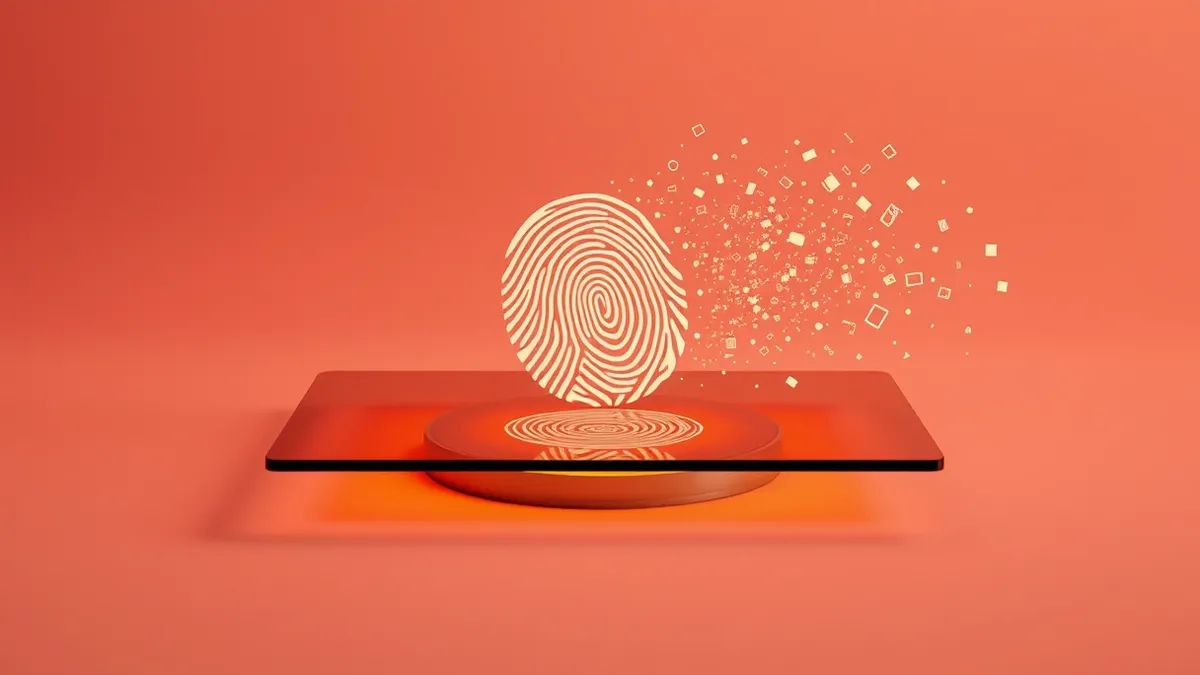
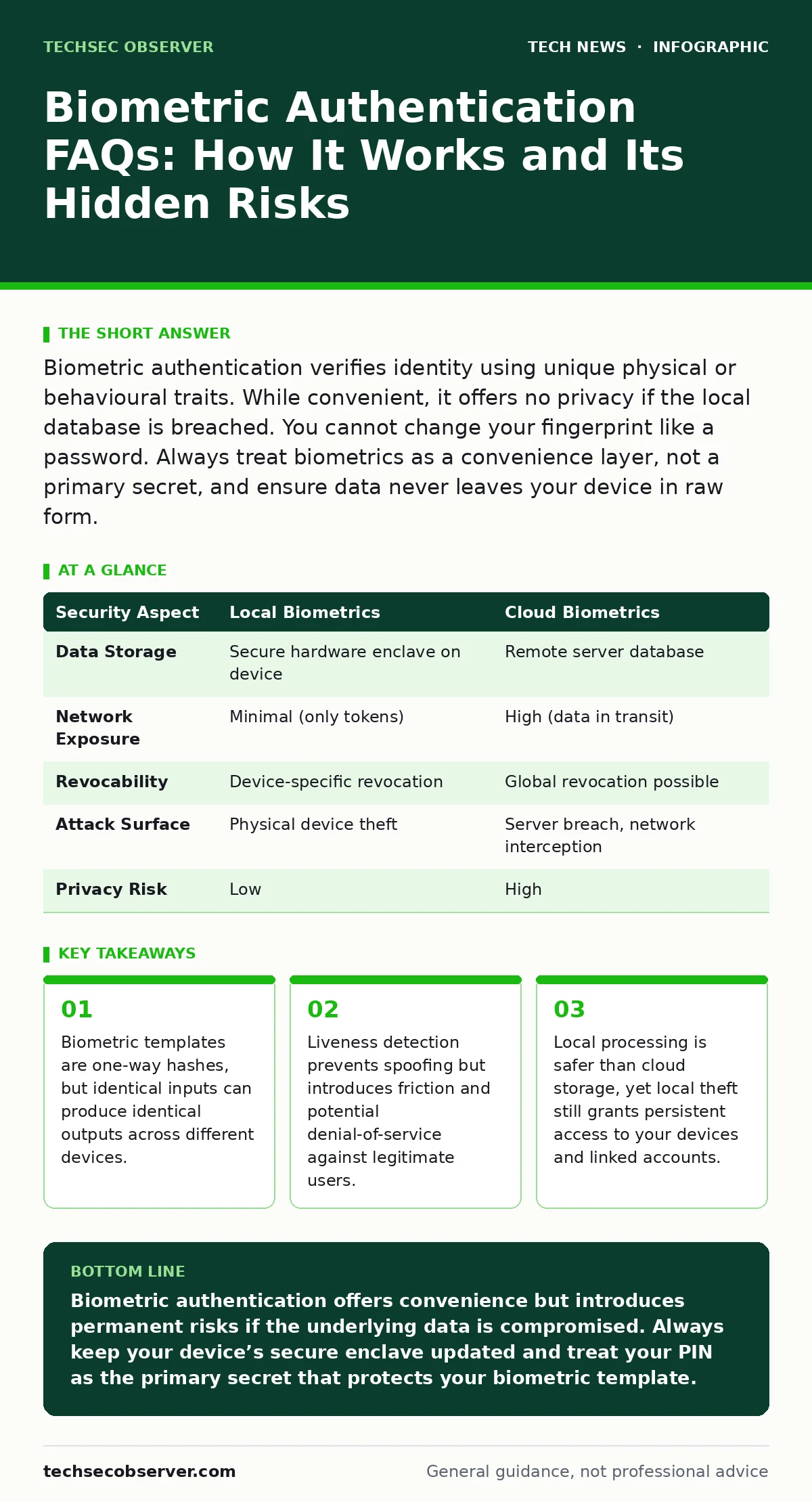
Biometric authentication verifies identity using unique physical or behavioural traits. While convenient, it offers no privacy if the local database is breached. You cannot change your fingerprint like a password. Always treat biometrics as a convenience layer, not a primary secret, and ensure data never leaves your device in raw form.
What is biometric authentication and how does it differ from a password?
Biometric authentication verifies your identity by measuring unique physical characteristics, such as your fingerprint, iris pattern, or facial geometry, rather than relying on a memorised secret. Unlike a password, which you create and can change, your biological traits are inherent and permanent. The system captures your trait, converts it into a mathematical representation called a template, and compares new scans against this stored template.
This means you are not proving you know a secret, but that you are physically present with specific attributes. This distinction matters because you cannot revoke a compromised biometric trait. If a thief steals your password, you change it. If they steal your biometric template, you cannot change your face.
How does the system actually store my biometric data?
The system never stores a photograph or a raw digital copy of your fingerprint. Instead, it uses feature extraction to identify specific points of interest, such as the ridges in a fingerprint or the distance between your eyes. These points are converted into a cryptographic hash, which is a fixed-length string of characters derived from the original data.
This process is one-way, meaning you cannot reverse the hash to recreate the original image. The stored template is essentially a mathematical key that matches only your specific biological input. This ensures that even if an attacker accesses the storage file, they cannot reconstruct your actual biometric trait. However, the security of this model relies entirely on the quality of the hashing algorithm.
Can hackers reverse-engineer my biometric template to create a fake?
In theory, a sufficiently advanced attacker could attempt to reconstruct a biometric trait from a stolen template, but this is computationally difficult and rarely successful with modern standards. Most consumer devices use proprietary algorithms that add salt, a random value added to the input before hashing, to ensure each template is unique even for identical inputs.
This prevents rainbow table attacks, where precomputed hashes are used to crack passwords. Nevertheless, if the algorithm is weak or the salt is reused, reconstruction becomes possible. Imagine an attacker gaining access to a poorly secured database. They might synthesize a 3D mask or a fingerprint replica that tricks lower-quality sensors. This risk is why local processing is preferred over centralised cloud storage.
Why is local processing safer than cloud-based biometric verification?
Local processing keeps the biometric template on your device, within a secure hardware enclave, rather than transmitting it to a remote server. This enclave is an isolated area of memory that the main operating system cannot access, providing a hardware-level barrier against malware. When you authenticate, the comparison happens inside this secure chip.
The device then sends only a simple "yes" or "no" signal to the application or service. This architecture ensures that your biometric data never traverses the network, where it could be intercepted. Cloud-based systems, by contrast, must transmit data, creating a larger attack surface. Refer to our guide on encryption to understand how data in transit is protected, though biometrics should ideally never be in transit.
What is liveness detection and why does it sometimes fail?
Liveness detection is a mechanism designed to ensure that the biometric sample comes from a live person rather than a static replica, such as a photograph or a silicone mould. The system might ask you to blink, turn your head, or measure blood flow beneath the skin using capacitive sensors. This prevents presentation attacks, where an attacker uses a stolen image to bypass authentication.
However, these sensors can produce false negatives. Suppose you have dry skin, wear gloves, or have changed your appearance significantly due to injury or ageing. The sensor may fail to detect the subtle cues it expects. This leads to a denial of service for the legitimate user, forcing you to revert to a fallback method like a PIN.
See also: Private file sharing services: secure transfer workflows
Is my biometric data shared with third-party apps and services?
Most reputable applications do not receive your raw biometric data or even the template. Instead, they receive a token or a confirmation that you have successfully authenticated on your device. This token is often time-limited and single-use, meaning it cannot be replayed by an attacker later. The app trusts your device’s operating system to have performed the verification.
However, some less secure apps may request higher permissions, potentially accessing cached data or logs. Always review the permissions granted to applications. If an app requires direct access to your biometric sensor without using the standard system API, it is a significant red flag. This principle applies broadly; see smartphone security updates for how to manage app permissions effectively.
What happens if my biometric trait changes over time?
Biometric systems are designed with a degree of tolerance to accommodate natural changes, such as ageing, minor injuries, or variations in lighting and angle. The matching algorithm uses a threshold score rather than an exact binary match. If the new scan is similar enough to the stored template, it passes. Over time, significant changes may cause the system to reject your input.
In such cases, you must re-enrol by capturing a new sample. This updates the template in the secure enclave. Some systems allow multiple templates for the same trait to account for seasonal changes or different conditions. This flexibility is necessary because, unlike a password, you cannot simply choose a new face. The trade-off is that high tolerance increases the risk of false positives, where an imposter is accepted.
How do biometrics interact with other security layers?
Biometrics are rarely used in isolation. They are typically part of a multi-factor authentication scheme, combining something you are (biometric) with something you know (PIN) or something you have (device). The device itself acts as a factor because the template is bound to the specific hardware. If the device is lost, the biometric data is useless to an attacker without the physical hardware and the PIN.
This binding is critical. Imagine a scenario where your phone is stolen. The thief has your fingerprints, but without the PIN to unlock the secure enclave, they cannot access the template. This layered approach mitigates the risk of biometric compromise. Refer to macOS security settings or smart home security for examples of how layered controls protect different environments.
| Security Aspect | Local Biometrics | Cloud Biometrics |
|---|---|---|
| Data Storage | Secure hardware enclave on device | Remote server database |
| Network Exposure | Minimal (only tokens) | High (data in transit) |
| Revocability | Device-specific revocation | Global revocation possible |
| Attack Surface | Physical device theft | Server breach, network interception |
| Privacy Risk | Low | High |
Can biometric authentication be bypassed by sophisticated attacks?
Yes, determined attackers can bypass biometric systems using advanced techniques, though these are rare in everyday scenarios. Deepfake technology can generate realistic video streams that fool facial recognition systems lacking robust liveness detection. Additionally, high-resolution photographs or 3D printed models can sometimes bypass lower-quality sensors. The effectiveness of these attacks depends on the sensor’s resolution and the algorithm’s sophistication.
Higher-end devices use structured light or time-of-flight sensors that map the depth of your face, making 2D photos ineffective. However, no system is immune to physical coercion. If an attacker forces you to place your finger on a sensor, no amount of digital security can prevent access. This is the fundamental limitation of biometrics: you cannot hide your body.
How do I balance convenience with security in my daily use?
You should use biometrics for low-risk, high-frequency tasks, such as unlocking your device or confirming routine purchases. For high-risk actions, such as authorising large transfers or accessing sensitive work documents, require a secondary factor, such as a hardware token or a complex password. This minimises the exposure of your biometric template.
Regularly review your device’s security settings to ensure that biometric data is not being used by unnecessary applications. Keep your device’s operating system updated to patch vulnerabilities in the biometric processing stack. See our guide on containers to understand how isolating sensitive applications can further reduce risk. The goal is to use biometrics where they add frictionless security, not where they replace critical safeguards.
Key takeaways
- Biometric templates are one-way hashes, but identical inputs can produce identical outputs across different devices.
- Liveness detection prevents spoofing but introduces friction and potential denial-of-service against legitimate users.
- Local processing is safer than cloud storage, yet local theft still grants persistent access to your devices and linked accounts.
Biometric authentication offers convenience but introduces permanent risks if the underlying data is compromised. Always keep your device’s secure enclave updated and treat your PIN as the primary secret that protects your biometric template.
Frequently asked questions
Can I use biometrics for two-factor authentication?
Yes, but only if the biometric is combined with a second factor, such as a hardware token or a server-generated code. Using biometrics alone is single-factor authentication, not two-factor.
What should I do if I suspect my biometric data has been stolen?
You cannot change your biometric trait. Immediately change all passwords associated with accounts that used that biometric for login. Consider using a hardware security key for future authentication.
Are facial recognition systems safe in public places?
Public facial recognition is a different technology from device-based authentication. It often lacks the secure enclave and liveness detection of consumer devices, making it more prone to errors and misuse.
Does biometric authentication work with gloves or masks?
Most standard sensors require direct skin contact or full facial visibility. Some advanced sensors can detect pulses through gloves, but masks generally block the data needed for accurate facial mapping.
How this guide was produced: written by the TechSec Observer editorial team with AI assistance, checked against the public references listed below, and reviewed when the facts change. See our editorial policy or report an error.