How macOS Gatekeeper and Notarization Verify Software
macOS executes code through a chain of cryptographic proofs that prevents unsigned binaries from running, even if you download them directly.

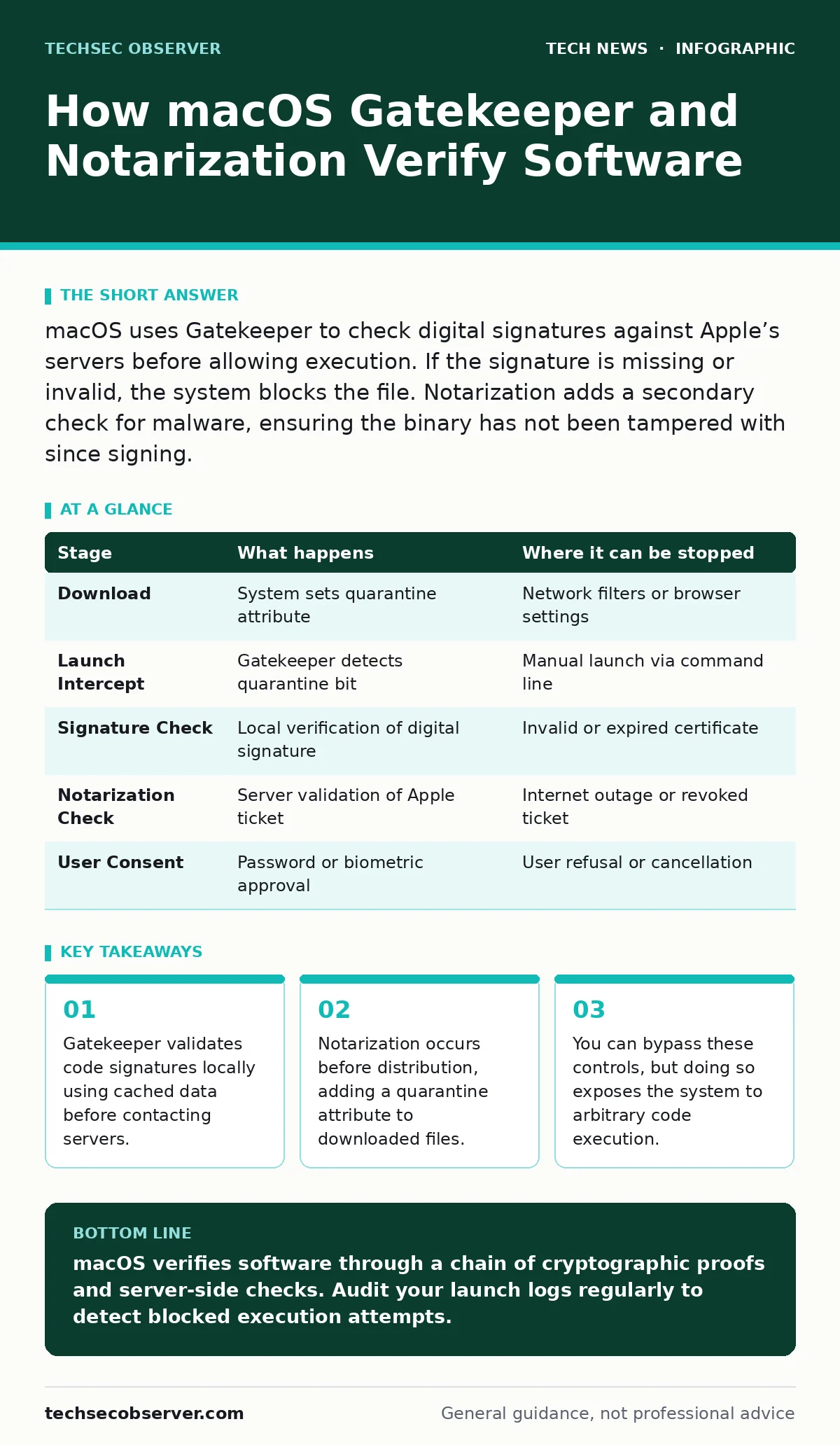
macOS uses Gatekeeper to check digital signatures against Apple’s servers before allowing execution. If the signature is missing or invalid, the system blocks the file. Notarization adds a secondary check for malware, ensuring the binary has not been tampered with since signing.
The Initial Download and Quarantine
When you download a file from the internet, macOS does not immediately mark it as executable. Instead, the system attaches a metadata attribute known as the quarantine bit. This flag tells the operating system that the file originated from an untrusted network source. The presence of this bit triggers additional scrutiny whenever you attempt to open the file.
This mechanism applies to applications, installer packages, and certain script types. It does not apply to files created locally on your machine. Imagine you compile a tool from source code on your desktop. That binary lacks the quarantine attribute and bypasses the initial network-origin checks entirely.
Stage 1: Gatekeeper Signature Verification
Gatekeeper is the primary security service that intercepts launch attempts. Its first job is to verify the digital signature of the application. A digital signature is a cryptographic hash that proves the code has not been altered since the developer signed it. Gatekeeper checks this signature against a local cache of trusted certificates.
If the signature is valid and the certificate chain leads back to a trusted root, Gatekeeper allows the process to continue. If the signature is missing, broken, or signed with an unknown key, Gatekeeper blocks execution. You will see a warning message stating that the application is damaged or cannot be opened.
This stage happens locally on your device. It does not require an internet connection because the trust data is stored in the system’s keychain. This ensures that software verified previously remains launchable even when offline. However, it also means that if you revoke a certificate, the local cache must update before the block takes effect.
Stage 2: Server-Side Notarization Check
If the local signature check passes, Gatekeeper checks whether the application has been notarized by Apple. Notarization is a process where developers submit their binaries to Apple for automated scanning. Apple checks the code for known malware signatures and malicious behaviors. If the scan passes, Apple stamps the binary with a notarization ticket.
When you launch a notarized app, Gatekeeper sends a request to Apple’s servers to verify the ticket. This step confirms that the application was approved after it was signed. If the ticket is missing or invalid, Gatekeeper may block the launch or present a stricter warning. This protects you against scenarios where a developer’s signing key is compromised after the initial distribution.
Stage 3: User Consent and Launch
If both the signature and notarization checks pass, the system presents a user interface prompt. This prompt asks for your explicit consent to run the application. You must enter your administrator password or use Touch ID to approve the launch. This step ensures that you are aware of the action, even if the cryptographic checks succeeded.
Once you approve, Gatekeeper removes the quarantine attribute from the specific executable. Future launches of this application will skip the server-side check and rely on the local signature validation. This optimization speeds up the launch process for trusted software. However, it also means that if the application is updated or modified, the quarantine bit may reappear, restarting the verification cycle.
Limits and Bypass Mechanisms
These security layers are effective against accidental execution of malware. They are less effective against social engineering attacks that trick users into bypassing controls. You can right-click an application and choose "Open" to bypass the initial Gatekeeper warning. This action tells the system that you explicitly trust the file, overriding the standard check.
Developers can also disable Gatekeeper entirely using command-line tools. This is common in testing environments where unsigned software needs to run. However, disabling these protections leaves the system vulnerable to arbitrary code execution. It is particularly risky if you also disable other layers like encryption or certificate management practices.
See also: Email security issues explained with fix mechanics
Summary of Verification Stages
The following table outlines the sequence of checks that occur when you attempt to launch a downloaded application. Understanding this flow helps you diagnose why a specific file is blocked.
| Stage | What happens | Where it can be stopped |
|---|---|---|
| Download | System sets quarantine attribute | Network filters or browser settings |
| Launch Intercept | Gatekeeper detects quarantine bit | Manual launch via command line |
| Signature Check | Local verification of digital signature | Invalid or expired certificate |
| Notarization Check | Server validation of Apple ticket | Internet outage or revoked ticket |
| User Consent | Password or biometric approval | User refusal or cancellation |
Hidden Costs and Edge Cases
One non-obvious consequence of this system is the impact on development workflows. Developers often build unsigned binaries for testing. Each time they run a test build, they must bypass Gatekeeper. This friction can lead to insecure habits, such as disabling security controls permanently. It is better to use a separate development account with relaxed permissions.
Another edge case involves universal binaries. These applications contain code for multiple processor architectures, such as Intel and Apple Silicon. Gatekeeper verifies each architecture slice independently. If one slice is unsigned or invalid, the entire application may fail to launch, even if the correct architecture is signed. This can cause confusion during updates or when supporting legacy hardware.
Integration with Other Security Layers
Gatekeeper works in concert with other macOS security features. For instance, it relies on virtualization security principles by isolating the verification process from the main application logic. This prevents malicious code from tampering with the verification mechanism itself. Additionally, the system uses encryption to protect the local cache of trusted certificates, ensuring that attackers cannot inject fake trust data.
You should also consider how these settings interact with smartphone security updates if you use iCloud syncing. While Gatekeeper does not directly scan mobile devices, the trust model extends to cross-platform services. Ensuring that your mobile devices are secure helps maintain the integrity of the ecosystem that macOS relies on for identity verification.
Practical Recommendations for Developers
If you distribute software, you must sign your binaries with a valid developer certificate. Ensure that your build process includes the notarization step. This reduces friction for your users and increases trust. Automate the submission process to avoid delays in distribution.
For internal tools, consider using enterprise certificates. These allow you to sign applications without going through the public notarization process. However, you must manage the certificate lifecycle carefully. Revoked certificates will cause your internal tools to stop working, disrupting operations.
Maintaining System Integrity
Regularly review your system logs for failed Gatekeeper attempts. These logs can indicate that malware is trying to execute blocked files. Use the system’s built-in security reports to monitor these events. Do not ignore repeated failures, as they may signal a compromise attempt.
Keep your operating system updated. Apple frequently updates the Gatekeeper rules and the list of trusted certificates. Outdated systems may lack the latest protections against emerging threats. This is especially important if you also manage WordPress security or other web-facing services on the same network, as attackers often pivot from web vulnerabilities to local system exploitation.
Key takeaways
- Gatekeeper validates code signatures locally using cached data before contacting servers.
- Notarization occurs before distribution, adding a quarantine attribute to downloaded files.
- You can bypass these controls, but doing so exposes the system to arbitrary code execution.
macOS verifies software through a chain of cryptographic proofs and server-side checks. Audit your launch logs regularly to detect blocked execution attempts.
Frequently asked questions
Can I trust an app if Gatekeeper says it is damaged?
No. This message usually means the digital signature is broken or the file has been altered. Do not run the application until you verify its source.
Does Gatekeeper scan for viruses?
Gatekeeper checks signatures and notarization status, not for active malware. It relies on Apple’s notarization process to scan for known threats before distribution.
How do I remove the quarantine attribute from a file?
You can use the xattr command in Terminal to delete the com.apple.quarantine attribute. This is not recommended for security-sensitive files.
Why does my app need notarization if it is signed?
Notarization provides a secondary check for malware that occurred after signing. It ensures that the binary has not been tampered with since the developer signed it.
How this guide was produced: written by the TechSec Observer editorial team with AI assistance, checked against the public references listed below, and reviewed when the facts change. See our editorial policy or report an error.