Social Engineering Response: Containment and Recovery Steps
Immediate credential rotation prevents lateral movement, but preserving forensic evidence often requires delaying system reboots that would erase memory traces.

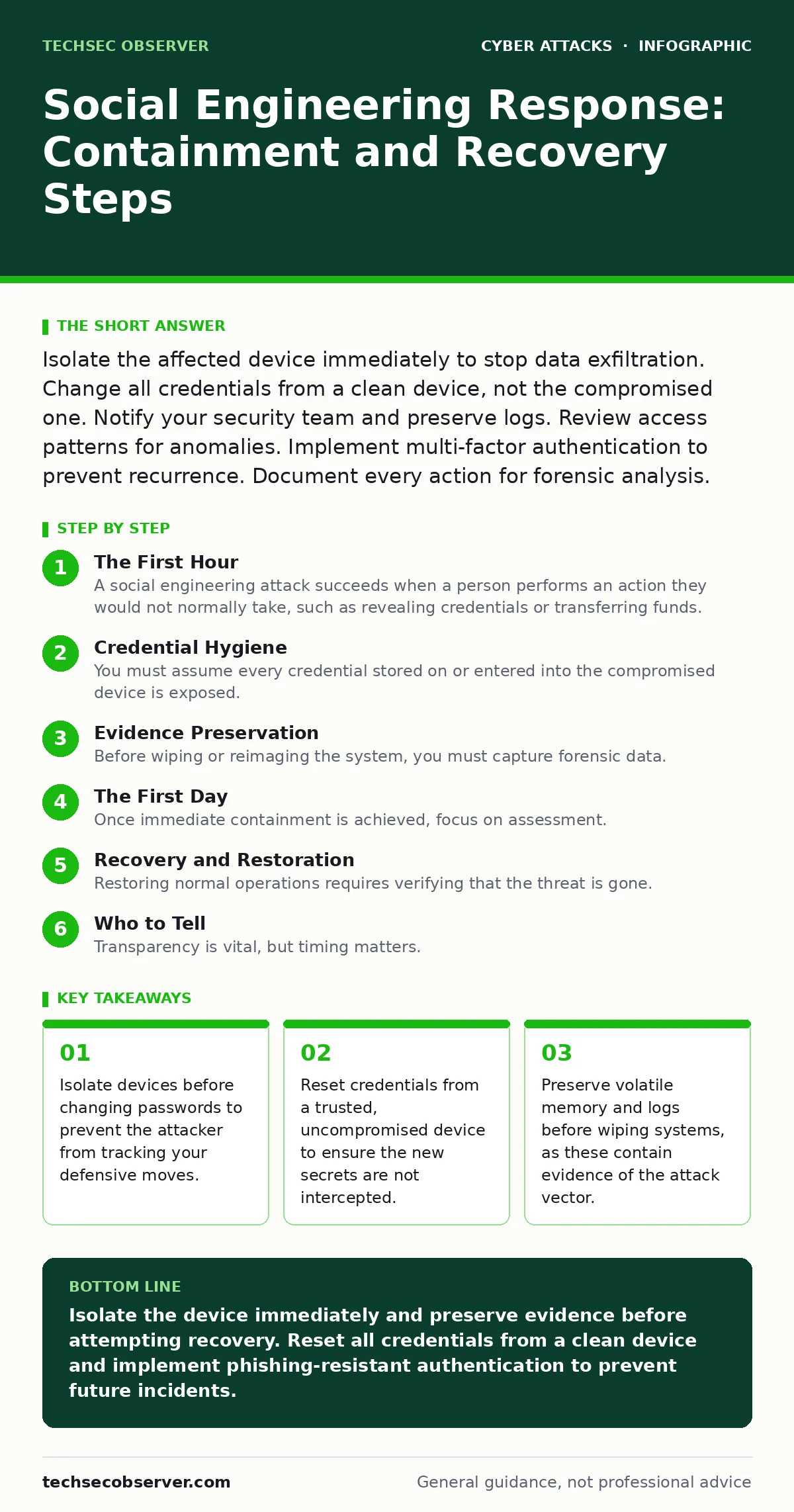
Isolate the affected device immediately to stop data exfiltration. Change all credentials from a clean device, not the compromised one. Notify your security team and preserve logs. Review access patterns for anomalies. Implement multi-factor authentication to prevent recurrence. Document every action for forensic analysis.
The First Hour
A social engineering attack succeeds when a person performs an action they would not normally take, such as revealing credentials or transferring funds. The immediate priority is containment. You must stop the attacker from moving laterally through your network or exfiltrating data. Panic often leads to destructive actions that hinder investigation.
- Disconnect the device from the network physically or via Wi-Fi disablement.
- Do not log into any accounts from the compromised device.
- Identify which accounts were used on the machine.
- Note the exact time of the incident and any unusual behaviour observed.
Imagine you receive an urgent email from a senior executive requesting immediate password verification. You comply. Within minutes, the attacker has your credentials. If you immediately reboot the machine to "fix" it, you destroy the memory state showing the attacker’s remote session. Instead, pull the network cable. This severs the connection while preserving the digital scene.
Credential Hygiene
You must assume every credential stored on or entered into the compromised device is exposed. This includes session tokens, saved browser passwords and API keys. Changing passwords on the infected machine is futile. The attacker may have keyloggers or screen scrapers installed.
Use a separate, trusted device to reset credentials. Start with the most privileged accounts. If you use a password manager, generate new secrets and update the vault from the clean device. Do not reuse passwords across services. Attackers often use automated tools to test compromised credentials against other platforms, a technique known as credential stuffing.
If the compromised device had administrative rights, assume all systems it accessed are tainted. You may need to rotate service accounts and API keys. This is disruptive but necessary. A single exposed admin credential can grant an attacker full control over your infrastructure.
Evidence Preservation
Before wiping or reimaging the system, you must capture forensic data. This step is often skipped in favour of speed, but it is critical for understanding the attack and improving defences. If you are in a corporate environment, involve your security team immediately. They may have tools to image the drive or capture memory.
For individual users, take screenshots of any error messages, dialog boxes or unusual file changes. Note the URLs visited and the content of any suspicious emails. If the device is managed by an organisation, do not attempt to investigate it yourself. You may inadvertently alter evidence or violate incident response protocols.
The First Day
Once immediate containment is achieved, focus on assessment. Determine the scope of the breach. Which systems were accessed? What data was available? Did the attacker establish persistence, such as installing a backdoor or creating a new user account?
Review login logs for the affected accounts. Look for logins from unfamiliar locations or at unusual times. Check for new devices added to the account. Many platforms provide a list of active sessions. Terminate all sessions except the one you are currently using on the trusted device.
If financial data was involved, contact your bank or payment provider. They can place holds on accounts or issue new cards. If intellectual property was accessed, you may need to consider legal implications. Document every step you take. This record will be useful for insurance claims or regulatory reporting.
Recovery and Restoration
Restoring normal operations requires verifying that the threat is gone. Simply reinstalling the operating system is not enough if the attacker has compromised other systems in the network. You must scan connected devices for signs of compromise.
Update all software on the recovered device. Attackers often exploit known vulnerabilities to maintain access. Ensure your operating system, applications and firmware are patched. Re-enable security features that may have been disabled during the attack, such as firewalls or intrusion prevention systems.
See also: Phishing vs Vishing: How Audio Bypasses Your Defences
Who to Tell
Transparency is vital, but timing matters. Notify your security team or IT department immediately. They can coordinate a broader response and check for similar incidents across the organisation. If you are an individual, you may need to notify affected parties if their data was exposed.
In many jurisdictions, there are legal requirements to report data breaches. Failure to report can result in significant penalties. Check your local regulations. If you are unsure, seek legal advice. Do not delay notification out of fear or embarrassment. Early disclosure allows for better mitigation.
Preventing Recurrence
Social engineering exploits human psychology, not just technical vulnerabilities. You must address both. Implement phishing-resistant authentication methods, such as hardware security keys. These devices are immune to phishing because they cryptographically bind the authentication request to the specific domain.
Regular training is necessary, but it must be realistic. Phishing simulations can help, but they must be carefully designed to avoid fostering a culture of blame. The goal is to build resilience, not to catch people out. Encourage a culture where reporting suspicious activity is rewarded, not punished.
Review your access controls. Apply the principle of least privilege. Users should only have access to the data and systems they need to perform their jobs. This limits the damage if an account is compromised. Regularly audit user permissions and remove access for former employees or those who have changed roles.
Final Checks
Before considering the incident closed, conduct a thorough review. Did you identify all compromised accounts? Have you updated all passwords? Are all systems patched? Have you notified all relevant parties?
Document the lessons learned. What worked well? What could be improved? Use this information to update your incident response plan. Social engineering tactics evolve constantly. Your defences must evolve with them.
Key takeaways
- Isolate devices before changing passwords to prevent the attacker from tracking your defensive moves.
- Reset credentials from a trusted, uncompromised device to ensure the new secrets are not intercepted.
- Preserve volatile memory and logs before wiping systems, as these contain evidence of the attack vector.
Isolate the device immediately and preserve evidence before attempting recovery. Reset all credentials from a clean device and implement phishing-resistant authentication to prevent future incidents.
Frequently asked questions
How do I know if my device is still compromised after a reboot?
A reboot does not guarantee removal of all malware. Some threats persist in firmware or boot sectors. Run a full antivirus scan and check for unknown processes or network connections. If in doubt, wipe and reinstall the operating system from trusted media.
Should I report the incident to the police?
For significant financial loss or data breaches, reporting to law enforcement can aid investigation. However, response times vary. Always notify your internal security team first. They can advise on legal requirements and coordinate with external agencies if necessary.
Can social engineering attacks target mobile devices?
Yes. Attackers use SMS, WhatsApp and other messaging apps to trick users. The principles of containment and credential rotation apply equally. Disable mobile data and Wi-Fi immediately if you suspect compromise.
Is multi-factor authentication enough to stop social engineering?
MFA adds a layer of security, but it is not foolproof. Attackers can use real-time relay attacks or trick users into approving legitimate-looking prompts. Use phishing-resistant MFA methods, such as hardware keys or biometric authentication, for the strongest protection.
How this guide was produced: written by the TechSec Observer editorial team with AI assistance, checked against the public references listed below, and reviewed when the facts change. See our editorial policy or report an error.