Content Security Policy Implementation for Small Business Security
Content Security Policy blocks script injection at the browser level, providing a defence layer that operates independently of server-side code quality or application logic flaws.

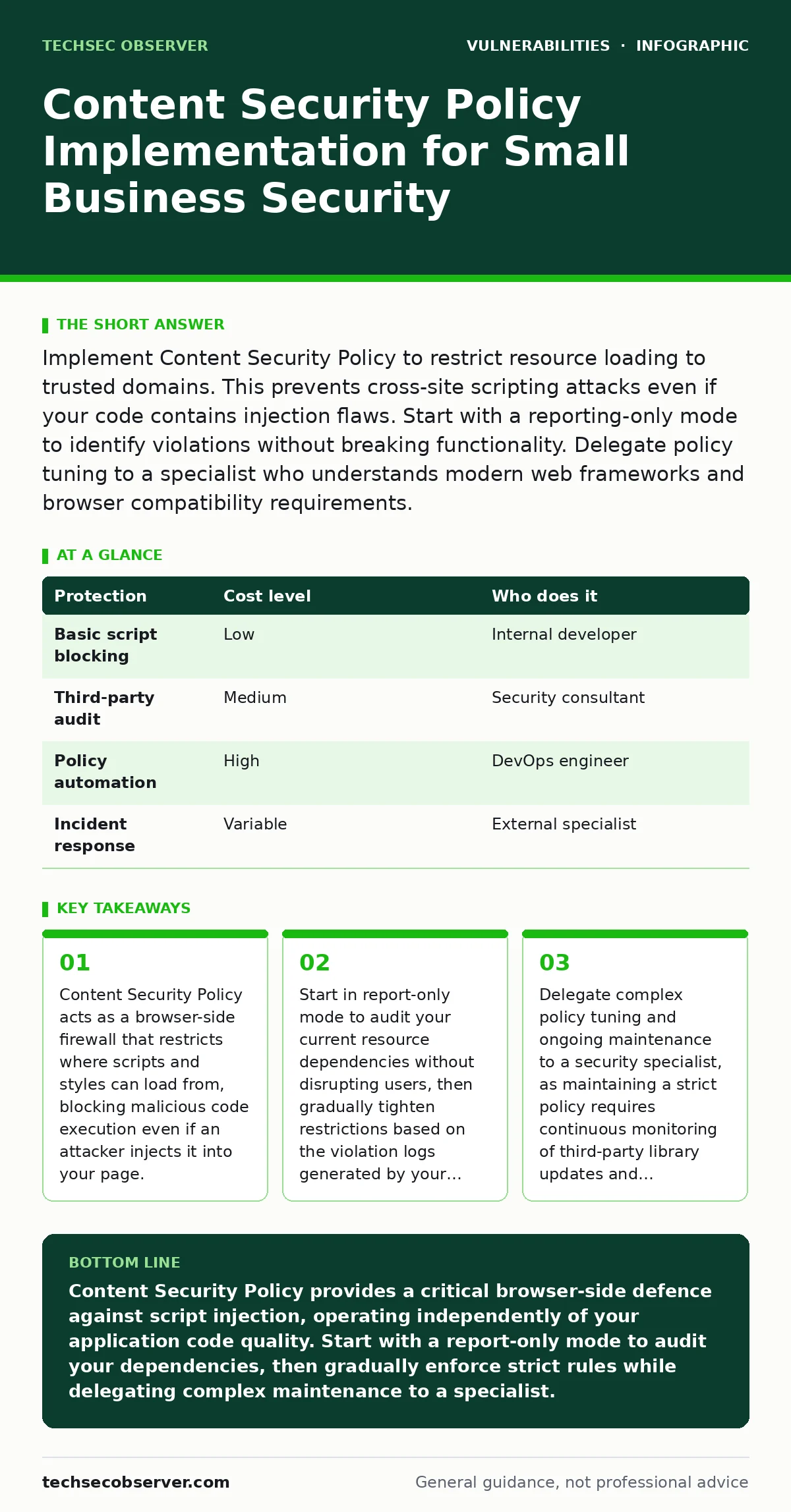
Implement Content Security Policy to restrict resource loading to trusted domains. This prevents cross-site scripting attacks even if your code contains injection flaws. Start with a reporting-only mode to identify violations without breaking functionality. Delegate policy tuning to a specialist who understands modern web frameworks and browser compatibility requirements.
Why Content Security Policy Matters at Small Scale
Small organisations often assume that limited exposure reduces risk. This assumption fails when your application connects to external services. Content Security Policy provides a critical safety net that operates independently of your application code. It tells the browser which resources are allowed to load. If an attacker manages to inject malicious code, the browser blocks it if it violates the policy.
This defence works even if your developers miss a vulnerability during a secure code review. You do not need a large security team to benefit from this mechanism. The policy runs in the user's browser, shifting the enforcement point away from your servers. This reduces the attack surface significantly. You gain protection against data theft and defacement without rewriting your entire application. The cost of implementation is low, but the value is high.
The Hidden Costs of Third-Party Scripts
Many small businesses rely on external analytics, chat widgets, or payment processors. Each of these services requires adding a domain to your Content Security Policy. This creates a dependency chain. If a third-party service is compromised, your policy might allow their malicious scripts to run on your site. You must evaluate every external resource carefully. Do not use wildcard directives like script-src *. This defeats the purpose of the policy. Instead, specify exact domains. This approach requires ongoing maintenance. When a vendor changes their domain or updates their script URL, your policy must be updated. Failure to update breaks functionality. This maintenance burden is often underestimated. You must track these dependencies as part of your software composition analysis process. Treat third-party scripts with the same scrutiny as your own code.
| Protection | Cost level | Who does it |
|---|---|---|
| Basic script blocking | Low | Internal developer |
| Third-party audit | Medium | Security consultant |
| Policy automation | High | DevOps engineer |
| Incident response | Variable | External specialist |
Affordable Implementation Strategies
You can implement Content Security Policy without expensive tools. Most modern web servers support sending the necessary HTTP headers. Start by enabling report-only mode. This allows you to see what would be blocked without actually blocking it. Send reports to a simple endpoint or a free logging service. Analyze the reports for a week. Identify legitimate resources that your application needs. Add these domains to your policy.
Gradually tighten the restrictions. Remove unsafe inline script allowances. Replace inline scripts with external files. This process requires time, not money. It forces you to understand your resource dependencies. This knowledge helps you identify unnecessary third-party services. Removing these services reduces your attack surface and improves page load times. You achieve better security and performance simultaneously.
What to Delegate to Specialists
Maintaining a strict policy is complex. Browser implementations vary. New features require new directives. A specialist can help you navigate these complexities. Delegate the initial policy design to someone with experience in web security. They can identify risks you might miss. They can also set up automated testing to detect policy violations before deployment. Do not delegate the decision of which resources are allowed.
You must understand your business logic. Delegate the technical implementation and ongoing monitoring. This ensures your policy remains effective as your application evolves. A specialist can also help you interpret violation reports. They can distinguish between false positives and genuine threats. This saves you time and reduces the risk of configuration errors. Expert guidance is particularly valuable when integrating complex frameworks or legacy systems.
Questions to Ask an IT Provider
When hiring help, ask specific questions. Do not accept vague promises. Verify their understanding of your stack. Ask about their experience with similar applications. Inquire about their approach to testing and monitoring. Ensure they understand the trade-offs between security and functionality. A good provider will explain these trade-offs clearly. They will not promise perfect security. They will explain how to balance protection with usability.
Ask about their process for handling policy violations. Do they have a clear escalation path? Do they provide regular reports? These questions reveal their professionalism and competence. Avoid providers who suggest quick fixes. Content Security Policy requires careful planning and execution. Rushing the process leads to broken functionality and false confidence. Take your time to find the right partner.
- Does the provider have experience with our specific web framework?
- How do they handle third-party script dependencies in the policy?
- What is their process for testing policy changes before deployment?
- Do they provide ongoing monitoring and violation analysis services?
- How do they communicate security risks and mitigation strategies?
See also: Content Delivery Networks: Definition, Mechanics and Security Trade-offs
Common Mistakes to Avoid
Many teams make simple errors. Using unsafe-inline is the most common. This directive allows any inline script to run. It negates most of the protection Content Security Policy offers. Avoid this unless you have no other option. Another mistake is using unsafe-eval. This allows dynamic code evaluation. It is dangerous and rarely necessary. Modern frameworks do not require it. Another error is ignoring violation reports. These reports provide valuable data. They show where your policy is too strict or too loose. Use this data to refine your policy. Do not ignore it. Another mistake is assuming the policy protects against all attacks. It does not prevent SQL injection or command injection. It only stops client-side script execution. You must still secure your server-side code. Content Security Policy is one layer of defence. It must be combined with other measures.
Integrating with Other Security Measures
Content Security Policy works best with other defences. It complements input validation and output encoding. It does not replace them. You must still validate user input on the server. You must still encode output to prevent injection. Content Security Policy adds a second layer. If an injection occurs, the policy blocks execution. This defence-in-depth approach is vital. Consider how it interacts with other risks.
For example, prototype pollution attacks can manipulate application behaviour. A strict policy may not stop all effects. Insecure deserialization can lead to remote code execution. The policy does not protect against this. You must address these vulnerabilities in your code. Use a CVSS score to prioritise fixes. Focus on high-severity issues first. Content Security Policy is a valuable tool, but it is not a silver bullet. Use it wisely.
Maintaining Policy Over Time
Your application will change. New features will require new resources. Your policy must evolve. Set up automated checks in your deployment pipeline. Test that new code does not violate the policy. This prevents broken deployments. Monitor violation reports regularly. Look for patterns. Are you seeing errors from a specific service? Investigate. Update the policy as needed. Document your policy decisions.
Explain why certain domains are allowed. This helps new team members understand the security posture. Review the policy quarterly. Remove unused directives. Add new requirements. This ongoing maintenance is crucial. It ensures your protection remains effective. Neglecting maintenance leads to drift. Your policy becomes outdated and ineffective. Stay proactive. Keep your defence strong.
Key takeaways
- Content Security Policy acts as a browser-side firewall that restricts where scripts and styles can load from, blocking malicious code execution even if an attacker injects it into your page.
- Start in report-only mode to audit your current resource dependencies without disrupting users, then gradually tighten restrictions based on the violation logs generated by your browsers.
- Delegate complex policy tuning and ongoing maintenance to a security specialist, as maintaining a strict policy requires continuous monitoring of third-party library updates and framework changes.
Content Security Policy provides a critical browser-side defence against script injection, operating independently of your application code quality. Start with a report-only mode to audit your dependencies, then gradually enforce strict rules while delegating complex maintenance to a specialist.
Frequently asked questions
Does Content Security Policy replace input validation?
No, Content Security Policy is a defence-in-depth measure. It blocks execution of injected scripts but does not prevent the injection itself. You must still validate and sanitise all user input on the server side to prevent data corruption and other attacks.
How do I handle inline styles in my application?
You can use nonces or hashes to allow specific inline styles. Nonces are random values generated per request. Hashes are cryptographic digests of the style content. Both methods allow you to permit necessary inline styles while blocking others.
Is Content Security Policy supported by all browsers?
Most modern browsers support Content Security Policy. Older browsers may not. Check compatibility tables for your target audience. Implementing the policy will not break older browsers; they simply ignore the header. Focus on protecting users of modern browsers.
What is the difference between report-only and enforcement mode?
Report-only mode sends violation reports to a specified endpoint without blocking the resource. Enforcement mode blocks the resource and may display an error. Use report-only mode initially to audit your application, then switch to enforcement once you are confident in your policy.
How this guide was produced: written by the TechSec Observer editorial team with AI assistance, checked against the public references listed below, and reviewed when the facts change. See our editorial policy or report an error.