Prevent Business Logic Vulnerabilities: 4 Proven Measures
Automated scanners miss logic flaws because they cannot understand the intended workflow, requiring manual threat modelling to find the gap.

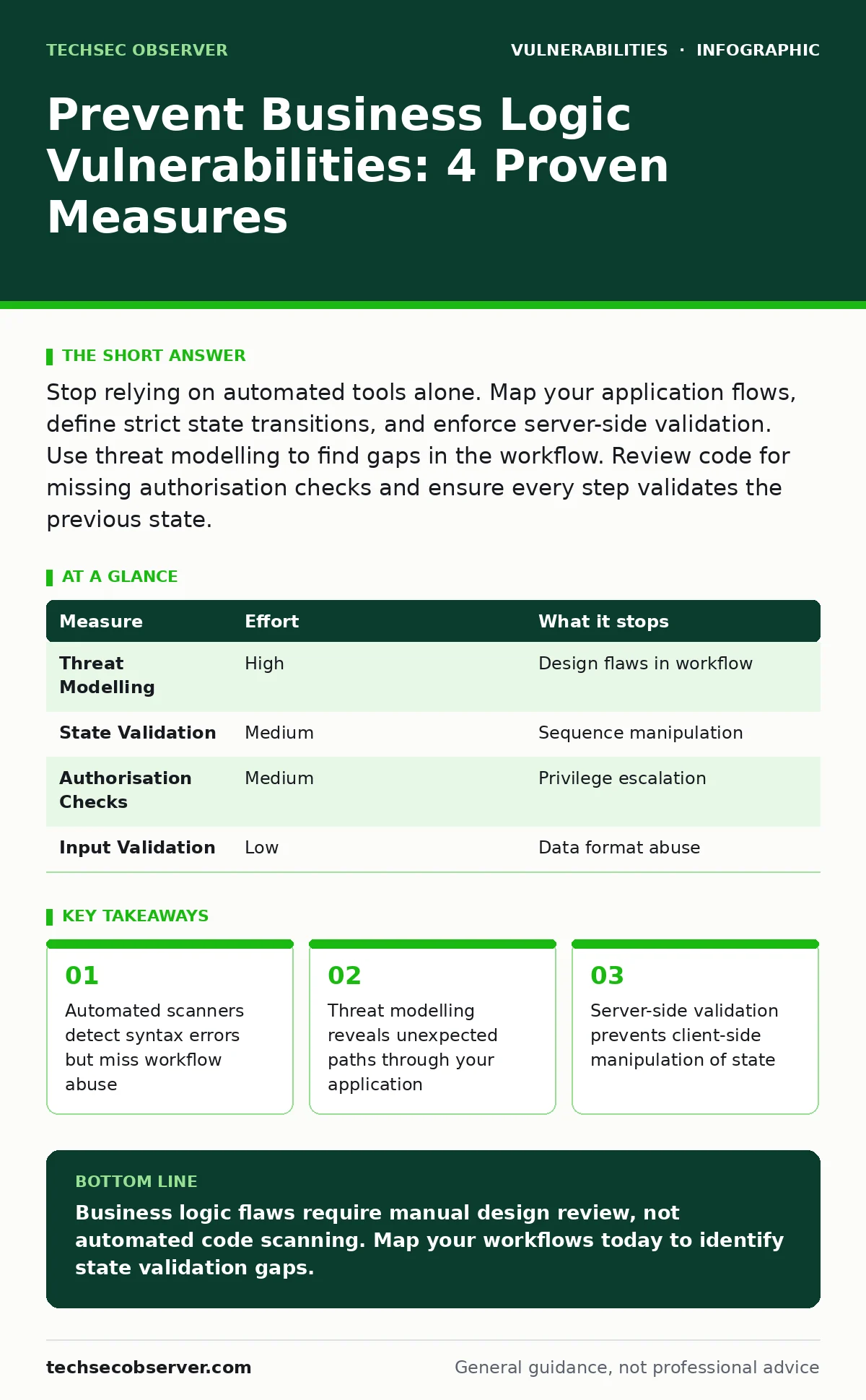
Stop relying on automated tools alone. Map your application flows, define strict state transitions, and enforce server-side validation. Use threat modelling to find gaps in the workflow. Review code for missing authorisation checks and ensure every step validates the previous state.
Why Logic Flows Fail Security Tests
Business logic vulnerabilities occur when an application performs actions in an unexpected sequence or context. Unlike code defects, these flaws exist in the design. A developer might build a feature that works perfectly for a legitimate user. The same feature breaks when a malicious actor manipulates the order of operations. Automated security tools scan for known patterns in code. They look for buffer overflows or injection points. They do not understand the business rules. They cannot see that a user should not be able to skip a payment step. This gap leaves your application open to subtle abuse.
Imagine an e-commerce checkout process. The system calculates a price, applies a discount, and charges the card. A standard scanner checks each function for bugs. It does not check if the discount can be applied before the price is calculated. It does not check if the discount can be applied twice. The code is clean. The logic is flawed. This distinction is why you must treat logic security differently from code security. You must understand the intent behind every action.
Map Your Application Workflows
The first step in prevention is visualisation. You cannot secure what you cannot see. Create flow diagrams for every major user journey. Include happy paths and edge cases. Draw the sequence of requests and responses. Identify where state changes occur. State is any data that persists between requests, such as a shopping cart contents or a session variable. If you do not map these flows, you assume the user follows the intended path. Attackers do not follow intended paths. They reverse the order. They skip steps. They repeat actions.
This mapping exercise reveals assumptions in your design. You might assume a user has already authenticated before accessing a feature. The map shows a gap where unauthenticated access is possible. You might assume a price is immutable once set. The map shows a mechanism where the price can be updated mid-transaction. These gaps are not code errors. They are design errors. Fixing them requires changing the workflow, not just the code. This approach aligns with broader vulnerability remediation SLAs by identifying issues before deployment.
Enforce Server-Side State Validation
Client-side validation provides a better user experience. It gives immediate feedback. It should never be trusted for security. An attacker can bypass browser checks easily. They can modify the request payload. They can use a different client entirely. Your server must validate every piece of data. It must verify that the current request is valid given the previous state. This is stateful validation. It ensures the application remains in a consistent state.
Consider a multi-step form. Step one collects personal details. Step two collects payment details. The server must verify that Step one was completed successfully before accepting Step two. It must check the session token. It must verify the data has not changed unexpectedly. If the server accepts Step two without verifying Step one, the logic is broken. This is similar to how insecure deserialization can allow arbitrary code execution if the server trusts external data. You must validate the source and the state. Do not assume the client is honest.
| Measure | Effort | What it stops |
|---|---|---|
| Threat Modelling | High | Design flaws in workflow |
| State Validation | Medium | Sequence manipulation |
| Authorisation Checks | Medium | Privilege escalation |
| Input Validation | Low | Data format abuse |
Implement Strict Authorisation Controls
Authentication proves who the user is. Authorisation proves what the user can do. Many applications confuse the two. They check if a user is logged in. They do not check if that specific user has permission to perform the specific action. This is broken function level authorisation. An attacker might log in as a standard user. They then change a parameter in the request to access an admin function. The server sees a valid session. It does not check the role. The action succeeds.
You must enforce authorisation at every endpoint. Do not rely on hiding buttons or links. An attacker can construct a direct request. Use a centralised access control layer. Define roles and permissions clearly. Check permissions server-side. Do not cache permissions client-side. If permissions change, the cache becomes stale. This creates a window of opportunity for abuse. Regular reviews of access control logic are necessary. This is distinct from preventing out-of-bounds write vulnerabilities, which is a memory safety issue. Logic flaws are about permissions and workflow.
Use Threat Modelling Proactively
Threat modelling is a structured approach to identifying potential threats. It involves imagining how an attacker might abuse your system. You identify assets. You identify potential attackers. You identify possible attack vectors. This process reveals logic flaws that code review misses. It forces you to think beyond the code. You consider the business impact. You consider the user experience. You consider the data flow. This is a design-time activity. It is cheaper to fix a design flaw than a deployed vulnerability.
Include non-functional requirements in your model. Consider rate limiting. Consider concurrency issues. What happens if two users update the same record simultaneously? What happens if a request is replayed? These are logic issues. They are not syntax errors. Threat modelling helps you anticipate these scenarios. It allows you to build defences into the design. This proactive approach reduces the need for reactive patches. It is a continuous process. You should update your models as the application changes. This complements software composition analysis by focusing on your own logic rather than third-party libraries.
See also: Regular Expression Denial of Service Prevention Checklist · Container Escape Vulnerabilities: Mechanisms, Risks and Defences
What Does Not Work
Many teams believe that fixing common vulnerabilities fixes logic flaws. This is incorrect. Patching injection flaws does not stop a user from skipping steps. Updating libraries does not fix a flawed workflow. You cannot automate logic security. There is no tool that understands your business rules. You must manually verify the logic. You must test the workflows. You must challenge your assumptions.
Another common mistake is relying on obscurity. Hiding the logic does not secure it. An attacker can reverse engineer your application. They can inspect network traffic. They can deduce the logic from the responses. Obscurity adds no real security. It only delays the attacker. True security comes from robust design. It comes from strict validation. It comes from proper authorisation. Do not waste time on security through obscurity. Focus on the fundamentals.
Closing Checklist for Today
Start with these three actions to improve your logic security. They are practical and immediate. They do not require a major refactoring. They require a shift in mindset.
- Review your critical workflows. Draw the flow. Identify gaps where state is not validated.
- Check your authorisation logic. Ensure every endpoint checks permissions server-side.
- Update your threat model. Include logic abuse scenarios. Add them to your test cases.
These steps create a foundation for better security. They help you catch issues early. They reduce the risk of logic flaws. They make your application more resilient. Consistency is key. Apply these practices to every new feature. Apply them to existing code. Logic security is a habit. It is not a one-time fix. Build it into your development process.
Key takeaways
- Automated scanners detect syntax errors but miss workflow abuse
- Threat modelling reveals unexpected paths through your application
- Server-side validation prevents client-side manipulation of state
Business logic flaws require manual design review, not automated code scanning. Map your workflows today to identify state validation gaps.
Frequently asked questions
Can automated scanners find logic bugs?
No. Automated scanners detect known technical vulnerabilities. They cannot understand business rules or workflow intent. Manual testing is required.
Is input validation enough for logic security?
Input validation prevents malformed data. It does not stop valid data from being used in the wrong context or sequence. You need state validation too.
How often should I threat model?
Threat model before major design changes. Review existing models quarterly. Update them when new features are added or business rules change.
Does fixing code bugs fix logic flaws?
No. Logic flaws are design issues. Fixing code syntax does not change the workflow. You must redesign the flow to fix logic flaws.
How this guide was produced: written by the TechSec Observer editorial team with AI assistance, checked against the public references listed below, and reviewed when the facts change. See our editorial policy or report an error.