Static Malware Analysis Errors: 7 Common Mistakes and Fixes
Analyzing malware in isolation without context often leads to false negatives, as modern threats detect analysis environments and alter their behaviour accordingly.

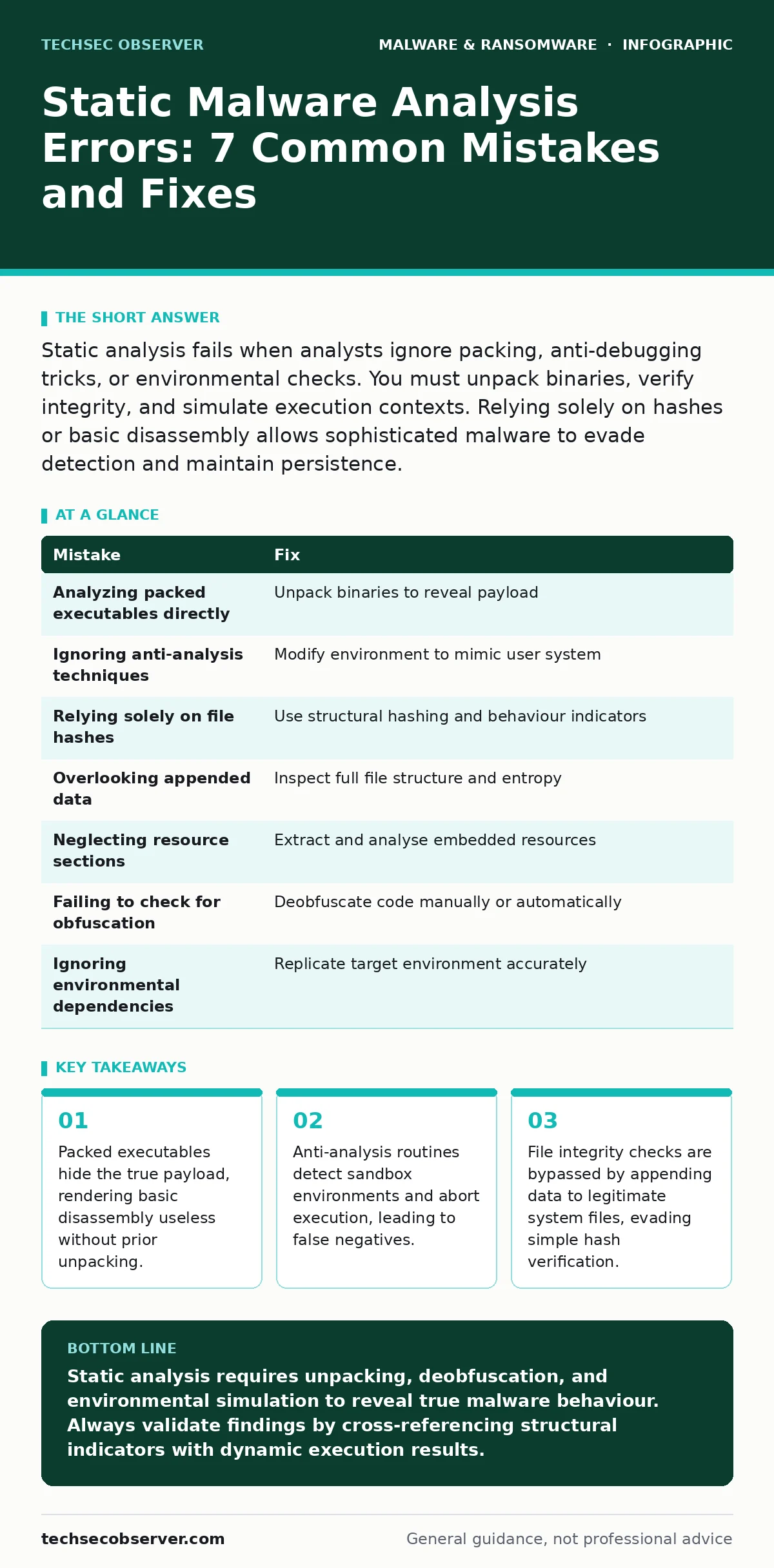
Static analysis fails when analysts ignore packing, anti-debugging tricks, or environmental checks. You must unpack binaries, verify integrity, and simulate execution contexts. Relying solely on hashes or basic disassembly allows sophisticated malware to evade detection and maintain persistence.
Mistake 1: Analyzing Packed Executables Directly
Why it hurts: Many modern malware samples use packers to compress and encrypt their code sections. This obscures the actual instructions from static disassemblers. When you analyse a packed binary directly, you see only the unpacking stub, not the malicious payload. The stub may appear benign or generic, leading you to classify the sample as safe. This results in a false negative where the threat remains undetected in your environment.
The fix: Identify packing signatures using specialised tools before attempting disassembly. You must unpack the binary to reveal the underlying code. Automated unpackers can handle common packers, but custom packers require manual intervention. Strip the packing layer by executing the stub in a controlled environment until the original entry point is restored. Only then can you analyse the true logic of the malware.
Mistake 2: Ignoring Anti-Analysis Techniques
Why it hurts: Malware authors embed checks to detect if the code is running in a virtual machine or sandbox. These checks look for specific hardware signatures, process lists, or timing anomalies. If the malware detects an analysis environment, it may alter its behaviour or terminate immediately. You observe a clean exit instead of malicious activity. This evasion technique prevents you from seeing the malware’s true capabilities, such as data exfiltration or privilege escalation routines.
The fix: Understand the specific anti-analysis methods used by the malware family. Modify your analysis environment to mimic a standard user system. Remove known virtual machine artifacts and standardise process names. Use hooking techniques to bypass timing checks and debug detection. By neutralising these defensive mechanisms, you force the malware to execute its full routine, allowing for accurate static and dynamic correlation.
Mistake 3: Relying Solely on File Hashes
Why it hurts: Hashes provide a unique fingerprint for a specific file state. Malware authors easily change a single byte to generate a new hash, bypassing signature-based detection systems that rely on known bad hashes. Furthermore, polymorphic malware changes its code structure with every generation while maintaining functionality. If you only track hashes, you miss variants that behave identically but have different fingerprints. This approach fails against evolving threats that mutate to avoid static matching.
The fix: Use structural hashing and behaviour-based indicators instead of relying exclusively on cryptographic hashes. Analyse the file’s internal structure, such as section names and entropy levels. Look for consistent patterns in the code logic rather than exact byte matches. Integrate these structural indicators into your detection rules. This approach identifies malware families even when individual samples are modified to evade simple hash lookups.
Mistake 4: Overlooking Appended Data in Legitimate Files
Why it hurts: Attackers often append malicious code to legitimate system files, such as DLLs or EXEs. The original file header remains intact, so the system loads and executes the legitimate portion first. Standard integrity checks may pass because the primary file hash matches the expected value. The appended malware executes only after the legitimate code finishes or under specific conditions. This technique allows malware to hide in plain sight, evading file integrity monitoring and basic static analysis.
The fix: Inspect file sizes and entropy distributions across the entire file, not just the header. Look for anomalies at the end of the file, such as unexpected data blocks or secondary headers. Use tools that parse the full file structure to identify appended sections. Verify that the file matches the original vendor distribution exactly, including size and checksum. This ensures you detect hidden payloads that rely on file appending for stealth.
Mistake 5: Neglecting Resource Sections and Embedded Files
Why it hurts: Malware often stores configuration data, scripts, or additional payloads within the resource sections of an executable. These resources are not executed directly but are extracted and run by the main code. Static analysis tools that focus only on the code sections miss these embedded components. You might analyse the loader and find nothing suspicious, while the actual malicious script or configuration remains hidden in the resources. This leads to an incomplete understanding of the threat’s capabilities.
The fix: Extract and analyse all resource sections within the binary. Look for embedded scripts, images, or data files that may contain malicious instructions or configuration details. Decode any encoded data found in resources. Analyse these extracted components separately to understand their role in the malware’s operation. This comprehensive approach ensures you identify all parts of the malware, including those hidden in non-executable sections.
See also: Email Attachment Scanning: How Gatekeepers Filter Digital Mail · Signature-Based Detection: Answers to Your Most Pressing Questions
Mistake 6: Failing to Check for Obfuscation Layers
Why it hurts: Obfuscation techniques scramble code to make it difficult for humans and automated tools to understand. This includes renaming variables, inserting junk code, and encrypting strings. When you encounter heavily obfuscated code, static analysis becomes nearly impossible. You may misinterpret the code’s purpose or miss critical malicious functions entirely. This complexity increases the time required for analysis and raises the risk of error.
The fix: Deobfuscate the code before performing detailed analysis. Use automated deobfuscation tools where possible, but be prepared for manual intervention with custom obfuscation. Focus on identifying and removing junk code and renaming variables to meaningful names. Decrypt encrypted strings to reveal URLs, commands, or other critical data. By simplifying the code structure, you make the underlying logic visible and easier to analyse accurately.
Mistake 7: Ignoring Environmental Dependencies
Why it hurts: Some malware relies on specific environmental conditions to function correctly. This includes the presence of certain libraries, registry keys, or network configurations. If your analysis environment lacks these dependencies, the malware may fail to execute or behave differently. You might conclude the sample is benign or broken, when in reality it is simply waiting for the right conditions. This oversight leads to missed detections and incomplete threat intelligence.
The fix: Replicate the target environment as closely as possible during analysis. Identify required dependencies by examining imports and registry accesses. Ensure your analysis system has the necessary libraries and configurations installed. Test the malware in multiple environments to identify any conditional behaviour. This ensures you capture the full range of the malware’s activities and understand its operational requirements.
| Mistake | Fix |
|---|---|
| Analyzing packed executables directly | Unpack binaries to reveal payload |
| Ignoring anti-analysis techniques | Modify environment to mimic user system |
| Relying solely on file hashes | Use structural hashing and behaviour indicators |
| Overlooking appended data | Inspect full file structure and entropy |
| Neglecting resource sections | Extract and analyse embedded resources |
| Failing to check for obfuscation | Deobfuscate code manually or automatically |
| Ignoring environmental dependencies | Replicate target environment accurately |
Key takeaways
- Packed executables hide the true payload, rendering basic disassembly useless without prior unpacking.
- Anti-analysis routines detect sandbox environments and abort execution, leading to false negatives.
- File integrity checks are bypassed by appending data to legitimate system files, evading simple hash verification.
Static analysis requires unpacking, deobfuscation, and environmental simulation to reveal true malware behaviour. Always validate findings by cross-referencing structural indicators with dynamic execution results.
Frequently asked questions
How do I know if a binary is packed?
Check for high entropy in code sections and unusual section names. Specialised tools can also identify common packer signatures automatically.
Is static analysis enough to detect all malware?
No. Static analysis identifies potential threats, but dynamic analysis confirms behaviour. Combine both methods for accurate detection.
Can I analyse mobile malware using these techniques?
Yes, but mobile malware often uses different packing and obfuscation methods. Adapt your tools to handle APK or IPA file structures.
How do I handle encrypted configuration files?
Look for decryption keys or routines within the malware code. Execute the decryption logic in a controlled environment to reveal the configuration.
How this guide was produced: written by the TechSec Observer editorial team with AI assistance, checked against the public references listed below, and reviewed when the facts change. See our editorial policy or report an error.