Fuzz Testing Explained: How Automated Chaos Finds Hidden Bugs
Fuzz testing exposes hidden logic errors by feeding programmes structured noise, revealing flaws that manual code review and standard unit tests consistently miss.

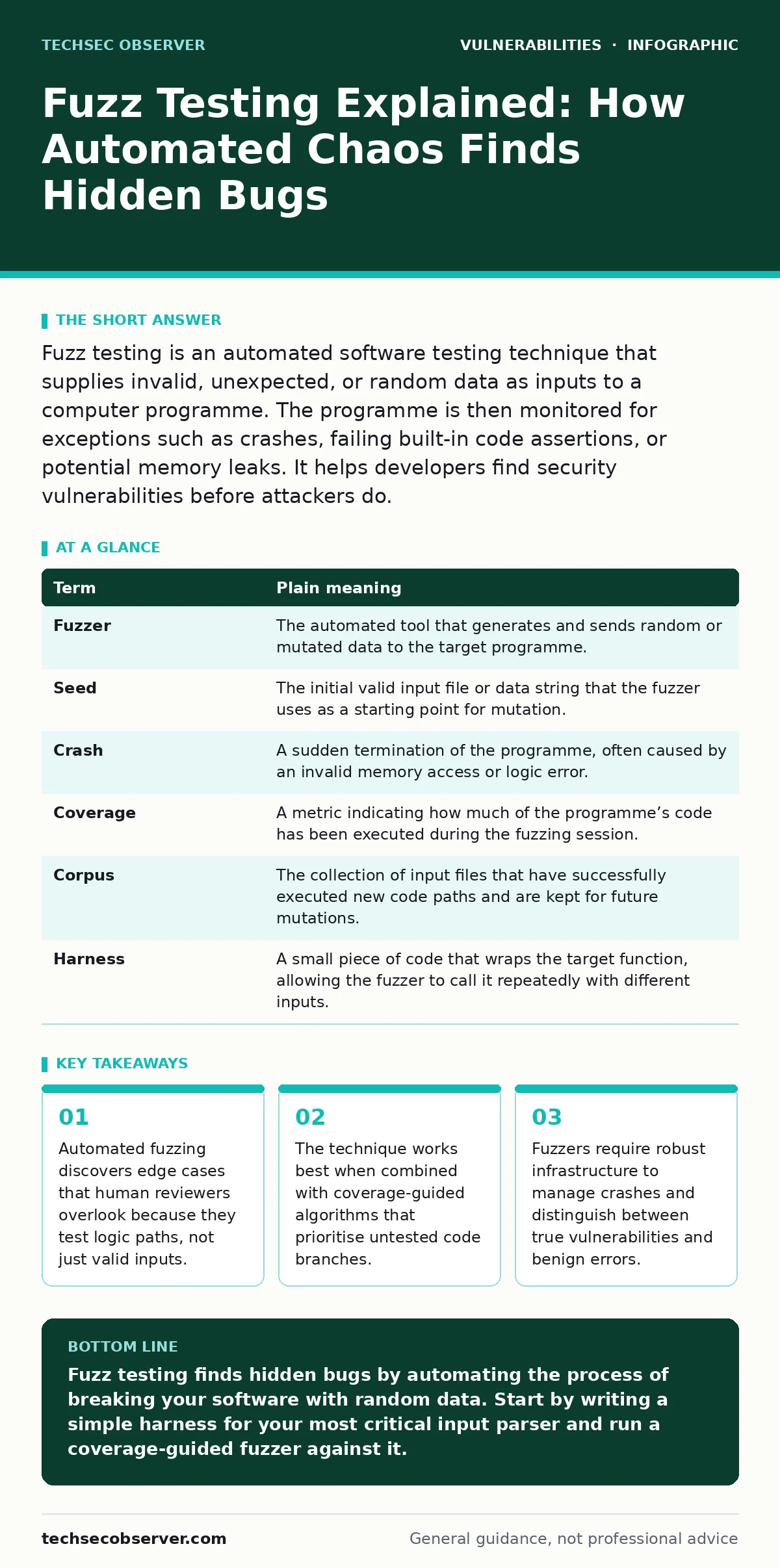
Fuzz testing is an automated software testing technique that supplies invalid, unexpected, or random data as inputs to a computer programme. The programme is then monitored for exceptions such as crashes, failing built-in code assertions, or potential memory leaks. It helps developers find security vulnerabilities before attackers do.
The Broken Vending Machine Analogy
Imagine a vending machine designed to accept only specific coins. You insert a quarter, and it dispenses a snack. This is standard testing. Now imagine you insert a coin that is slightly bent, or two coins at once, or a coin wrapped in foil. The machine might jam, or it might dispense two snacks for the price of one. Fuzz testing is the automated process of throwing every conceivable variation of "coin" at the machine to see if it breaks. It does not care if the input makes sense. It only cares if the system handles the nonsense without failing.
Defining the Mechanism
Fuzzing, short for fuzz testing, is a software testing method that provides unexpected or random data as inputs to a computer programme. The programme is monitored for exceptions such as crashes, failing built-in code assertions, or potential memory leaks. Unlike traditional testing, which verifies that the software works as intended with valid data, fuzzing assumes the software will fail and tries to make it fail in new ways. This approach is particularly effective for finding memory safety issues and input validation errors.
Key Terms in Plain English
To understand how fuzzing works, you must understand the terminology used by engineers. These terms describe the inputs, the process, and the results of the testing cycle.
| Term | Plain meaning |
|---|---|
| Fuzzer | The automated tool that generates and sends random or mutated data to the target programme. |
| Seed | The initial valid input file or data string that the fuzzer uses as a starting point for mutation. |
| Crash | A sudden termination of the programme, often caused by an invalid memory access or logic error. |
| Coverage | A metric indicating how much of the programme’s code has been executed during the fuzzing session. |
| Corpus | The collection of input files that have successfully executed new code paths and are kept for future mutations. |
| Harness | A small piece of code that wraps the target function, allowing the fuzzer to call it repeatedly with different inputs. |
Why Manual Review Fails
Developers often rely on code reviews and unit tests to ensure quality. These methods are effective for verifying intended behaviour. However, they rely on the reviewer’s imagination. A human reviewer tests what they think is possible. A fuzzer tests what is actually possible. Consider a function that parses a JSON object. A developer might test valid JSON, empty JSON, and malformed JSON. They might not test a JSON object with a key that is exactly the maximum length allowed plus one byte. A fuzzer will try this automatically. It explores the boundary conditions that humans find tedious to construct.
This is where issues like SQL injection or command injection often hide. These vulnerabilities arise when an application fails to distinguish between data and code. Fuzzing can trigger these conditions by injecting characters that break the expected syntax, causing the application to execute unintended commands. While fuzzing does not replace static analysis, it complements it by exercising the code in a dynamic environment.
The Hidden Cost of Noise
Fuzzing is not without its challenges. The primary cost is the volume of false positives. A fuzzer might crash a programme because of a resource leak or a timeout, not because of a security vulnerability. Sorting through these crashes requires time and expertise. You must determine if the crash leads to a security breach or is merely a nuisance.
Another hidden cost is the computational power required. Effective fuzzing, especially coverage-guided fuzzing, requires significant CPU and memory resources. It runs continuously, mutating inputs and checking coverage. If you are testing a large codebase, you may need dedicated hardware or cloud instances to run the fuzzer efficiently. This is why many teams integrate fuzzing into their continuous integration pipelines, allowing it to run overnight or in parallel with other tests.
See also: IoT Patching Mistakes: 7 Errors That Leave Devices Exposed · Prevent Business Logic Vulnerabilities: 4 Proven Measures
A First Practical Step
You do not need a complex setup to start fuzzing. Many modern programming languages have libraries that support fuzzing out of the box. For example, if you are working with a parser, you can write a simple harness that takes a byte array and passes it to the parsing function. The fuzzer will then mutate this array, sending slightly different versions to the function. If the function crashes, the fuzzer saves the input that caused the crash. You can then examine this input to understand why the function failed.
- Identify a function in your codebase that processes external input, such as a file parser or a network packet handler.
- Write a small wrapper function, or harness, that takes a byte array and calls the target function.
- Run a coverage-guided fuzzer against this harness, allowing it to run for a set period.
This process helps you find bugs before they reach your users. It is a proactive approach to security that shifts the burden of discovery from attackers to developers. By finding these issues early, you reduce the risk of open redirect vulnerabilities or other input-related flaws.
Integrating with Your Workflow
Fuzzing is most effective when it is part of your regular development cycle. You can run it on pull requests to catch regressions. You can run it nightly to find new issues in the main branch. Over time, the corpus of inputs grows, and the fuzzer becomes more effective at finding deep bugs. This is similar to software composition analysis, which scans your dependencies for known vulnerabilities. While SCA checks for known issues in third-party code, fuzzing checks for unknown issues in your own code.
Remember that fuzzing is not a silver bullet. It will not find logic errors that do not cause crashes. It will not find issues in code that is not reachable by the inputs you provide. You must design your harnesses carefully to ensure that the fuzzer can reach the parts of the code you want to test. This requires a deep understanding of your codebase and its architecture.
Key takeaways
- Automated fuzzing discovers edge cases that human reviewers overlook because they test logic paths, not just valid inputs.
- The technique works best when combined with coverage-guided algorithms that prioritise untested code branches.
- Fuzzers require robust infrastructure to manage crashes and distinguish between true vulnerabilities and benign errors.
Fuzz testing finds hidden bugs by automating the process of breaking your software with random data. Start by writing a simple harness for your most critical input parser and run a coverage-guided fuzzer against it.
Frequently asked questions
Does fuzzing replace penetration testing?
No, fuzzing is an automated testing tool that finds bugs in code, while penetration testing is a manual or semi-automated assessment of a system’s security posture.
Can fuzzing find logic bugs?
Fuzzing is primarily effective at finding memory safety issues and crashes. It is less effective at finding complex logic bugs unless those bugs result in a crash or assertion failure.
How long should I run a fuzzer?
There is no fixed time. Many teams run fuzzers continuously. The longer you run, the more coverage you achieve, and the more likely you are to find deep bugs.
What is coverage-guided fuzzing?
It is a technique where the fuzzer uses information about which parts of the code have been executed to guide its input generation, prioritising inputs that reach new code paths.
How this guide was produced: written by the TechSec Observer editorial team with AI assistance, checked against the public references listed below, and reviewed when the facts change. See our editorial policy or report an error.