Cryptojacking Prevention Checklist: Stop Hidden Mining on Your Systems
Cryptojacking often evades standard security tools because it uses legitimate system resources, making resource monitoring more effective than signature scanning.

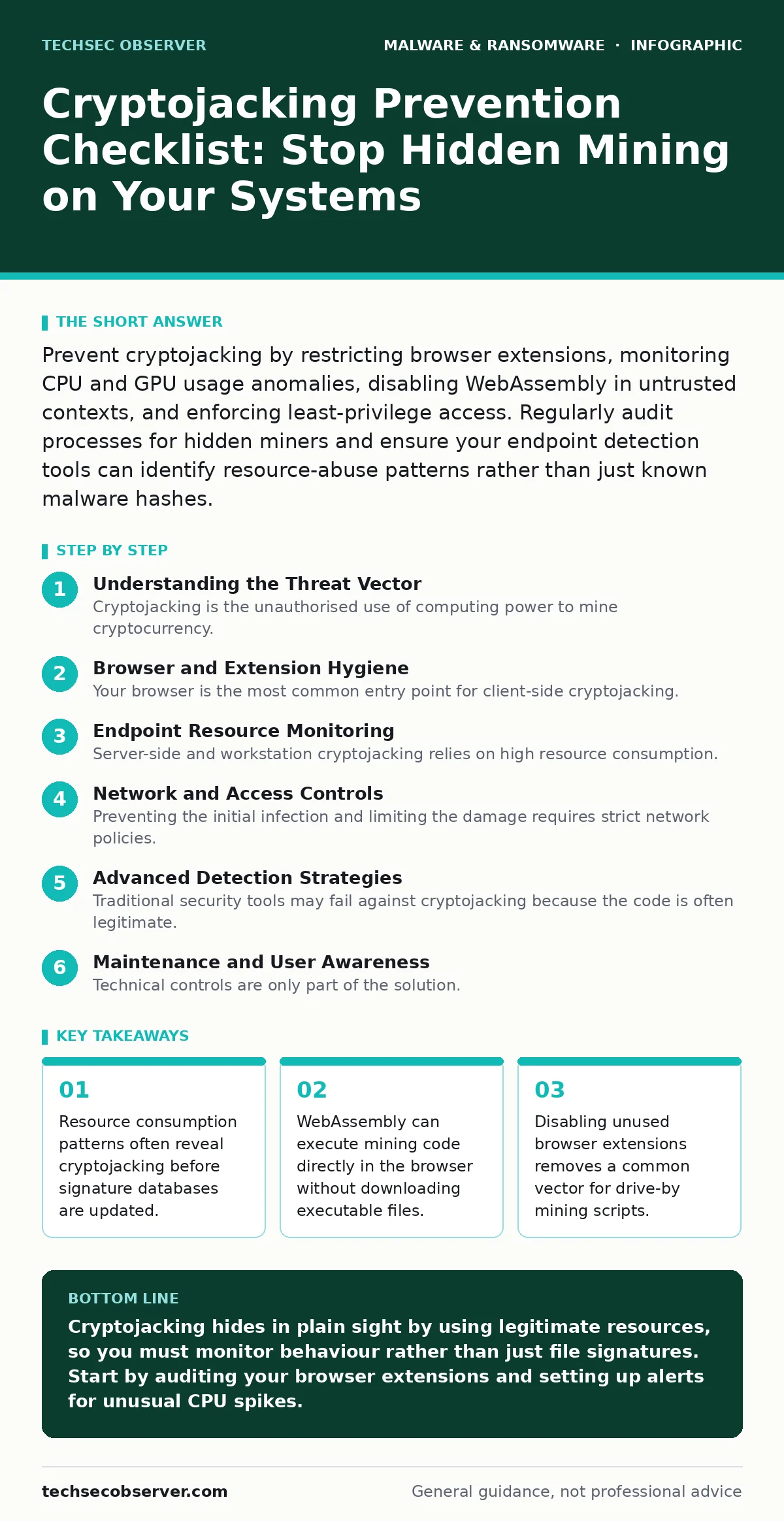
Prevent cryptojacking by restricting browser extensions, monitoring CPU and GPU usage anomalies, disabling WebAssembly in untrusted contexts, and enforcing least-privilege access. Regularly audit processes for hidden miners and ensure your endpoint detection tools can identify resource-abuse patterns rather than just known malware hashes.
Understanding the Threat Vector
Cryptojacking is the unauthorised use of computing power to mine cryptocurrency. Unlike ransomware, it does not lock your data or demand immediate payment. Instead, it operates silently, consuming electricity and hardware resources. This stealth makes it difficult to detect. The attacker gains value over time, while you suffer reduced performance and increased energy costs. The code often hides within legitimate applications or browser tabs.
Browser and Extension Hygiene
Your browser is the most common entry point for client-side cryptojacking. Attackers inject JavaScript into websites or bundle miners into popular extensions. You must assume any free tool could contain malicious code.
- Remove unused browser extensions: Extensions often have broad permissions that allow them to run scripts on every page you visit.
- Disable WebAssembly for untrusted sites: WebAssembly allows near-native performance in browsers, which miners exploit to bypass JavaScript slowdowns.
- Use a strict content blocker: Content blockers can prevent known mining domains from loading their scripts, reducing the attack surface.
- Audit extension permissions regularly: Review which extensions can read and change data on all websites, revoking access for any that seem unnecessary.
Imagine a user installs a free ad-blocker that secretly mines Monero. The extension uses the user’s CPU cycles whenever the browser is open. The user notices only a slight slowdown, attributing it to an outdated operating system. This delay allows the miner to operate for months.
Endpoint Resource Monitoring
Server-side and workstation cryptojacking relies on high resource consumption. Standard antivirus tools may miss these attacks because the code is often legitimate mining software, not a known virus. You must monitor behaviour, not just file signatures.
- Monitor CPU and GPU utilisation spikes: Sudden, sustained high usage without a corresponding user action indicates a potential miner.
- Track network connections to mining pools: Miners must communicate with external servers to submit work and receive rewards, creating identifiable network traffic.
- Audit running processes for unknown executables: Check for processes with generic names that consume disproportionate resources, as attackers often disguise miners as system services.
- Implement application whitelisting: Restrict execution to approved binaries, preventing unauthorized mining software from starting, even if it bypasses initial detection.
Resource monitoring is often overlooked because it generates noise. However, a sudden spike in GPU usage on a server that should be handling database queries is a strong indicator of compromise. This behavioural approach complements static malware analysis, which examines code without executing it. Static analysis helps identify known threats, but behavioural monitoring catches zero-day miners that have not yet been catalogued.
Network and Access Controls
Preventing the initial infection and limiting the damage requires strict network policies. Cryptojacking often spreads laterally through weak credentials or unpatched vulnerabilities.
- Enforce least-privilege access: Users and services should only have the permissions necessary for their tasks, limiting an attacker’s ability to install miners.
- Segment your network: Isolating critical servers from general user traffic prevents a compromised workstation from spreading malware to sensitive systems.
- Block known mining pool domains: Update your firewall rules to block traffic to common cryptocurrency mining pools, cutting off the miner’s ability to submit work.
- Disable unused services: Every active service is a potential entry point; disabling them reduces the attack surface available to an attacker.
Network segmentation is particularly effective against lateral movement. If a workstation is compromised, the miner cannot easily spread to the database server. This strategy also aids in containing mobile malware, which often seeks to propagate across local networks. While mobile devices present different challenges, the principle of limiting unnecessary connectivity remains valid.
Advanced Detection Strategies
Traditional security tools may fail against cryptojacking because the code is often legitimate. You need tools that understand context and behaviour.
- Deploy extended detection and response (XDR): XDR correlates data from endpoints, networks, and cloud environments, providing a holistic view of suspicious activity.
- Enable detailed PowerShell logging: Attackers often use PowerShell to download and execute miners; detailed logging allows you to reconstruct these actions.
- Monitor for cryptocurrency wallet communications: Miners must send rewards to a wallet; blocking or alerting on these specific network patterns can reveal hidden miners.
- Regularly update your threat intelligence feeds: Ensure your detection tools have the latest indicators of compromise, including new mining pool addresses and script hashes.
Extended detection and response (XDR) systems are superior to isolated tools because they connect disparate data points. A spike in CPU usage combined with an outbound connection to a mining pool is a clear signal. This integrated approach reduces false positives and speeds up response times. It is also useful for detecting stalkerware, which similarly relies on stealth and resource abuse.
See also: Static Malware Analysis Errors: 7 Common Mistakes and Fixes
Maintenance and User Awareness
Technical controls are only part of the solution. Human behaviour and regular maintenance play a significant role in prevention.
- Conduct regular software audits: Remove unused applications and libraries that could contain vulnerable components or hidden miners.
- Train users to recognise suspicious browser behaviour: Educate staff to report unexpected performance issues or unfamiliar extensions.
- Patch operating systems and applications promptly: Unpatched vulnerabilities are common entry points for drive-by downloads that install miners.
- Review user permissions quarterly: Ensure that access rights have not expanded beyond what is necessary, a practice known as permission creep.
User training is often dismissed as ineffective, but it addresses the human element of security. A user who recognises that a specific website causes their fan to spin up is more likely to report it. This awareness complements technical controls like USB device control, which prevents physical attacks but does not stop network-based cryptojacking. Combining these measures creates a defence-in-depth strategy.
Key takeaways
- Resource consumption patterns often reveal cryptojacking before signature databases are updated.
- WebAssembly can execute mining code directly in the browser without downloading executable files.
- Disabling unused browser extensions removes a common vector for drive-by mining scripts.
Cryptojacking hides in plain sight by using legitimate resources, so you must monitor behaviour rather than just file signatures. Start by auditing your browser extensions and setting up alerts for unusual CPU spikes.
Frequently asked questions
How do I know if my computer is being used for cryptojacking?
Look for sustained high CPU or GPU usage, increased fan noise, and slower performance. Check your browser’s task manager for tabs using excessive resources.
Can antivirus software detect cryptojacking?
Standard antivirus may miss cryptojacking if it uses legitimate mining software. You need behavioural monitoring or EDR solutions that detect resource abuse patterns.
Is cryptojacking illegal?
Yes, using someone else’s computing power without permission is theft of service and electricity, and is illegal in most jurisdictions.
How can I remove a cryptojacker?
Disconnect from the internet, run a full system scan with updated security software, and manually remove any suspicious processes or browser extensions.
How this guide was produced: written by the TechSec Observer editorial team with AI assistance, checked against the public references listed below, and reviewed when the facts change. See our editorial policy or report an error.