Stalkerware Myths: Why Standard Security Fails and What Works
Stalkerware bypasses conventional security by operating with explicit user consent, rendering signature-based detection and standard endpoint protections largely ineffective against this intimate abuse tool.

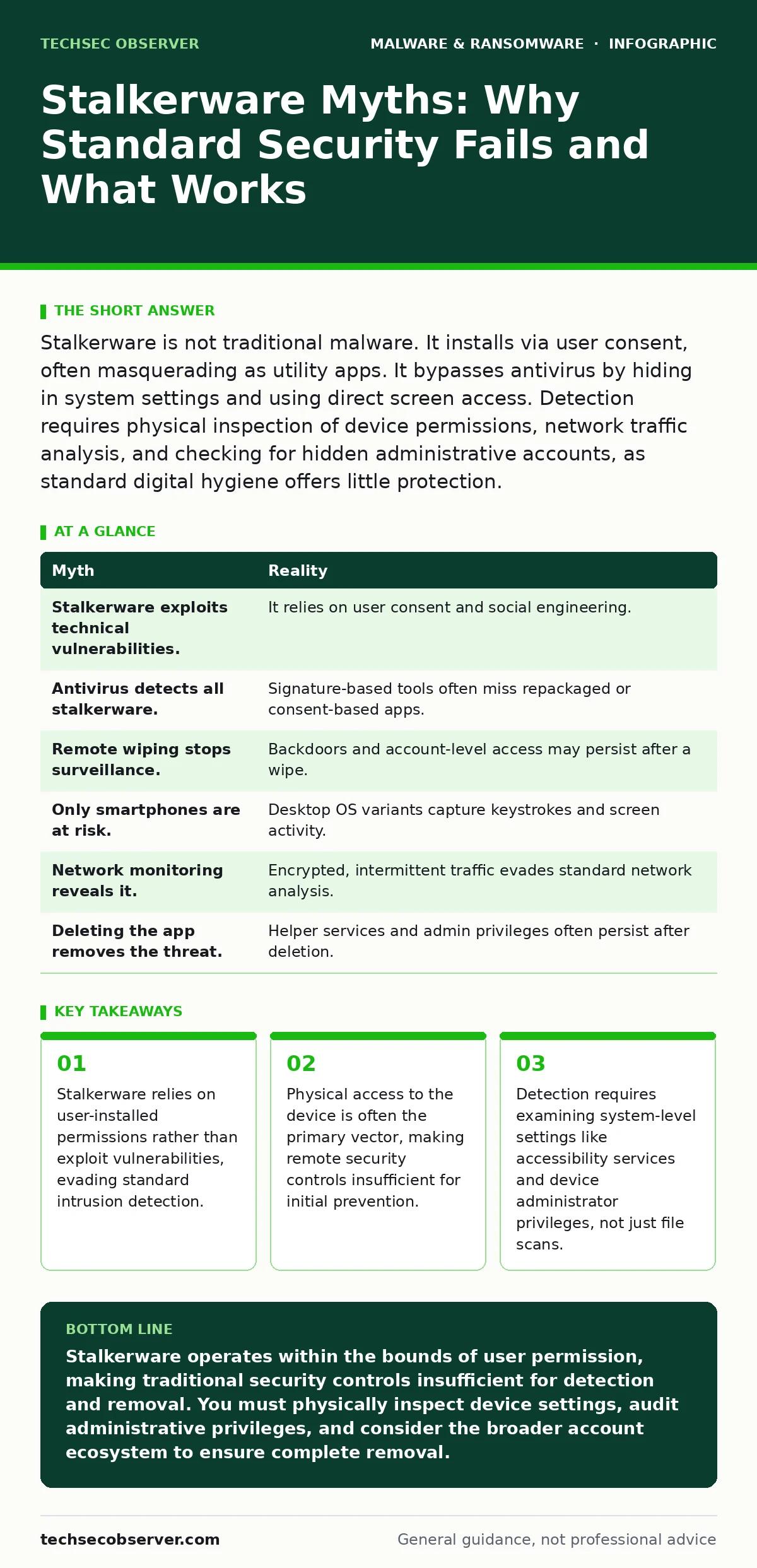
Stalkerware is not traditional malware. It installs via user consent, often masquerading as utility apps. It bypasses antivirus by hiding in system settings and using direct screen access. Detection requires physical inspection of device permissions, network traffic analysis, and checking for hidden administrative accounts, as standard digital hygiene offers little protection.
Myth: Stalkerware Requires Technical Exploits
Reality: This belief confuses surveillance software with traditional malware. Most stalkerware does not hack into a device through unpatched vulnerabilities or zero-day exploits. Instead, it relies on social engineering to persuade the victim to install the application manually. The perpetrator gains physical access to the target device, often under the guise of helping with a technical issue or checking a "battery saver" app.
Once the victim grants installation permissions, the software operates with legitimate system privileges. It functions within the bounds of the operating system’s allowed activities, which means it does not trigger alerts for unauthorized code execution. This distinction is critical for developers and security professionals who assume all malicious software must bypass authentication. Stalkerware respects the authentication boundary; it manipulates the human element instead.
Myth: Antivirus Software Will Detect and Remove It
Reality: Standard antivirus solutions rely heavily on signature-based detection, which compares files against a database of known malicious hashes. Stalkerware developers frequently repackage their software, changing file names and code structures to generate new signatures. Furthermore, many stalkerware applications are commercially available products that can be purchased legally, blurring the line between malicious and legitimate software.
Because the software is often installed with explicit user consent, it does not exhibit the typical behaviour of a virus spreading silently. It waits for the user to enable permissions. Even behavior-based detection may fail if the app’s actions, such as accessing the microphone or reading SMS messages, are technically permitted by the user. The detection gap exists because the software is doing exactly what it was told to do, just with malicious intent.
Imagine a scenario where a user installs a "parental control" app that later becomes a tool for abuse. The antivirus sees a valid digital signature and user consent. It has no reason to flag the activity. This highlights the limitation of relying solely on automated scanning tools without context.
Myth: Remote Wiping Stops the Surveillance
Reality: Many users believe that remotely wiping their device data will terminate the stalkerware’s access. While this deletes stored data, it does not necessarily remove the surveillance capability if the software has established persistent backdoors. Some advanced stalkerware variants create secondary administrative accounts or embed themselves in recovery partitions that survive standard factory resets.
Furthermore, if the attacker has access to the cloud account linked to the device, they may continue to view data synced from other devices or services. The physical device is only one node in the surveillance network. Relying on remote wipe as a final solution ignores the possibility of account-level compromise and persistent installation mechanisms.
This is where understanding the difference between local device security and account security becomes vital. A clean device is useless if the attacker still holds the keys to your digital identity. You must also address the broader ecosystem of connected services.
Myth: It Only Affects Smartphones
Reality: While mobile devices are the primary target due to their portability and sensors, stalkerware is increasingly present on desktop operating systems. Software designed for Windows or macOS can capture keystrokes, take screenshots, and access webcams with similar stealth. These desktop variants often masquerade as remote administration tools or system optimizers.
Developers who build software for multiple platforms must consider that surveillance tools adapt to the environment. On a desktop, the stalkerware might hook into the graphical interface to capture everything displayed on the screen. This includes sensitive development environments, financial applications, and encrypted chat clients. The assumption that desktops are safer due to stricter enterprise security policies is often incorrect in personal usage contexts.
Myth: Network Monitoring Will Reveal the Intrusion
Reality: Stalkerware is designed to minimise its network footprint to avoid detection by network monitoring tools. It often uses encrypted channels, such as HTTPS or standard messaging protocols, to exfiltrate data. This makes it difficult to distinguish between legitimate application traffic and surveillance data transmission.
Additionally, some stalkerware variants store data locally on the device and only transmit it when a specific trigger occurs, such as the victim connecting to a trusted Wi-Fi network. This intermittent communication pattern evades continuous network monitoring. The silence between transmissions can last for hours or days, creating large blind spots for security analysts.
Suppose you monitor all outgoing traffic from your home network. The stalkerware compresses and encrypts data, sending small, infrequent packets that look like background updates. Without deep packet inspection of decrypted content, which is often legally and technically restrictive, the traffic remains invisible. This limitation underscores why device-side inspection is often more effective than network-side analysis for this specific threat.
See also: Static Malware Analysis Errors: 7 Common Mistakes and Fixes
Myth: Deleting the App Is Enough
Reality: Removing the visible application icon does not guarantee the removal of all surveillance components. Many stalkerware applications install multiple helper apps, services, or widgets that run independently. If you delete the main app but leave the helper services running, the surveillance continues. These helper apps often have obscure names and no icons, making them hard to identify.
Furthermore, some variants use device administrator privileges to prevent uninstallation. If the attacker has set this permission, the app will appear greyed out in the settings menu, requiring the removal of administrator rights before deletion. This step is often hidden deep within system settings, requiring a thorough audit of all granted privileges.
| Myth | Reality |
|---|---|
| Stalkerware exploits technical vulnerabilities. | It relies on user consent and social engineering. |
| Antivirus detects all stalkerware. | Signature-based tools often miss repackaged or consent-based apps. |
| Remote wiping stops surveillance. | Backdoors and account-level access may persist after a wipe. |
| Only smartphones are at risk. | Desktop OS variants capture keystrokes and screen activity. |
| Network monitoring reveals it. | Encrypted, intermittent traffic evades standard network analysis. |
| Deleting the app removes the threat. | Helper services and admin privileges often persist after deletion. |
Key takeaways
- Stalkerware relies on user-installed permissions rather than exploit vulnerabilities, evading standard intrusion detection.
- Physical access to the device is often the primary vector, making remote security controls insufficient for initial prevention.
- Detection requires examining system-level settings like accessibility services and device administrator privileges, not just file scans.
Stalkerware operates within the bounds of user permission, making traditional security controls insufficient for detection and removal. You must physically inspect device settings, audit administrative privileges, and consider the broader account ecosystem to ensure complete removal.
Frequently asked questions
How do I check if my phone has stalkerware installed?
Inspect your device for apps with unknown publishers, check the list of active device administrators, and review which apps have accessibility permissions enabled. Look for unexpected battery drain or unusual data usage patterns.
Can stalkerware survive a factory reset?
In most cases, a factory reset removes stalkerware. However, if the attacker has access to your cloud backup or has installed firmware-level rootkits, the software may reinstall itself. Verify your cloud settings after a reset.
Is there a difference between stalkerware and spyware?
Spyware is a broad category of software that collects data without consent. Stalkerware is a specific subset used for intimate partner surveillance, often installed by someone known to the victim who has physical access to the device.
Can I detect stalkerware using only network logs?
Network logs are insufficient for reliable detection due to encryption and intermittent transmission. Device-level inspection of permissions and installed applications is required for accurate identification.
How this guide was produced: written by the TechSec Observer editorial team with AI assistance, checked against the public references listed below, and reviewed when the facts change. See our editorial policy or report an error.