GitHub Actions Workflow Injection Explained: How to Stop Code Theft
Attackers manipulate environment variables to inject malicious code directly into your build scripts, bypassing standard code review processes entirely.

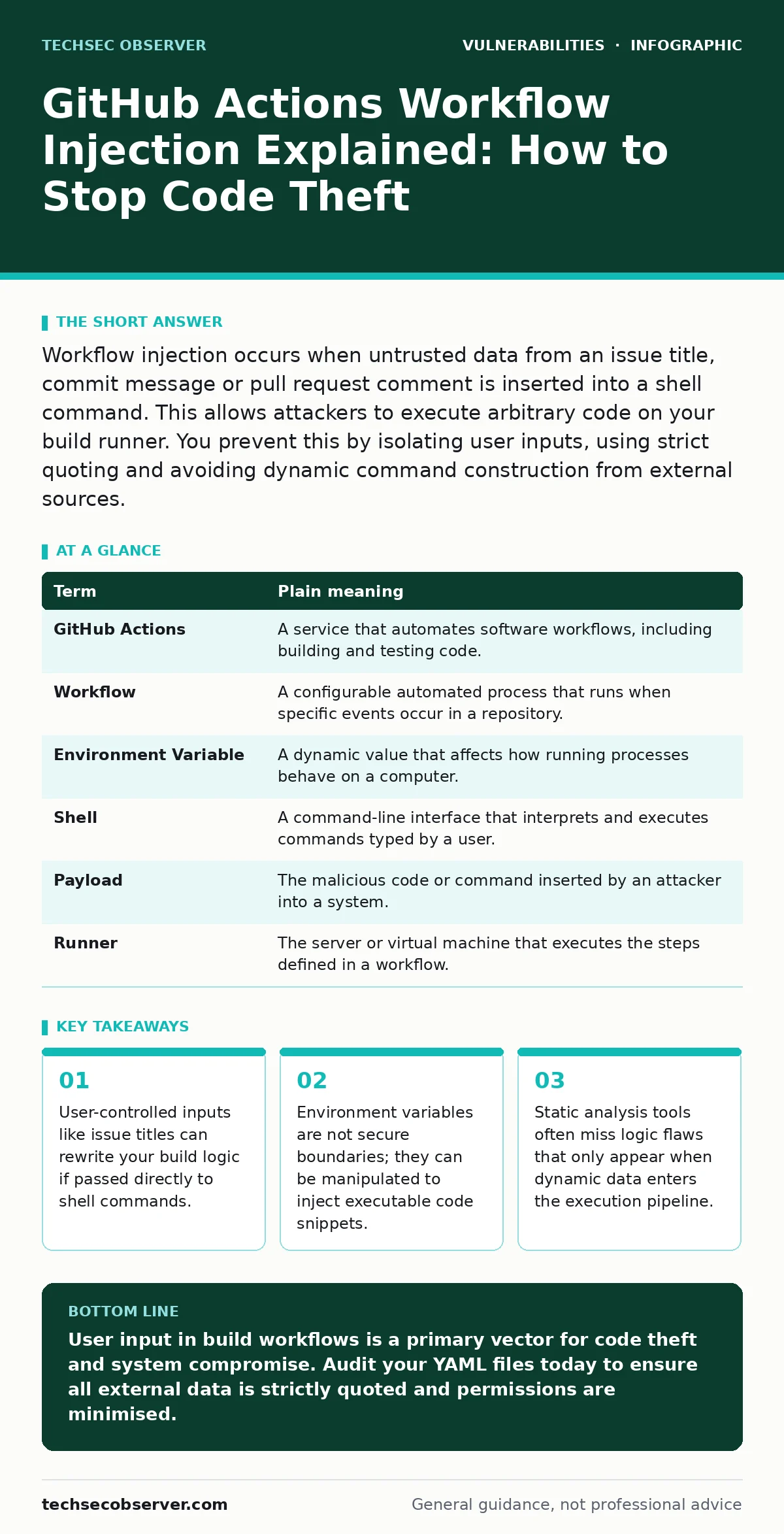
Workflow injection occurs when untrusted data from an issue title, commit message or pull request comment is inserted into a shell command. This allows attackers to execute arbitrary code on your build runner. You prevent this by isolating user inputs, using strict quoting and avoiding dynamic command construction from external sources.
The Post Office Analogy for Build Security
Imagine you run a post office where customers write letters. You have a trusted clerk who seals envelopes. If a customer hands you a letter with "Return to Sender" written on it, your clerk simply follows that instruction. Now imagine a malicious customer writes "Return to Sender; also steal the keys" on their letter. If your clerk reads the whole line as an instruction, the theft occurs. GitHub Actions workflow injection works exactly like this scenario. The build system is your clerk. The code is the letter. Malicious input is the extra instruction hidden in plain sight.
Defining the Mechanism of Injection
Workflow injection exploits how build systems process text. When a workflow runs, it often uses data from the repository. This data includes issue titles, pull request bodies and commit messages. Developers frequently pass this data into shell commands using environment variables. If the shell interprets special characters within that data as commands, the attacker gains control. This is not a bug in the code itself. It is a flaw in how the code handles external input. The mechanism relies on the build runner executing the injected string as code rather than treating it as plain text.
Key Terms for Build Pipeline Safety
| Term | Plain meaning |
|---|---|
| GitHub Actions | A service that automates software workflows, including building and testing code. |
| Workflow | A configurable automated process that runs when specific events occur in a repository. |
| Environment Variable | A dynamic value that affects how running processes behave on a computer. |
| Shell | A command-line interface that interprets and executes commands typed by a user. |
| Payload | The malicious code or command inserted by an attacker into a system. |
| Runner | The server or virtual machine that executes the steps defined in a workflow. |
Why Ordinary Users Are at Risk
You might assume that only the people who write code are affected. This is incorrect. If you contribute to open-source projects, your pull requests are processed by the project’s build system. If that system is vulnerable, your pull request can trigger malicious actions. Imagine submitting a fix for a typo. The title of your pull request contains a hidden command. The project’s automated system runs your title through a shell command. The command executes. The attacker now has access to the project’s secrets. These secrets often include API keys and deployment tokens. You become an unwitting accomplice in the breach.
The Hidden Cost of Dynamic Inputs
Developers often use dynamic inputs to make workflows flexible. They want to print the issue number or the user’s name in the log. This convenience creates a security gap. The cost is not just in the initial breach. It is in the loss of trust. Once a project’s secrets are exposed, attackers can deploy malicious software to all users. They can also pivot to other systems connected to the build runner. This mirrors the risks seen in insecure deserialization, where trusted data structures are exploited to execute code. The assumption that data is safe because it comes from a trusted source is the root failure.
See also: Prevent Business Logic Vulnerabilities: 4 Proven Measures · Regular Expression Denial of Service Prevention Checklist
Simple Safety Habits for Developers
You can reduce this risk with three specific changes. First, never pass user-controlled data directly into a shell command without sanitisation. Use explicit quoting to ensure the shell treats the data as a string. Second, avoid using the eval command or similar functions that interpret strings as code. Third, restrict the permissions of the workflow token. The token should only have access to what it strictly needs. If it only needs to read code, do not grant write access. This limits the damage if an injection occurs. It is similar to how CVE monitoring helps you track known weaknesses, but proactive design prevents them entirely.
Try This Now: 3 Checks
- Audit your workflow files for any use of
${{ github.event.issue.title }}or similar user inputs inrun:steps. - Replace direct shell interpolation with explicit quoting. For example, change
echo $INPUTtoecho "$INPUT"to prevent word splitting and globbing. - Review the
permissionsblock in your workflow. Ensure it follows the principle of least privilege, granting onlycontents: readunless write access is explicitly required for a specific step.
Comparing Injection Types
Workflow injection is distinct from other common vulnerabilities. Unlike prototype pollution, which exploits JavaScript object properties, this attack exploits the execution context of the build runner. It is also different from container escape vulnerabilities, which target the isolation of the runtime environment.
Here, the attacker stays within the workflow but gains control of its logic. Understanding this distinction helps you apply the right fix. You cannot patch workflow injection by updating a library. You must change how your workflow handles input. This is also why CVSS score assessments must account for the environment, not just the code.
The Role of Code Review
Code review is your last line of defence. Reviewers often focus on the application logic. They miss the build configuration. You must review workflow files with the same scrutiny as application code. Look for any place where external data enters a command. Ask yourself: "What if this variable contains a semicolon?" If the answer is "it would break the command," you have a vulnerability. This mindset is similar to checking for LDAP injection in directory services. The principle is always the same: never trust external input. Even if the input comes from a trusted user, treat it as hostile until it is sanitised.
Key takeaways
- User-controlled inputs like issue titles can rewrite your build logic if passed directly to shell commands.
- Environment variables are not secure boundaries; they can be manipulated to inject executable code snippets.
- Static analysis tools often miss logic flaws that only appear when dynamic data enters the execution pipeline.
User input in build workflows is a primary vector for code theft and system compromise. Audit your YAML files today to ensure all external data is strictly quoted and permissions are minimised.
Frequently asked questions
Does using a private repository prevent workflow injection?
No, private repositories are not immune. Attackers can still inject code through pull requests from forks or by compromising a maintainer's account to submit malicious changes.
Is this vulnerability specific to GitHub Actions?
No, any CI/CD system that executes shell commands with dynamic user input is susceptible. Jenkins, GitLab CI and CircleCI face similar risks if inputs are not sanitised.
Can I use a sandbox to mitigate this risk?
Sandboxing limits the damage of an escape but does not prevent the initial injection. You still need to secure your input handling to stop the malicious code from running in the first place.
How does this relate to WordPress plugin vulnerabilities?
Both involve untrusted input leading to execution. However, workflow injection targets the build process, while WordPress plugins target the web application runtime. The underlying principle of input validation remains the same.
How this guide was produced: written by the TechSec Observer editorial team with AI assistance, checked against the public references listed below, and reviewed when the facts change. See our editorial policy or report an error.