SaaS Security Posture Management: How to Close Hidden Gaps
You cannot secure applications you do not own, so you must enforce policy at the identity level rather than relying on perimeter firewalls.

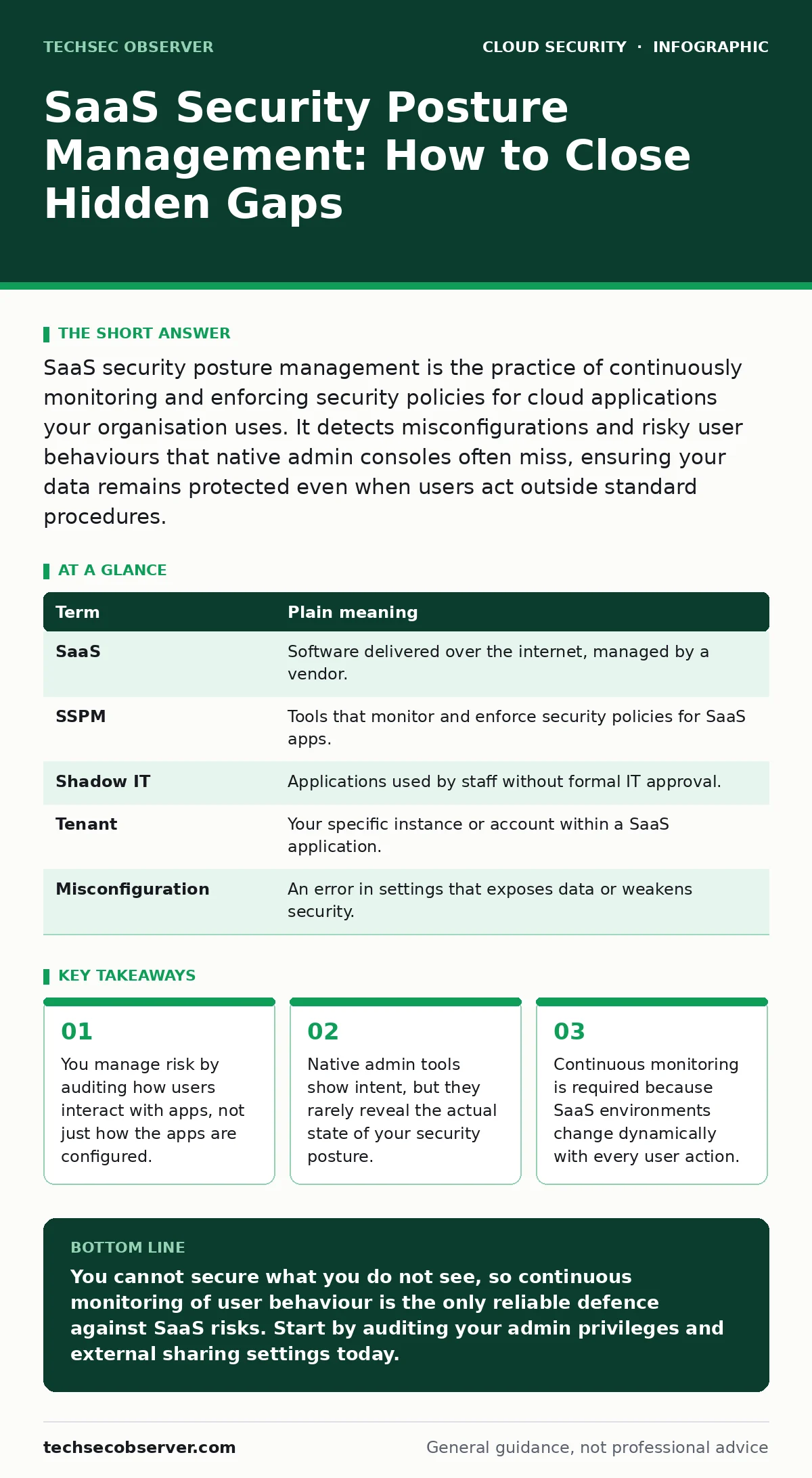
SaaS security posture management is the practice of continuously monitoring and enforcing security policies for cloud applications your organisation uses. It detects misconfigurations and risky user behaviours that native admin consoles often miss, ensuring your data remains protected even when users act outside standard procedures.
The Library Analogy
Imagine your organisation is a public library. You own the building, the shelves, and the books. You have strict rules about who can enter and what they can take. This is your traditional security perimeter. However, many patrons do not just borrow books; they use the library’s computers to access external databases, print documents from personal accounts, or share files via third-party services.
You cannot control those external services directly. You do not own the database servers or the file-sharing platforms. You only control the patron’s access to the library’s resources. If a patron misuses an external service, they might accidentally expose library data. SaaS security posture management is the system you install to watch how patrons use those external tools, ensuring they follow your rules even when you do not own the tool itself.
Defining the Scope
In this analogy, the library is your internal network. The external databases are the Software-as-a-Service applications your staff uses daily. These applications live outside your direct control. You subscribe to them, but you do not patch their servers or configure their underlying infrastructure.
This distinction is critical. Many teams assume that because they purchased a licence, they have administrative control. They do not. You only have control over your tenant within that application. Understanding this boundary prevents you from wasting effort trying to secure things you cannot touch, while focusing on the identity layer you can manage.
The Blind Spot in Native Tools
Most SaaS applications provide an admin console. This console allows you to add users, assign roles, and set basic password policies. It is like the librarian checking out books. It records who took what, but it does not tell you if the patron is copying pages to sell online.
Native tools show configuration state. They do not always show behavioural risk. For instance, a user might have legitimate access to a file storage application. That is correct in the admin console. However, if that user shares a sensitive folder with an external email address, the native tool often logs this as a standard action. It does not flag it as a policy violation unless you have manually configured complex rules, which many teams fail to do.
| Term | Plain meaning |
|---|---|
| SaaS | Software delivered over the internet, managed by a vendor. |
| SSPM | Tools that monitor and enforce security policies for SaaS apps. |
| Shadow IT | Applications used by staff without formal IT approval. |
| Tenant | Your specific instance or account within a SaaS application. |
| Misconfiguration | An error in settings that exposes data or weakens security. |
Why Posture Matters More Than Perimeter
Traditional security focuses on the perimeter: the walls of the library. You build high walls and guard the gates. In a cloud environment, the perimeter is porous. Users access applications from home, cafes, and mobile devices. The perimeter is everywhere and nowhere.
SSPM shifts the focus to the identity. The identity is the patron’s library card. If the card is compromised, or if the patron uses the card to break rules, the damage occurs regardless of the wall height. By monitoring the identity’s actions across multiple SaaS applications, you can detect anomalies. A user downloading an unusual volume of data at 3 a.m. is a signal, even if the application itself functions correctly.
Detecting Shadow IT
One of the most valuable aspects of SSPM is discovering applications you did not know you were using. This is often called shadow IT. In the library analogy, this is like discovering that patrons are using a hidden back door to access a private reading room you forgot about.
If a department signs up for a project management tool using a corporate credit card but does not notify IT, that tool is now connected to your corporate identity provider. It can see your user list. It might sync with your email directory. If that tool suffers a breach, your data is exposed. SSPM tools scan your network traffic and identity logs to find these unauthorised connections. They allow you to either integrate the tool securely or block it entirely.
See also: Difference Between DevSecOps and SecDevOps: The Structural Reality · Cloud Compliance Standards: Mapping Rules to Infrastructure Code
The Human Factor in Configuration
Even when you use approved applications, human error creates risk. Administrators often grant excessive permissions to avoid friction. This is known as privilege creep. In the library, this is like giving every patron the key to the archives because the librarian is too busy to check individual requests.
Over time, these permissions accumulate. Users who no longer need access retain it. Service accounts, which are non-human identities used by applications to talk to each other, often have broad access that is never reviewed. This is a common vector for data exfiltration. If an attacker compromises a service account with high privileges, they can move data silently. SSPM helps identify these excessive privileges and recommends tightening them.
Try This Now
You do not need expensive software to start improving your posture. You can begin with manual audits using the tools you already have.
- List every SaaS application your organisation subscribes to. Check your finance department for invoices and your identity provider for connected apps.
- For each application, identify the administrators. Ensure that no more than two people have full admin rights.
- Review the sharing settings. Look for any files or folders shared with external domains in your primary cloud storage provider.
The Ongoing Process
Security is not a one-time configuration. It is a continuous cycle of monitoring, detecting, and responding. The library rules change. New patrons arrive. Old books are removed. Your SaaS environment behaves the same way.
By adopting a posture management mindset, you accept that you cannot control the application vendor. You focus instead on controlling your identity and your data within that application. This approach remains effective regardless of which vendors you choose or how the technology evolves. It addresses the root cause of cloud risk: unmanaged access.
Key takeaways
- You manage risk by auditing how users interact with apps, not just how the apps are configured.
- Native admin tools show intent, but they rarely reveal the actual state of your security posture.
- Continuous monitoring is required because SaaS environments change dynamically with every user action.
You cannot secure what you do not see, so continuous monitoring of user behaviour is the only reliable defence against SaaS risks. Start by auditing your admin privileges and external sharing settings today.
Frequently asked questions
Does SSPM replace my firewall?
No. Firewalls protect network traffic, while SSPM protects data and identity within cloud applications. They address different layers of risk.
Can I do this without buying new software?
You can perform basic audits manually, but continuous monitoring across multiple apps usually requires dedicated tooling to be effective.
What is the biggest risk in SaaS?
Misconfigured sharing settings and excessive user privileges are the most common causes of data exposure in SaaS environments.
How do I handle shadow IT?
Identify it through network logs and identity provider connections, then decide whether to integrate it securely or block access based on risk.
How this guide was produced: written by the TechSec Observer editorial team with AI assistance, checked against the public references listed below, and reviewed when the facts change. See our editorial policy or report an error.