Service Account Security: Seven Mistakes That Expose Your Cloud
Static credentials and excessive permissions turn service accounts into permanent backdoors that attackers exploit long after the original developer has left.

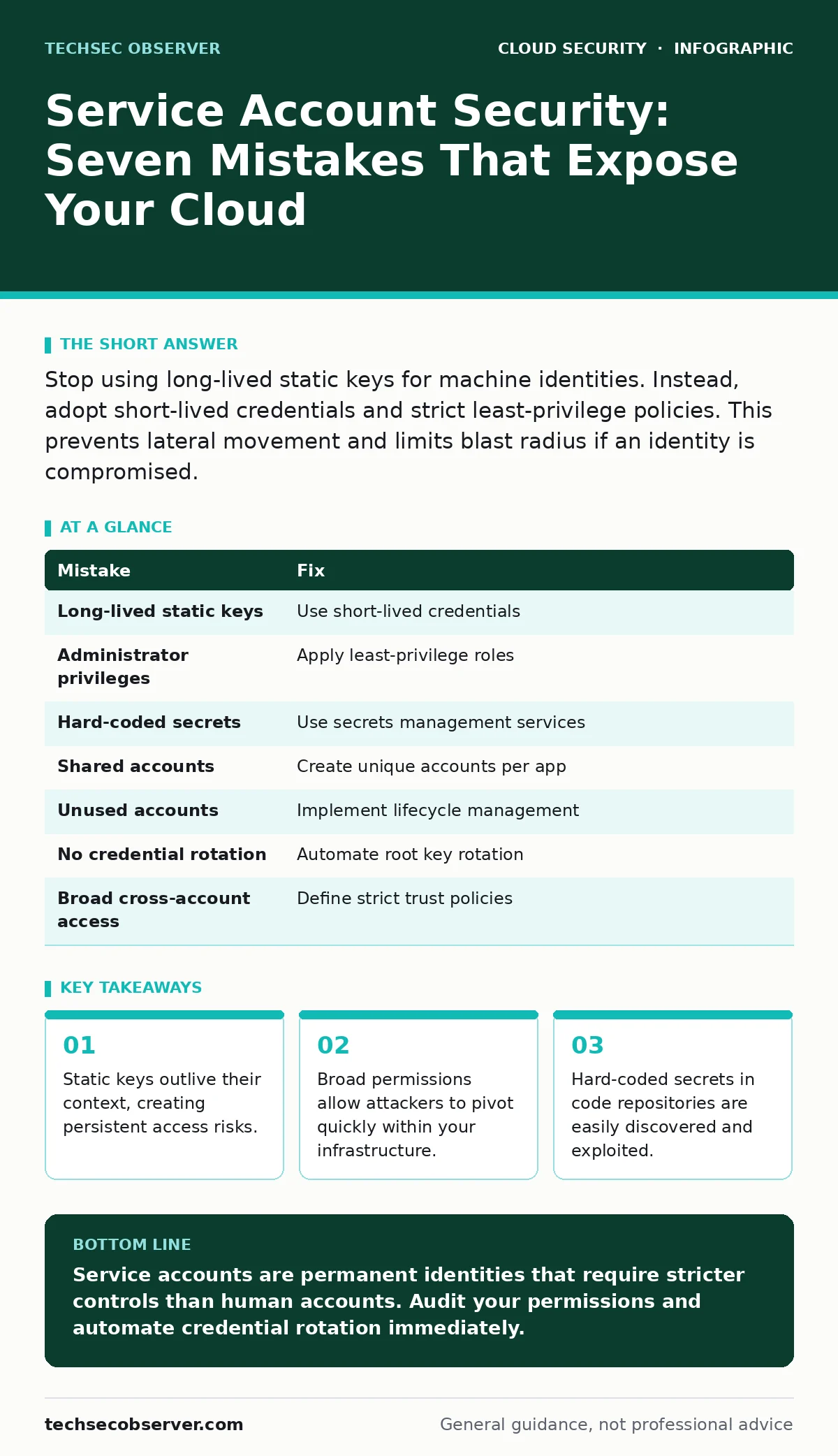
Stop using long-lived static keys for machine identities. Instead, adopt short-lived credentials and strict least-privilege policies. This prevents lateral movement and limits blast radius if an identity is compromised.
Mistake 1: Using Long-Lived Static Keys
Many developers treat service account keys like human passwords. They generate a key once and reuse it for months or years. This approach assumes the key will never leak. It also assumes the context in which the key is used will not change.
Why it hurts:
Static keys have no expiration date. If a key is exposed, it remains valid until you manually revoke it. Attackers can store these keys and use them quietly, returning weeks or months later to access your systems. This delay makes detection difficult and increases the damage potential.
The fix:
Use short-lived credentials where possible. Mechanisms such as workload identities or temporary security credentials automatically expire after a short period. This limits the window of opportunity for an attacker. If a credential is stolen, it becomes useless quickly.
Mistake 2: Granting Administrator Privileges
Developers often assign broad administrative roles to service accounts to avoid permission errors. This is a convenience measure that bypasses the need to understand specific resource requirements. It simplifies initial setup but creates significant security debt.
Why it hurts:
Excessive privileges violate the principle of least privilege. If an attacker compromises a service account with admin rights, they gain control over the entire environment. They can create new accounts, modify configurations, and exfiltrate data. This turns a single compromised identity into a full account takeover. See our guide on cloud account hijacking for details on how attackers escalate privileges.
The fix:
Define the minimum permissions required for each task. Use role-based access control to restrict actions to specific resources. Regularly audit permissions to ensure they still match the account’s purpose. Remove any permissions that are no longer needed.
Mistake 3: Hard-Coding Secrets in Source Code
Embedding service account credentials directly into application code is a common mistake. Developers do this to simplify deployment or because they lack a secure configuration management system. The secrets become part of the version history.
Why it hurts:
Source code is often stored in repositories that are accessible to many team members. If the repository is public or accessed by unauthorised personnel, the secrets are exposed. Even in private repositories, internal attackers or compromised developer accounts can access these keys. This is a classic example of secrets in source code. Once exposed, the keys are valid indefinitely unless rotated.
The fix:
Store secrets in a dedicated secrets management service. Inject these secrets into the application at runtime via environment variables or secure storage mounts. Never commit secrets to version control. Use pre-commit hooks to scan for accidental inclusion.
Mistake 4: Sharing Service Accounts Across Applications
Teams often create a single service account for multiple applications or services. This reduces the administrative overhead of managing multiple identities. It also simplifies permission management, as one set of rules applies to all.
Why it hurts:
Sharing accounts breaks the chain of custody. You cannot determine which application performed a specific action. If one application is compromised, the attacker gains access to all other applications using the same account. This increases the blast radius significantly. It also makes auditing and forensic analysis nearly impossible.
The fix:
Create unique service accounts for each application or service. This isolates permissions and limits the impact of a compromise. It also enables precise auditing, as you can trace actions back to a specific application. This aligns with best practices for cloud supply chain risks.
Mistake 5: Ignoring Unused Service Accounts
Organisations often create service accounts for testing, development, or temporary projects. These accounts are rarely deleted after the project ends. They linger in the environment, accumulating permissions over time.
Why it hurts:
Unused accounts are low-hanging fruit for attackers. They are less likely to be monitored or used regularly, making suspicious activity harder to detect. Attackers can exploit these dormant accounts to establish a foothold in your environment. This is a common vector in infrastructure-as-code misconfigurations.
The fix:
Implement a lifecycle management process for service accounts. Identify and disable accounts that are inactive for a defined period. Regularly review and delete accounts that are no longer needed. Automate this process where possible to reduce human error.
See also: Difference Between DevSecOps and SecDevOps: The Structural Reality · Cloud Compliance Standards: Mapping Rules to Infrastructure Code
Mistake 6: Failing to Rotate Credentials
Even when using short-lived credentials, some teams fail to rotate the underlying signing keys or certificates. They assume that because the tokens expire, the root keys are safe. This is a false sense of security.
Why it hurts:
If the root signing key is compromised, an attacker can generate valid tokens indefinitely. The expiration of individual tokens does not mitigate the risk of a compromised root. This undermines the entire security model. Regular rotation limits the impact of a key compromise.
The fix:
Automate the rotation of root keys and certificates. Ensure that new keys are distributed securely to all dependent systems. Monitor for errors during rotation to avoid service disruption. This complements strategies discussed in our OAuth token abuse guide.
Mistake 7: Overlooking Cross-Account Access
In multi-account cloud environments, service accounts often need access to resources in other accounts. Teams frequently grant broad cross-account permissions to simplify this process. They ignore the trust relationships between accounts.
Why it hurts:
Broad cross-account permissions allow attackers to move laterally between accounts. If one account is compromised, the attacker can pivot to others using the same service account. This expands the attack surface and complicates containment. It also makes it difficult to enforce consistent security policies.
The fix:
Define strict trust policies between accounts. Limit cross-account access to specific resources and actions. Use external IDs to prevent confusion attacks. Regularly audit cross-account permissions to ensure they remain necessary and secure.
| Mistake | Fix |
|---|---|
| Long-lived static keys | Use short-lived credentials |
| Administrator privileges | Apply least-privilege roles |
| Hard-coded secrets | Use secrets management services |
| Shared accounts | Create unique accounts per app |
| Unused accounts | Implement lifecycle management |
| No credential rotation | Automate root key rotation |
| Broad cross-account access | Define strict trust policies |
Key takeaways
- Static keys outlive their context, creating persistent access risks.
- Broad permissions allow attackers to pivot quickly within your infrastructure.
- Hard-coded secrets in code repositories are easily discovered and exploited.
Service accounts are permanent identities that require stricter controls than human accounts. Audit your permissions and automate credential rotation immediately.
Frequently asked questions
How often should I rotate service account keys?
Rotate root keys regularly, ideally every few months. Use short-lived tokens for daily operations to minimise risk.
Can I use environment variables for secrets?
Environment variables are better than hard-coding, but they are still visible in process listings. Use a secrets manager for better protection.
What is workload identity federation?
It allows external identities to access cloud resources without creating long-lived service account keys. This reduces the attack surface.
How do I detect compromised service accounts?
Monitor for unusual activity patterns, such as access from unknown locations or times. Set up alerts for privilege escalation attempts.
How this guide was produced: written by the TechSec Observer editorial team with AI assistance, checked against the public references listed below, and reviewed when the facts change. See our editorial policy or report an error.