Prevent Open Security Groups in Cloud Environments
Default-deny rules with explicit allow lists stop lateral movement that open ingress rules enable across your cloud infrastructure.
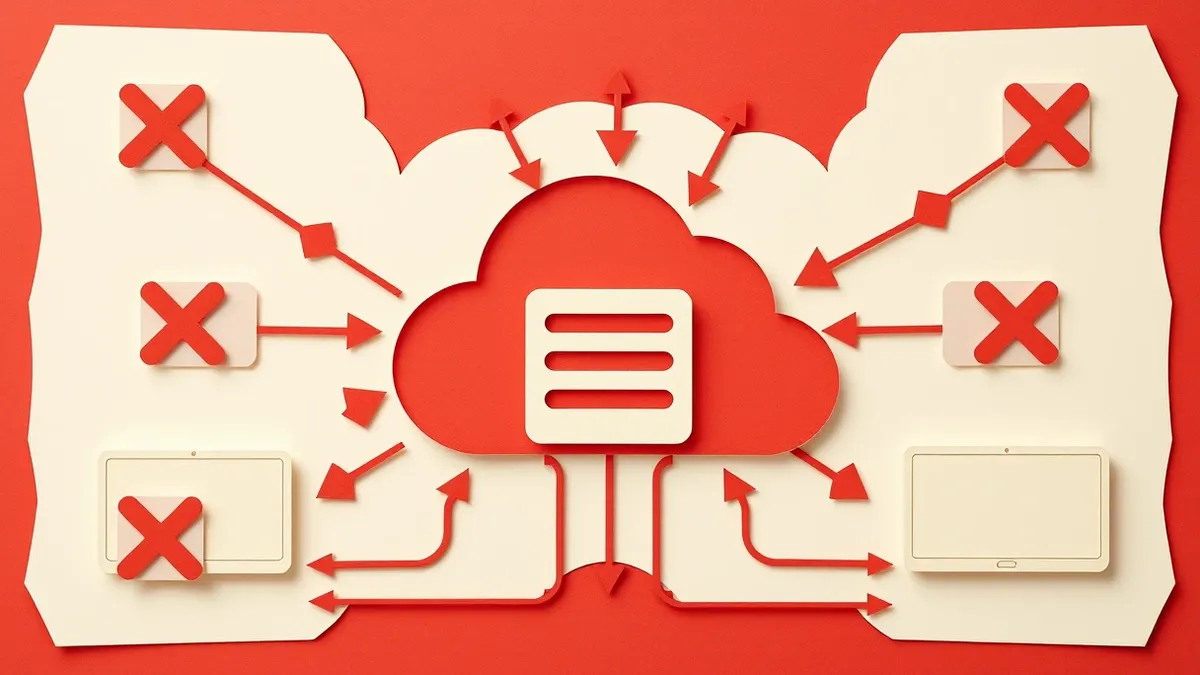
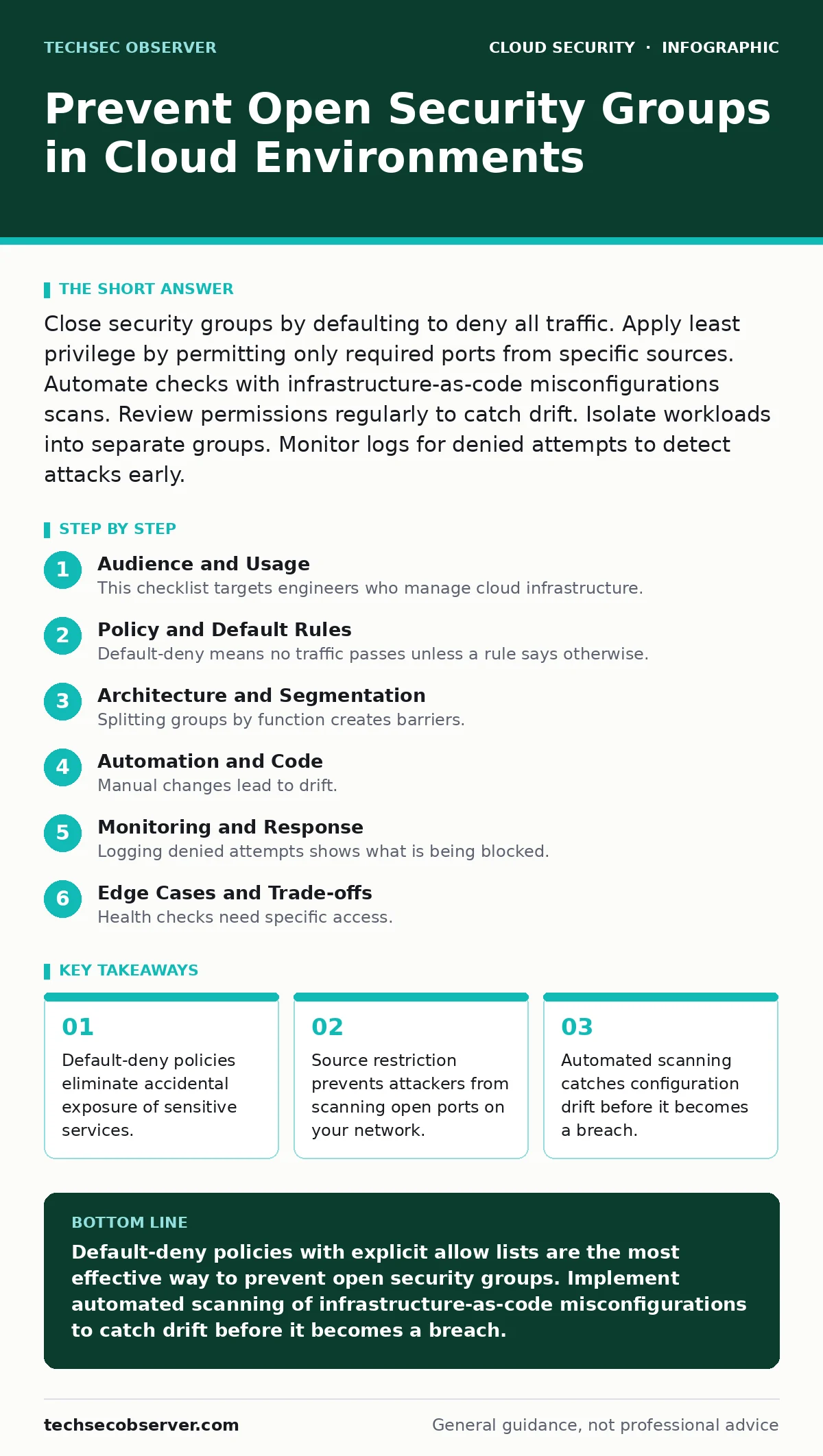
Close security groups by defaulting to deny all traffic. Apply least privilege by permitting only required ports from specific sources. Automate checks with infrastructure-as-code misconfigurations scans. Review permissions regularly to catch drift. Isolate workloads into separate groups. Monitor logs for denied attempts to detect attacks early.
Audience and Usage
This checklist targets engineers who manage cloud infrastructure. You use it to audit current setups and enforce future changes. The items group into policy, architecture, and automation. Review each item against your environment. Mark items as complete only when verified. This process reduces the attack surface significantly. It stops casual scanners and targeted exploits. You gain visibility into who can talk to what. The effort pays off in reduced incident response time.
Policy and Default Rules
- Enforce default-deny inbound traffic: Prevents any connection unless explicitly allowed by a rule.
- Enforce default-deny outbound traffic: Stops compromised instances from contacting command-and-control servers.
- Disable public IP assignments: Removes direct internet exposure for non-public facing workloads.
- Require justification for wide-open rules: Ensures every broad permission has a documented business need.
- Set rule expiration dates: Forces periodic review of permissions that should be temporary.
Default-deny means no traffic passes unless a rule says otherwise. This is the strongest baseline. Many clouds default to allow outbound traffic. This helps compromised hosts exfiltrate data. Blocking outbound traffic by default stops this. You must then allow only specific destinations. This adds complexity but improves security. Public IPs make resources reachable from the internet. Most back-end services do not need this. Disabling them by default prevents accidental exposure.
Architecture and Segmentation
- Split groups by function: Isolates web servers from database servers to limit blast radius.
- Use CIDR blocks for sources: Restricts access to known IP ranges instead of open internet.
- Avoid 0.0.0.0/0 rules: Blocks global internet access which is rarely necessary for internal services.
- Implement micro-segmentation: Limits lateral movement by restricting traffic between small groups of hosts.
- Separate development and production: Prevents dev tools from accessing live data accidentally.
Splitting groups by function creates barriers. If a web server is hacked, the attacker cannot reach the database. This is called micro-segmentation. It limits the damage of a single breach. Using specific IP ranges is better than open rules. It ensures only trusted networks can connect. Avoiding 0.0.0.0/0 stops anyone on the internet from connecting. This is a common mistake. Separating environments prevents cross-contamination. Dev tools often have weaker security. Keeping them away from production data is wise.
Automation and Code
- Scan infrastructure-as-code misconfigurations: Catches open rules before they reach the live environment.
- Use policy-as-code tools: Enforces security rules automatically during deployment pipelines.
- Automate rule cleanup: Removes unused rules that accumulate over time and increase risk.
- Integrate with DevSecOps pipelines: Stops builds that contain insecure network configurations.
- Monitor for orphaned cloud resources: Identifies unused groups that may still have open rules.
Manual changes lead to drift. Automation keeps configurations consistent. Scanning code before deployment catches errors early. This is part of DevSecOps. It shifts security left in the process. Policy-as-code defines allowed settings. Tools check every change against these policies. This prevents human error. Unused rules add noise and risk. Automating their removal keeps the environment clean. Orphaned resources often get forgotten. They may still have open ports. Finding and closing them reduces risk.
Monitoring and Response
- Log denied connection attempts: Provides evidence of scanning or attack attempts on your network.
- Alert on new open rules: Detects sudden changes that might indicate a breach or mistake.
- Review logs weekly: Ensures anomalies are noticed before they lead to data loss.
- Test rules with external scanners: Verifies that rules work as intended from outside the network.
- Document allowed traffic flows: Creates a baseline to compare against unexpected connections.
Logging denied attempts shows what is being blocked. This helps identify attackers. Alerting on new rules catches mistakes fast. A sudden open port might be an error. Or it might be an attacker changing settings. Regular reviews keep you aware. External scanners test your defenses. They see what outsiders see. Documenting flows creates a baseline. You can spot deviations from the norm. This makes incident response faster.
See also: Cloud Compliance Standards: Mapping Rules to Infrastructure Code · Cryptojacking: How to Detect and Stop Silent Resource Theft
Edge Cases and Trade-offs
- Handle health check sources: Allow specific IP ranges for load balancer health checks without opening all traffic.
- Manage cross-account access: Use IAM roles instead of open security groups for cross-account communication.
- Address legacy application needs: Isolate legacy apps that require broad access into a separate, monitored zone.
- Balance latency and security: Understand that extra hops for segmentation add minimal latency but major security.
- Plan for disaster recovery: Ensure DR environments have the same strict rules as primary environments.
Health checks need specific access. Load balancers check if servers are up. These checks come from known IPs. Do not open all traffic for this. Cross-account access is tricky. Open groups are a bad solution. Use identity-based permissions instead. Legacy apps often need broad access. Isolate them so they do not affect modern apps. Segmentation adds slight latency. The security benefit outweighs the cost. DR environments must match primary rules. A weak DR setup is a backdoor.
Integration with Related Practices
This checklist works best with other security measures. See the guide on cloud compliance for regulatory requirements. Check service account security to ensure identities are protected. Review cloud supply chain risks to secure your dependencies. These areas overlap with network security. Strong identities prevent unauthorized rule changes. Secure supply chains prevent malicious code from opening ports. Compliance frameworks often require segmentation. Aligning your practices saves effort. It creates a cohesive security posture.
Next Steps
Implement these items gradually. Start with default-deny policies. Then add segmentation. Automate checks last. Measure your progress. Track the number of open rules. Aim for zero unnecessary rules. Regular reviews keep you secure. Stay aware of new threats. Update your rules accordingly. Security is ongoing. It requires constant attention. This checklist is a starting point. Adapt it to your needs. Keep it current. Protect your infrastructure.
Key takeaways
- Default-deny policies eliminate accidental exposure of sensitive services.
- Source restriction prevents attackers from scanning open ports on your network.
- Automated scanning catches configuration drift before it becomes a breach.
Default-deny policies with explicit allow lists are the most effective way to prevent open security groups. Implement automated scanning of infrastructure-as-code misconfigurations to catch drift before it becomes a breach.
Frequently asked questions
How do I find open security groups in my cloud environment?
Use cloud-native tools or third-party scanners to list all security groups. Filter for rules allowing 0.0.0.0/0 or ::/0. Check for high port numbers that are rarely used.
Can I use security groups for all network security?
No. Security groups handle host-level filtering. You also need network-level firewalls. They provide different layers of defense. Use both for defence in depth.
What is the difference between inbound and outbound rules?
Inbound rules control traffic entering the instance. Outbound rules control traffic leaving it. Both need strict controls. Default-deny both is best practice.
How often should I review security group rules?
Review them monthly. More often if you have high change rates. Automated tools can help. They flag changes in real time. Manual reviews catch context issues.
How this guide was produced: written by the TechSec Observer editorial team with AI assistance, checked against the public references listed below, and reviewed when the facts change. See our editorial policy or report an error.