Prevent Orphaned Cloud Resources with this Audit Checklist
Orphaned resources continue to accrue costs and expand attack surfaces long after their parent applications have been decommissioned or forgotten.

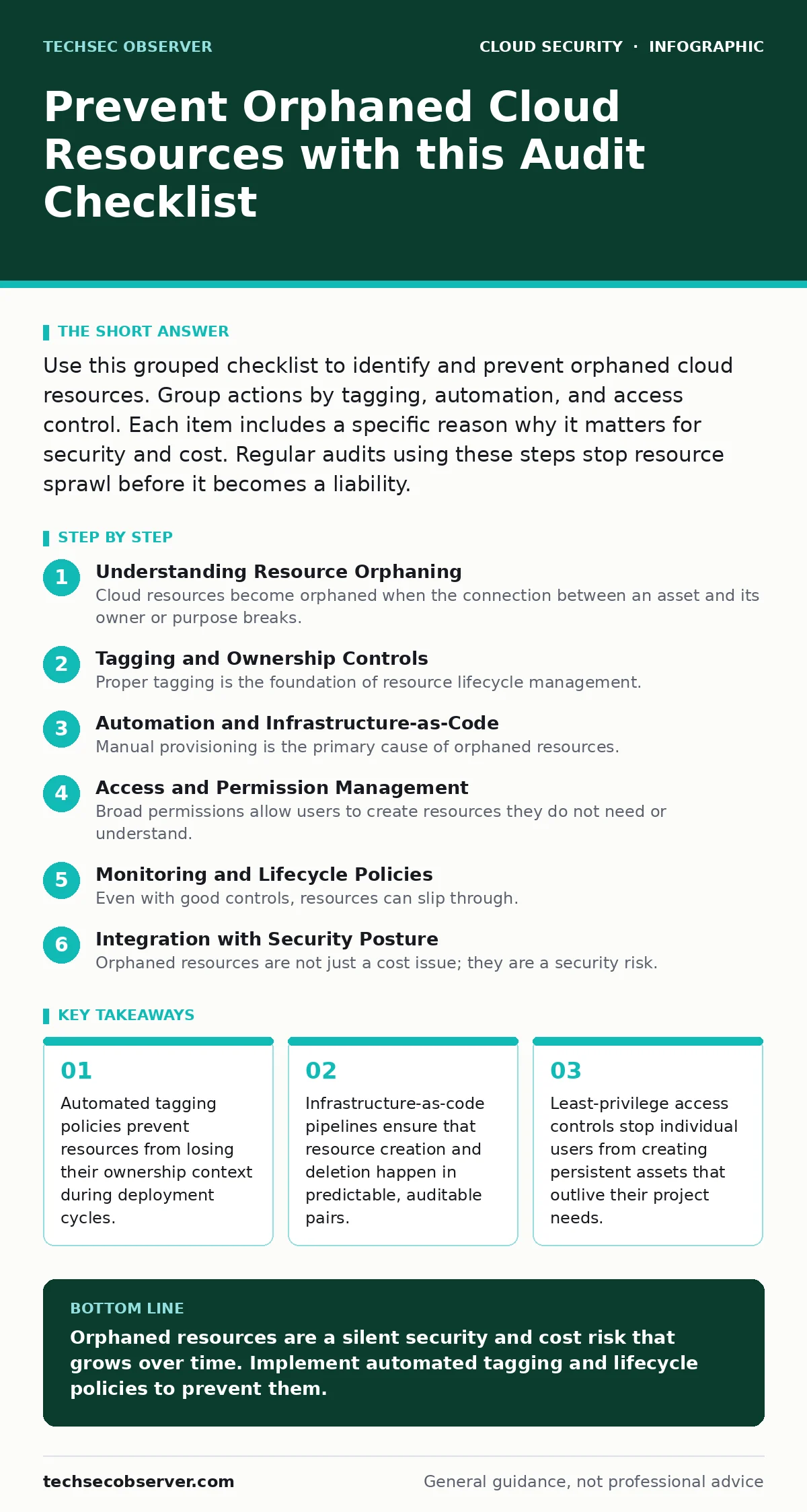
Use this grouped checklist to identify and prevent orphaned cloud resources. Group actions by tagging, automation, and access control. Each item includes a specific reason why it matters for security and cost. Regular audits using these steps stop resource sprawl before it becomes a liability.
Understanding Resource Orphaning
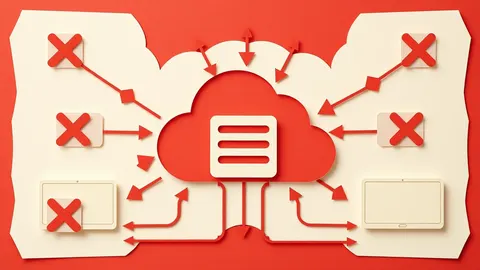
Cloud resources become orphaned when the connection between an asset and its owner or purpose breaks. This usually happens when an application is retired but its supporting database, storage bucket, or compute instance remains active. These assets continue to consume budget and expose your environment to attackers who scan for unmanaged endpoints. You must treat orphaned resources as a security gap, not just a billing error. The following checklist helps you prevent this drift by enforcing structure at the point of creation.
Tagging and Ownership Controls
Proper tagging is the foundation of resource lifecycle management. Without clear metadata, it is impossible to distinguish between active infrastructure and forgotten remnants. Implement these controls to ensure every asset has a clear owner and purpose.
- Enforce mandatory tagging policies: Resources without specific tags are rejected by the platform, preventing anonymous asset creation.
- Require owner email in tags: Direct accountability ensures someone receives alerts when a resource is idle or misconfigured.
- Set tag expiration dates: Automated reminders prompt owners to justify the continued existence of long-lived assets.
- Use consistent naming conventions: Standardised names make it easier to spot duplicates or legacy items during manual reviews.
- Audit tag compliance monthly: Regular checks catch drift where new tools bypass policy enforcement mechanisms.
Automation and Infrastructure-as-Code
Manual provisioning is the primary cause of orphaned resources. When humans create assets through a web console, they rarely document the intent or set up deletion triggers. Moving to code-based deployment creates a record of intent that can be audited and reversed. This approach aligns with best practices for preventing infrastructure-as-code misconfigurations.
- Define resources in code: Declarative scripts ensure that every asset has a defined creation and destruction path.
- Use pipeline-based deployments: Automated workflows execute the same steps every time, reducing human error and oversight.
- Implement destroy scripts: Explicit teardown instructions ensure that testing environments are fully cleaned up after use.
- Version control all configurations: Historical records allow you to trace when and why a resource was added or removed.
- Test deletion in staging: Verifying that teardown scripts work prevents partial deletions that leave orphaned components behind.
Access and Permission Management
Broad permissions allow users to create resources they do not need or understand. When development teams have unrestricted access, they often spin up temporary tools that become permanent fixtures. Restricting who can create what limits the blast radius of accidental orphaning. This connects directly to service account security, as automated accounts often have persistent, high-level access.
- Apply least-privilege principles: Users only create resources they are explicitly authorised to manage, reducing sprawl.
- Separate dev and prod access: Development environments can be more permissive, but production requires stricter creation controls.
- Review service account permissions: Automated accounts should not have blanket create permissions for all resource types.
- Use just-in-time access: Temporary elevation for specific tasks prevents long-term accumulation of unused assets.
- Audit user activity logs: Regular reviews of creation events help identify patterns of excessive or unnecessary provisioning.
Monitoring and Lifecycle Policies
Even with good controls, resources can slip through. Monitoring systems must actively look for assets that do not match expected patterns. This includes checking for resources that have not been accessed in a long time or that lack required tags. These checks complement broader cloud compliance efforts by ensuring ongoing adherence to internal standards.
- Set idle resource alerts: Notifications trigger when compute or storage assets show no activity for a set period.
- Automate tag remediation: Scripts that add missing tags or flag untagged resources keep the inventory accurate.
- Track resource dependencies: Mapping relationships between services helps identify when a parent application is deleted but children remain.
- Review billing anomalies: Sudden spikes or steady low-level costs often indicate hidden, orphaned assets.
- Schedule quarterly cleanups: Dedicated time for teams to review and delete unnecessary resources prevents accumulation.
See also: Cloud Compliance Standards: Mapping Rules to Infrastructure Code · Cryptojacking: How to Detect and Stop Silent Resource Theft
Integration with Security Posture
Orphaned resources are not just a cost issue; they are a security risk. Unmanaged assets often lack security updates, monitoring, or access controls. This increases the likelihood of them being compromised and used as a pivot point within your network. Addressing this requires a holistic view that includes SaaS security posture management for broader visibility.
- Scan for unpatched orphans: Automated tools check for security vulnerabilities in resources that may have been overlooked.
- Monitor network exposure: Ensure orphaned resources are not publicly accessible or connected to sensitive internal networks.
- Align with DevSecOps practices: Integrate resource lifecycle checks into the development pipeline to catch issues early.
- Review cloud supply chain risks: Ensure that third-party components do not introduce persistent, unmanaged assets.
- Document disposal procedures: Clear guidelines for deleting resources ensure that security and compliance requirements are met.
Conclusion on Prevention
Preventing orphaned cloud resources requires a combination of technical controls and cultural discipline. You must enforce tagging, automate deployments, restrict permissions, and monitor for anomalies. There is no single tool that solves this problem; it requires ongoing attention. By integrating these checks into your daily workflow, you reduce the risk of security breaches and unnecessary expenses. This approach supports broader goals like cloud account hijacking prevention by reducing the number of potential entry points.
Key takeaways
- Automated tagging policies prevent resources from losing their ownership context during deployment cycles.
- Infrastructure-as-code pipelines ensure that resource creation and deletion happen in predictable, auditable pairs.
- Least-privilege access controls stop individual users from creating persistent assets that outlive their project needs.
Orphaned resources are a silent security and cost risk that grows over time. Implement automated tagging and lifecycle policies to prevent them.
Frequently asked questions
How do I find orphaned resources in my cloud account?
Use your cloud provider’s resource explorer or cost management tools to filter for assets without tags, no recent activity, or missing owner information.
Can automation fully prevent orphaned resources?
Automation reduces the risk significantly by enforcing policies and cleaning up after deployments, but human oversight is still needed to review exceptions and complex dependencies.
What is the biggest risk of leaving orphaned resources?
Beyond cost, the main risk is security. Unmanaged resources often lack patches, monitoring, and access controls, making them easy targets for attackers.
How often should I audit for orphaned resources?
Monthly audits are recommended for most organisations, with quarterly deep dives to review complex dependencies and long-term asset usage patterns.
How this guide was produced: written by the TechSec Observer editorial team with AI assistance, checked against the public references listed below, and reviewed when the facts change. See our editorial policy or report an error.