What is Data Loss Prevention: Mechanics, Blind Spots and Fixes
Data loss prevention stops information leaving your network, but it often blocks legitimate work more frequently than it catches actual theft.

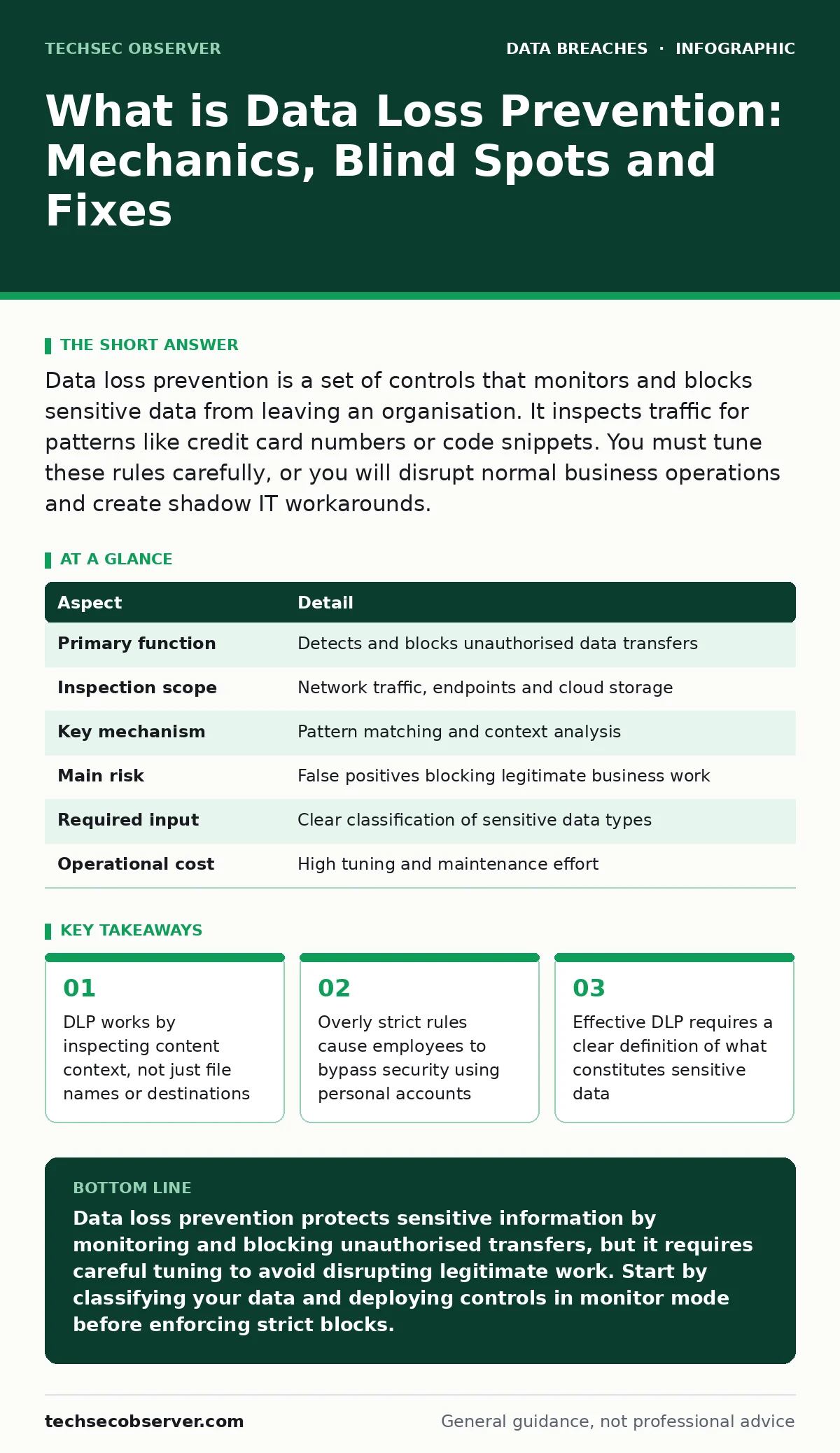
Data loss prevention is a set of controls that monitors and blocks sensitive data from leaving an organisation. It inspects traffic for patterns like credit card numbers or code snippets. You must tune these rules carefully, or you will disrupt normal business operations and create shadow IT workarounds.
What is data loss prevention
Data loss prevention is a security discipline that ensures sensitive information does not leave an organisation's boundaries. It combines software tools, policy definitions and monitoring techniques to detect and block unauthorised data transfers. You implement these controls to protect intellectual property, personal customer details and regulatory compliance obligations. The system acts as a filter between your internal networks and the outside world. It examines data in motion, at rest and in use. This layered approach catches leaks that simple firewalls miss because firewalls look at ports and protocols, not content.
| Aspect | Detail |
|---|---|
| Primary function | Detects and blocks unauthorised data transfers |
| Inspection scope | Network traffic, endpoints and cloud storage |
| Key mechanism | Pattern matching and context analysis |
| Main risk | False positives blocking legitimate business work |
| Required input | Clear classification of sensitive data types |
| Operational cost | High tuning and maintenance effort |
How data loss prevention works
The mechanism relies on identifying sensitive data before it moves. Tools scan files and network packets for specific patterns. Regular expressions identify formats like credit card numbers or national identification codes. You can also define custom patterns for proprietary data, such as project codenames or internal document headers. Context matters more than content alone. A single credit card number in a test file is harmless. The same number in an email to an external address is a risk. The system evaluates the user, the device and the destination to decide if the transfer is allowed.
Imagine a developer copying code to a personal USB drive. The DLP system detects the executable format and the sensitive API keys within the code. It blocks the copy operation and logs the event. The developer receives a notification explaining why the action was denied. This immediate feedback reinforces security policies without requiring manual intervention. The system does not guess intent. It matches actions against predefined rules.
Who data loss prevention affects
Every user who handles sensitive information faces these controls. Employees in finance, human resources and engineering are the primary targets. They access high-value data daily and have the most opportunities for accidental leaks. Contractors and temporary staff also fall under DLP scrutiny. Their access rights may be broader than necessary, increasing the risk of data exfiltration. You must apply consistent rules across all user types to prevent gaps. Inconsistent policies create confusion and weaken the overall security posture.
Developers face unique challenges. They frequently move code between local machines, version control systems and cloud environments. Strict DLP rules can break their workflow. They may need to share code snippets with external collaborators or upload builds to testing servers. If the system blocks these actions, developers will find ways around it. They might use personal email accounts or messaging apps. This creates shadow IT channels that are invisible to security teams. You must balance security with usability to keep them productive.
What people usually get wrong
Many organisations treat DLP as a set-and-forget solution. They install the software and configure broad rules, then assume the problem is solved. This approach fails because data formats change and business processes evolve. A rule that blocked a specific file type last year may block a critical application update today. You must review and update rules regularly. Without maintenance, the system generates noise. Administrators ignore alerts because most are false positives. This alert fatigue means real threats slip through unnoticed.
Another common error is focusing only on outbound traffic. Teams monitor emails and file transfers leaving the network. They ignore data moving between internal systems. An attacker who compromises one server can move data to another server before exfiltrating it. This lateral movement often bypasses outbound DLP checks. You must monitor internal data flows as well. Also, many teams neglect data at rest. Files sitting on unencrypted drives or shared folders remain vulnerable. DLP tools can scan storage repositories to ensure sensitive data is encrypted and access-controlled.
What to do about it
Start by defining what data needs protection. You cannot protect what you cannot identify. Work with legal and compliance teams to list regulated data types. Include intellectual property, financial records and personal information. Create a data classification scheme. Label documents as public, internal, confidential or restricted. This classification guides the DLP rules. If you do not classify data, the system cannot distinguish between a public brochure and a secret formula.
Deploy DLP in monitor-only mode first. Let the system watch traffic for a few weeks. Review the logs to see what it would have blocked. Adjust the rules to reduce false positives. Once the rules are accurate, switch to blocking mode. Start with low-risk actions, like blocking sensitive data in personal email accounts. Gradually expand to higher-risk areas, like cloud storage and removable media. This phased approach minimises disruption to business operations.
See also: Warning Signs of Tax Identity Theft and How to Respond
Integrating with other security measures
DLP does not work in isolation. It must connect with other security controls. Identity and access management ensures users only access data they need. If a user has no reason to access sensitive files, DLP does not need to monitor their actions. This reduces the volume of data the system must inspect. Encryption protects data that DLP cannot stop. If data is encrypted before it leaves the network, the recipient cannot read it. This provides a safety net for accidental leaks.
Consider your data retention policies. Keeping data longer than necessary increases the attack surface. Regularly delete old or unused sensitive files. This reduces the amount of data DLP must protect. Also, align DLP with your data breach response plans. If a leak occurs, you need a clear process to contain and investigate it. DLP logs provide evidence for digital forensics. They show who accessed the data and where it went. This speeds up incident response and helps meet regulatory reporting requirements.
The hidden costs of prevention
Strict DLP controls create friction. Employees spend more time finding workarounds than doing their jobs. This reduces productivity and morale. You may see an increase in support tickets as users struggle with blocked actions. This operational cost is often ignored in budget planning. You must account for the time administrators spend tuning rules and investigating alerts. These tasks require skilled staff. If you lack resources, the system becomes a burden rather than a benefit.
Also, consider the risk of innovation stifling. Researchers and developers need freedom to experiment. Overly restrictive controls can prevent them from sharing ideas or accessing external resources. This slows down product development. You must design DLP rules that allow necessary collaboration while blocking genuine threats. Regular reviews with business leaders help ensure security does not hinder growth. Balance is key. Security should enable business, not block it.
Key takeaways
- DLP works by inspecting content context, not just file names or destinations
- Overly strict rules cause employees to bypass security using personal accounts
- Effective DLP requires a clear definition of what constitutes sensitive data
Data loss prevention protects sensitive information by monitoring and blocking unauthorised transfers, but it requires careful tuning to avoid disrupting legitimate work. Start by classifying your data and deploying controls in monitor mode before enforcing strict blocks.
Frequently asked questions
Does data loss prevention stop all data theft?
No. DLP blocks known patterns and unauthorised channels, but determined attackers can use encryption, steganography or physical theft to bypass it. It reduces risk but does not eliminate it.
How do I tune DLP rules to avoid false positives?
Start in monitor-only mode to gather baseline data. Review logs to identify legitimate activities that trigger alerts. Adjust rules to exclude these normal workflows. Test changes in a small group before wider rollout.
Can DLP protect data in cloud storage?
Yes. Modern DLP solutions integrate with cloud platforms to scan files at rest and in motion. They detect sensitive data uploaded to shared folders or public buckets and block or encrypt it based on your policies.
What is the difference between DLP and encryption?
DLP controls where data goes and who can access it. Encryption scrambles data so only authorised users can read it. Use both: DLP to prevent leaks and encryption to protect data if it is stolen.
How this guide was produced: written by the TechSec Observer editorial team with AI assistance, checked against the public references listed below, and reviewed when the facts change. See our editorial policy or report an error.