Operating System Hardening Checklist for Secure Infrastructure
Hardening reduces the attack surface by disabling unused services, yet it introduces operational friction that requires careful testing before deployment.

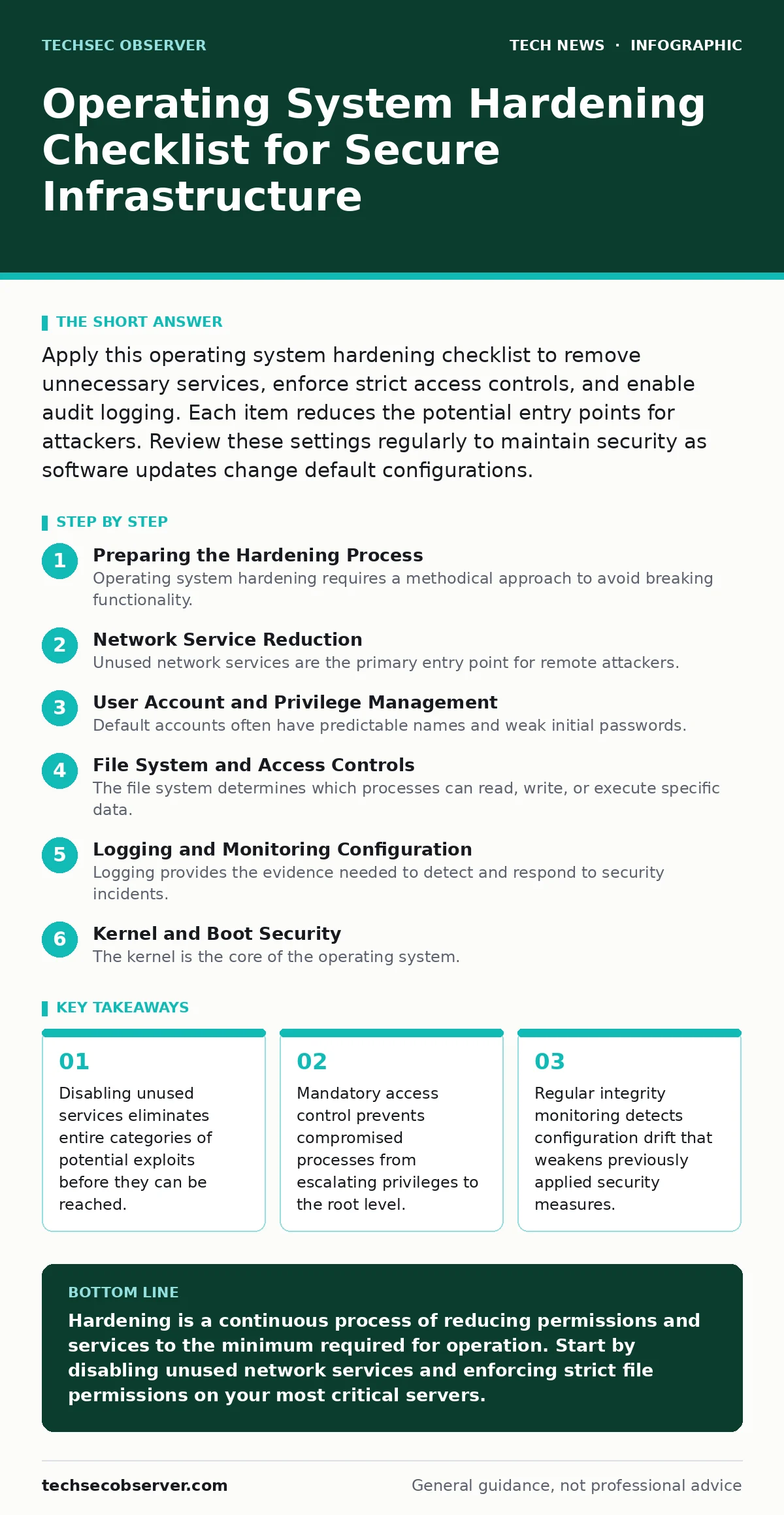
Apply this operating system hardening checklist to remove unnecessary services, enforce strict access controls, and enable audit logging. Each item reduces the potential entry points for attackers. Review these settings regularly to maintain security as software updates change default configurations.
Preparing the Hardening Process
Operating system hardening requires a methodical approach to avoid breaking functionality. You must understand the baseline configuration before making changes. Start by identifying all services, ports, and user accounts currently active on the system. Create a snapshot or backup of the current state. This allows you to revert if a change prevents legitimate applications from functioning. Hardening is not a one-time event but a continuous adjustment of permissions and services.
Network Service Reduction
Unused network services are the primary entry point for remote attackers. Each open port represents a potential vulnerability, regardless of whether the software running behind it is patched. Review every listening socket and determine if it is required for business operations. Disable any service that does not have a clear, documented purpose. This includes legacy protocols that may still be enabled by default for backward compatibility.
- Disable unused network daemons: Removes the attack surface for remote exploitation attempts.
- Close unnecessary firewall ports: Prevents scanners from identifying available services on the host.
- Restrict SSH access to specific IPs: Limits brute-force attempts to known administrative locations.
- Disable IPv6 if unused: Eliminates a secondary network stack that may have unpatched vulnerabilities.
Reducing network exposure does not protect against insider threats or attacks that originate from already compromised internal hosts. It only stops external reconnaissance and initial access via the network layer. For complex network routing, consider how proxy servers handle traffic to add an additional layer of abstraction.
User Account and Privilege Management
Default accounts often have predictable names and weak initial passwords. Attackers target these accounts because they know they exist. You must rename or disable default administrative accounts. Create dedicated service accounts for applications, ensuring they have only the permissions required to run their specific tasks. Never use a shared administrative account for routine maintenance. This practice ensures that every action can be traced to a specific individual.
- Disable default administrator accounts: Removes well-known targets for credential stuffing attacks.
- Enforce least privilege for service accounts: Limits the damage if a service account is compromised.
- Implement account lockout policies: Thwarts automated password guessing tools after failed attempts.
- Require multi-factor authentication for admin access: Adds a second verification step beyond passwords.
Privilege escalation is a common post-exploitation technique. By restricting what normal users and service accounts can do, you contain the blast radius of a breach. This approach complements biometric authentication systems by ensuring that even if a physical factor is bypassed, logical privileges remain restricted.
File System and Access Controls
The file system determines which processes can read, write, or execute specific data. Weak permissions allow an attacker who gains access to a low-privilege process to modify system binaries or read sensitive configuration files. Implement mandatory access control to restrict what each process can do, regardless of the user running it. This is distinct from discretionary access control, which relies on user permissions. Mandatory controls are enforced by the kernel and cannot be bypassed by standard users.
- Enable mandatory access control: Prevents processes from accessing resources outside their defined scope.
- Set strict permissions on /etc files: Protects system configuration from unauthorized modification.
- Disable world-writable directories: Stops any user from altering shared system resources.
- Hide sensitive data with encryption: Ensures data remains unreadable if storage media is stolen.
Containers often rely on the host kernel for security boundaries. If the host file system permissions are loose, a container escape may grant the attacker broader access than intended. Proper file system hardening ensures that container isolation remains effective even if the container runtime is compromised.
Logging and Monitoring Configuration
Logging provides the evidence needed to detect and respond to security incidents. Default logging levels are often insufficient to capture suspicious activity. You must configure the system to record authentication attempts, privilege changes, and file modifications. Ensure that logs are sent to a remote, tamper-proof storage system. Local logs can be deleted by an attacker who gains root access. Remote logging ensures that a record of the intrusion survives the compromise.
- Enable audit logging for admin actions: Creates a trail for forensic analysis after an incident.
- Forward logs to a remote server: Prevents attackers from deleting evidence of their presence.
- Monitor for unexpected process executions: Detects malware that attempts to run hidden scripts.
- Set alerts for failed login spikes: Provides early warning of brute-force or credential stuffing attacks.
Effective monitoring requires more than just collecting data; it requires analysing it for anomalies. You should integrate these logs with a centralised security information and event management system. This allows for correlation of events across multiple hosts. For external network traffic, ensure that DNSSEC is enabled to prevent domain spoofing that could redirect log data to malicious servers.
See also: Email security issues explained with fix mechanics
Kernel and Boot Security
The kernel is the core of the operating system. If an attacker can modify the kernel, they can bypass all other security controls. Secure boot ensures that only signed and trusted kernel images can load during startup. This prevents rootkits from loading before the operating system fully initialises. Additionally, disable the loading of unused kernel modules. Each module increases the complexity of the kernel and the potential for bugs.
- Enable secure boot: Prevents unsigned or modified kernels from loading at startup.
- Disable unused kernel modules: Reduces the kernel code base and potential vulnerabilities.
- Restrict raw socket access: Stops applications from crafting arbitrary network packets.
- Enable kernel address space layout randomisation: Hinders exploit attempts that rely on fixed memory addresses.
Kernel hardening is often overlooked because it requires deeper technical knowledge. However, it provides a critical defence against advanced persistent threats that target the lowest levels of the system. This complements macOS security settings by ensuring that the underlying Unix foundation remains secure, even if the graphical interface is compromised.
Key takeaways
- Disabling unused services eliminates entire categories of potential exploits before they can be reached.
- Mandatory access control prevents compromised processes from escalating privileges to the root level.
- Regular integrity monitoring detects configuration drift that weakens previously applied security measures.
Hardening is a continuous process of reducing permissions and services to the minimum required for operation. Start by disabling unused network services and enforcing strict file permissions on your most critical servers.
Frequently asked questions
Does hardening affect system performance?
Hardening can introduce minor overhead due to additional checks and logging, but the impact is usually negligible compared to the security benefits.
How often should I review my hardening settings?
Review settings after every major software update and whenever new applications are deployed to ensure no new unnecessary services are enabled.
Can hardening prevent all attacks?
No, hardening reduces the attack surface but cannot stop all attacks, particularly those targeting application logic or social engineering.
What is the difference between hardening and patching?
Patching fixes known vulnerabilities in software, while hardening configures the system to minimise exposure and limit the impact of potential breaches.
How this guide was produced: written by the TechSec Observer editorial team with AI assistance, checked against the public references listed below, and reviewed when the facts change. See our editorial policy or report an error.