WordPress Theme Vulnerabilities: Mechanics, Risks and Mitigation
Theme code executes with server privileges, meaning a single insecure template file can grant attackers full control over the database and file system.

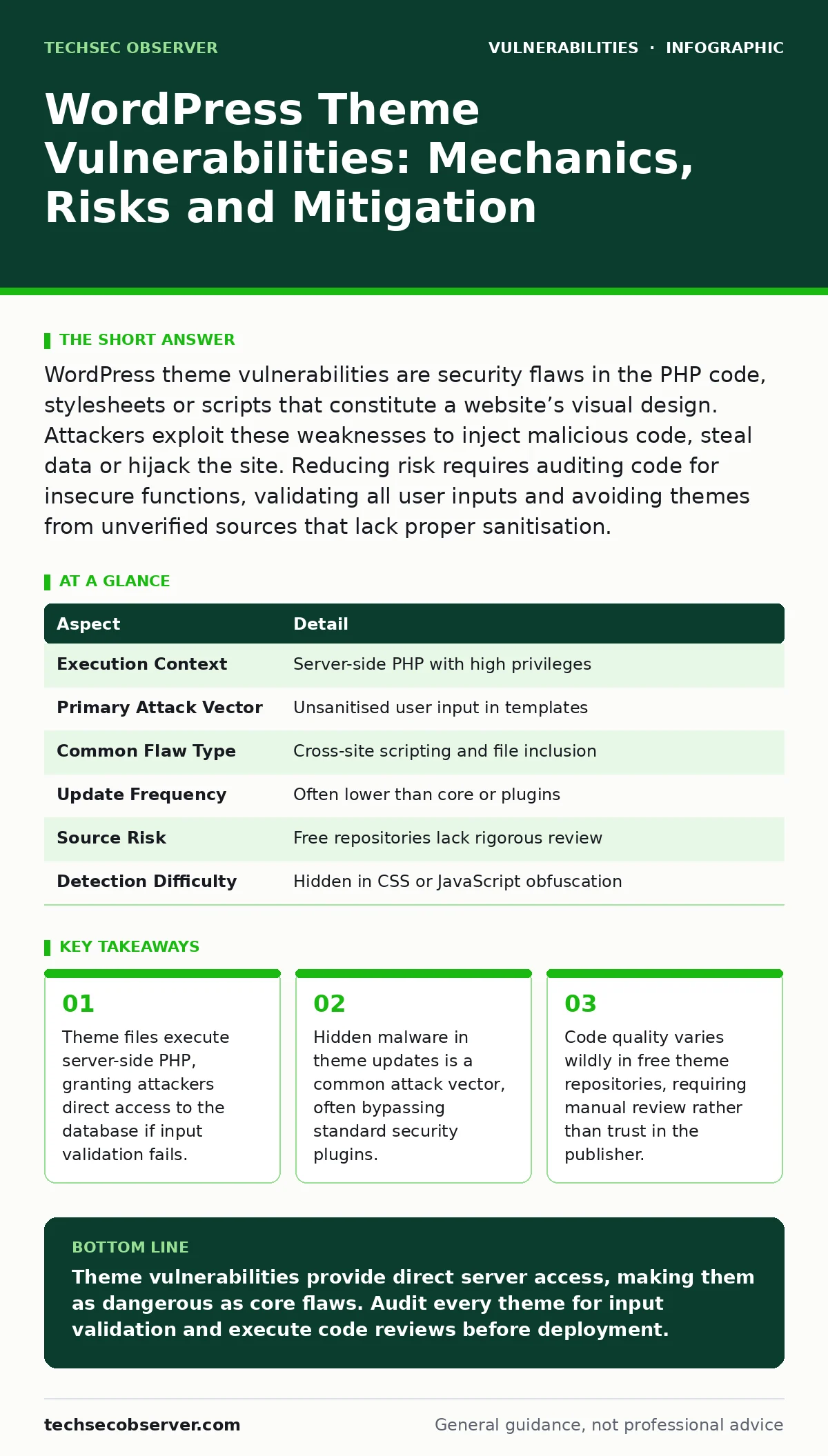
WordPress theme vulnerabilities are security flaws in the PHP code, stylesheets or scripts that constitute a website’s visual design. Attackers exploit these weaknesses to inject malicious code, steal data or hijack the site. Reducing risk requires auditing code for insecure functions, validating all user inputs and avoiding themes from unverified sources that lack proper sanitisation.
How Themes Differ From Plugins in Security Context
WordPress themes handle presentation logic, whereas plugins handle functional logic. This distinction matters because themes often contain fewer security checks than plugins. Developers assume users trust the visual layer, so they spend less time auditing theme code. A theme vulnerability allows an attacker to modify how content is displayed or how data is processed. This can lead to cross-site scripting, where malicious scripts run in a visitor’s browser. It can also lead to remote code execution, where the attacker runs commands on the server. The impact is severe because themes load on every page request.
| Aspect | Detail |
|---|---|
| Execution Context | Server-side PHP with high privileges |
| Primary Attack Vector | Unsanitised user input in templates |
| Common Flaw Type | Cross-site scripting and file inclusion |
| Update Frequency | Often lower than core or plugins |
| Source Risk | Free repositories lack rigorous review |
| Detection Difficulty | Hidden in CSS or JavaScript obfuscation |
The Mechanics of Theme Exploitation
A theme vulnerability occurs when the code processes data without verifying its safety. Imagine a theme that allows users to sort comments by date. The sorting parameter comes from the URL. If the theme passes this parameter directly into a database query or a server function, an attacker can inject malicious commands. This is known as injection. The server executes the injected command as if it were legitimate code.
Another common mechanism is file inclusion. Themes often include other files to build pages. If the filename is controlled by user input, an attacker can specify a file outside the theme directory. This allows them to read sensitive configuration files or execute uploaded malware. The core issue is the lack of boundaries between trusted code and untrusted input.
Who Is Affected by Theme Flaws
Any site using a vulnerable theme is at risk. This includes personal blogs, corporate websites and e-commerce stores. The impact depends on the site’s role. A personal blog might suffer from defacement, where the homepage displays offensive images. An e-commerce site might suffer from data theft, where customer payment details are stolen. Administrators are also affected.
If an attacker gains access through a theme flaw, they can create new admin accounts. This locks out the legitimate owners. The attacker can then install backdoors that persist even after the theme is removed. This means the compromise is not limited to the duration of the vulnerable theme’s presence. The damage extends to the entire server environment.
Common Forms of Theme Vulnerabilities
Cross-site scripting is the most frequent theme flaw. It occurs when user input is displayed on the page without escaping. An attacker can inject JavaScript that steals session cookies. This allows them to impersonate logged-in users. File inclusion is another major risk. It happens when the theme includes files based on dynamic variables.
If these variables are not validated, attackers can include arbitrary files. Remote file inclusion allows them to load malware from external servers. Local file inclusion allows them to read internal server files. Insecure direct object references are also common. These occur when the theme allows access to files or data based on predictable IDs. An attacker can guess IDs to access private data or delete files.
What People Usually Get Wrong
Many developers believe that using a popular theme guarantees safety. Popularity does not imply security. High download counts often attract more attackers, who scan for vulnerabilities in widely used code. Another misconception is that visual customisation is harmless. CSS and JavaScript files can contain malicious code.
If a theme allows users to upload images, attackers might upload PHP files disguised as images. If the server executes these files, the site is compromised. Developers also overlook the importance of updates. They assume minor updates only fix bugs. In reality, security patches are often bundled with feature updates. Ignoring updates leaves known vulnerabilities open for exploitation.
See also: What is LDAP Injection: Mechanics, Risks and Secure Coding Practices · Command Injection: How Unsanitised Input Breaks Your Shell
Reducing Risk Through Code Analysis
Manual code review is the most effective defence. Look for functions that process user input without sanitisation. Functions like echo, print or include are dangerous if they handle external data. Ensure that all data is escaped before output. Use built-in WordPress functions for sanitisation and validation. Avoid using eval() or base64_decode() with user input. These functions can execute arbitrary code. Check for hardcoded credentials in theme files. Developers sometimes leave test passwords in the code. These provide immediate access to attackers. Regularly audit theme files for changes. Compare current files against known good versions. This helps detect backdoors that attackers might insert after compromising the site.
Integrating Secure Development Practices
Secure coding practices must extend to theme development. Adopt a security-first mindset. Validate all input at the server side. Never trust client-side validation. Use prepared statements for database queries. This prevents SQL injection. Implement access controls for theme options. Ensure that only authorised users can change theme settings. Use nonces for form submissions. Nonces are tokens that verify the request originated from your site.
This prevents cross-site request forgery. Consider integrating software composition analysis to track dependencies. This helps identify vulnerable libraries used in the theme. Regular security testing, including fuzz testing, can reveal hidden flaws. Fuzzing involves sending random data to the application to trigger crashes or errors. This helps identify input validation issues.
Key takeaways
- Theme files execute server-side PHP, granting attackers direct access to the database if input validation fails.
- Hidden malware in theme updates is a common attack vector, often bypassing standard security plugins.
- Code quality varies wildly in free theme repositories, requiring manual review rather than trust in the publisher.
Theme vulnerabilities provide direct server access, making them as dangerous as core flaws. Audit every theme for input validation and execute code reviews before deployment.
Frequently asked questions
Are free WordPress themes more vulnerable than paid ones?
Free themes often lack rigorous security review, but paid themes can also contain critical flaws. Source reputation matters more than price. Always verify the developer’s track record and code quality.
Can a theme vulnerability steal my database?
Yes. If a theme allows SQL injection or file inclusion, attackers can read database configuration files. This reveals credentials and allows direct database access, bypassing application-level security.
How do I know if my theme has a backdoor?
Compare your theme files against the original version from the developer. Look for unexpected PHP files, obfuscated code or functions that execute external commands. Regular checksum verification helps detect modifications.
Does updating the theme remove existing backdoors?
Updating replaces the theme files, which removes known backdoors in the code. However, if attackers have created separate files or modified the core, they may persist. Always scan the server for new files after updating.
How this guide was produced: written by the TechSec Observer editorial team with AI assistance, checked against the public references listed below, and reviewed when the facts change. See our editorial policy or report an error.