WordPress Plugin Vulnerabilities: What They Are and How They Exploit Your Site
Most plugin flaws arise from trusting user input without validation, allowing attackers to execute arbitrary code or steal data silently.

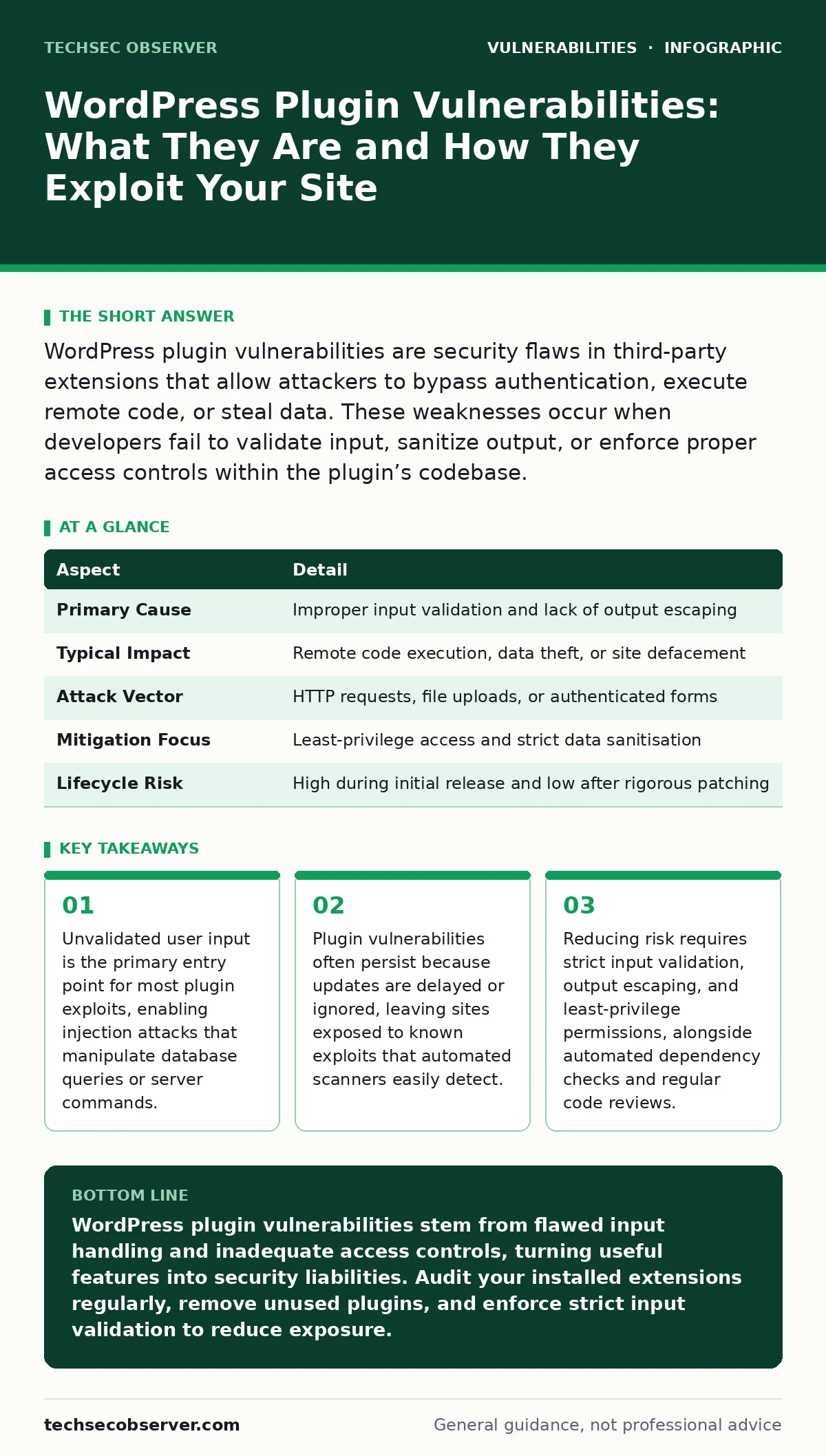
WordPress plugin vulnerabilities are security flaws in third-party extensions that allow attackers to bypass authentication, execute remote code, or steal data. These weaknesses occur when developers fail to validate input, sanitize output, or enforce proper access controls within the plugin’s codebase.
Understanding the Core Definition
A WordPress plugin vulnerability is a flaw in the code of an extension that allows an attacker to perform actions they should not be permitted to execute. These flaws typically arise from inadequate security controls during the development phase. Unlike core WordPress issues, plugin vulnerabilities are highly variable because each extension is built by different developers with varying levels of security expertise.
The vulnerability exists where the plugin processes data, whether from a user form, an API call, or a file upload. If the code trusts this data implicitly, it creates an opening for exploitation. The consequence is rarely a simple error; it is usually full control over the server or database.
At a Glance: Plugin Vulnerability Profile
| Aspect | Detail |
|---|---|
| Primary Cause | Improper input validation and lack of output escaping |
| Typical Impact | Remote code execution, data theft, or site defacement |
| Attack Vector | HTTP requests, file uploads, or authenticated forms |
| Mitigation Focus | Least-privilege access and strict data sanitisation |
| Lifecycle Risk | High during initial release and low after rigorous patching |
How the Exploitation Occurs
The exploitation process begins with reconnaissance. An attacker identifies the specific plugin version installed on a target site. Once the version is known, they search for documented vulnerabilities associated with that release. The attack vector is usually a carefully crafted HTTP request. This request contains malicious data designed to trigger the flawed logic within the plugin.
For instance, if a plugin allows file uploads but fails to verify the file type strictly, an attacker can upload a script disguised as an image. When the server processes this file, it executes the attacker’s code instead of displaying an image. This mechanism turns a harmless feature into a backdoor. The attacker gains a foothold without needing to guess passwords or brute-force login pages.
Common Forms of Flaws
Cross-site scripting remains a frequent issue. This occurs when a plugin displays user-supplied data without escaping special characters. The browser interprets this data as executable code rather than text. SQL injection is another prevalent form. It happens when a plugin constructs database queries by concatenating user input directly into the query string. This allows an attacker to append malicious SQL commands, potentially dumping the entire database or modifying records.
Remote code execution is the most severe category. It permits an attacker to run system commands on the web server. This often stems from improper handling of file paths or command-line arguments. Insecure direct object references allow users to access data belonging to others by manipulating IDs in URLs. Each form exploits a specific failure in how the plugin handles trust boundaries.
Who Is Affected and Why
Site owners who install plugins from unvetted sources face the highest risk. Developers who create plugins without integrating security practices into their workflow contribute to the ecosystem's fragility. End users are affected indirectly through data breaches or service disruptions. The impact scales with the plugin’s functionality. A simple slider plugin may only risk defacement, whereas an e-commerce plugin can expose payment data and customer details.
Hosting providers also bear the cost, as compromised sites can be used to launch attacks against other clients on the shared infrastructure. The vulnerability is not limited to complex applications; even simple plugins can provide a path to administrative access if they mishandle privilege checks. The attack surface expands with every new extension added to the site.
See also: Command Injection: How Unsanitised Input Breaks Your Shell · Prevent Prompt Injection Attacks: Practical Defences for AI Systems
What People Usually Get Wrong
Many believe that installing an antivirus plugin provides sufficient protection. This is incorrect because most security plugins scan for known malware signatures after an infection occurs. They do not prevent the initial exploitation of a code flaw. Another misconception is that popular plugins are automatically secure. High download numbers indicate popularity, not code quality.
In fact, popular plugins are higher-value targets for attackers because a single exploit affects thousands of sites. Some developers assume that sanitising input on the front end is enough. Attackers can bypass front-end checks by crafting requests directly to the server. Security must be enforced at the server level, where the data is processed, not just where it is submitted.
Reducing the Risk Effectively
Start by adopting a minimal plugin strategy. Install only the extensions that are strictly necessary for your site’s operation. Every additional plugin increases the attack surface. When you must install a plugin, check its maintenance history. Abandonware is a significant risk. Ensure the developer releases timely updates when vulnerabilities are disclosed.
Implement server-level protections that limit what plugins can do. Restrict file write permissions so that even if a plugin is compromised, the attacker cannot easily upload new scripts. Use a web application firewall to filter out common attack patterns before they reach the application. Regularly review your plugin list and remove anything that is unused. This reduces the number of potential entry points for an attacker.
Integrate security into the development lifecycle if you are building plugins. Perform a secure code review before releasing any update. Use automated tools to detect common patterns of unsafe coding. For example, static analysis tools can flag instances where user input is passed directly to a database query or a system command. These tools complement manual reviews by catching errors that a human might overlook. Consider using software composition analysis to monitor the dependencies your plugin relies on. If a library you use contains a vulnerability, your plugin inherits that risk. Keeping dependencies up to date is as critical as patching your own code.
Understanding how to assess risk helps prioritise efforts. A CVSS score provides a standardised measure of vulnerability severity. While not perfect, it helps determine which patches require immediate attention. High-scoring vulnerabilities that allow remote code execution should be patched before lower-scoring issues like information disclosure.
This prioritisation ensures that the most dangerous threats are addressed first. It also helps in communicating risk to stakeholders who may not understand the technical details. Regular fuzz testing can also reveal edge cases in input handling that standard testing misses. By feeding random or malformed data into the plugin, you can identify crashes or unexpected behaviour that might indicate a vulnerability.
The Hidden Cost of Complexity
Complexity is the enemy of security. Plugins that offer many features often have intricate code paths that are difficult to audit. The more code there is, the higher the probability of a flaw. This is a non-obvious consequence: adding functionality to a plugin often introduces more risk than the value it provides. A plugin that handles payments, scheduling, and user management has three distinct attack surfaces.
Each feature requires its own set of security controls. If one feature is poorly secured, the entire plugin becomes a liability. This hidden cost means that you should favour specialised, single-purpose plugins over all-in-one solutions. Simpler code is easier to review, update, and secure. It also reduces the likelihood of interactions between features causing unexpected vulnerabilities.
Developers often underestimate the cost of maintaining security. Security is not a one-time task. It is a continuous process. When a vulnerability is disclosed in a third-party library, you must assess whether your plugin is affected. If it is, you must release an update. This requires time and resources. Many developers fail to budget for this ongoing maintenance. As a result, plugins become outdated and vulnerable. This creates a cycle of insecurity that affects the entire ecosystem. You must plan for security as a recurring expense, not an initial development cost. This includes staying informed about new threats and updating your security practices accordingly.
Key takeaways
- Unvalidated user input is the primary entry point for most plugin exploits, enabling injection attacks that manipulate database queries or server commands.
- Plugin vulnerabilities often persist because updates are delayed or ignored, leaving sites exposed to known exploits that automated scanners easily detect.
- Reducing risk requires strict input validation, output escaping, and least-privilege permissions, alongside automated dependency checks and regular code reviews.
WordPress plugin vulnerabilities stem from flawed input handling and inadequate access controls, turning useful features into security liabilities. Audit your installed extensions regularly, remove unused plugins, and enforce strict input validation to reduce exposure.
Frequently asked questions
How do I know if my WordPress plugin has a vulnerability?
Check the plugin’s changelog for security updates and use automated scanning tools that detect known flaws in your installed versions.
Is it safe to use free WordPress plugins?
Free plugins can be secure if they are well-maintained and follow security best practices, but they require the same scrutiny as paid alternatives.
Can a firewall prevent plugin vulnerabilities?
A web application firewall can block common attack patterns, but it cannot fix underlying code flaws; it only reduces the success rate of exploitation attempts.
How often should I update my WordPress plugins?
Update plugins immediately when security patches are released, and perform routine checks for updates every few weeks to ensure you are not running outdated code.
How this guide was produced: written by the TechSec Observer editorial team with AI assistance, checked against the public references listed below, and reviewed when the facts change. See our editorial policy or report an error.