The 3-2-1 Backup Rule Checklist: Surviving Ransomware and Data Loss
Standard backup configurations often fail because they leave copies connected to the same network, allowing malware to encrypt every version simultaneously.
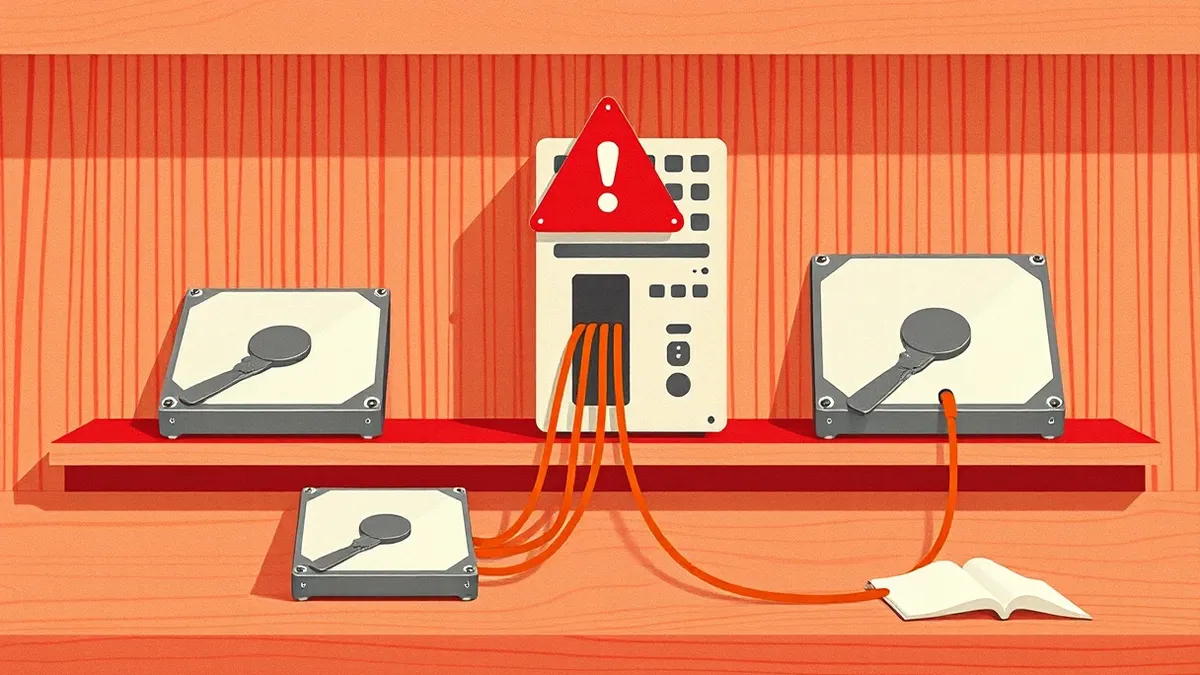
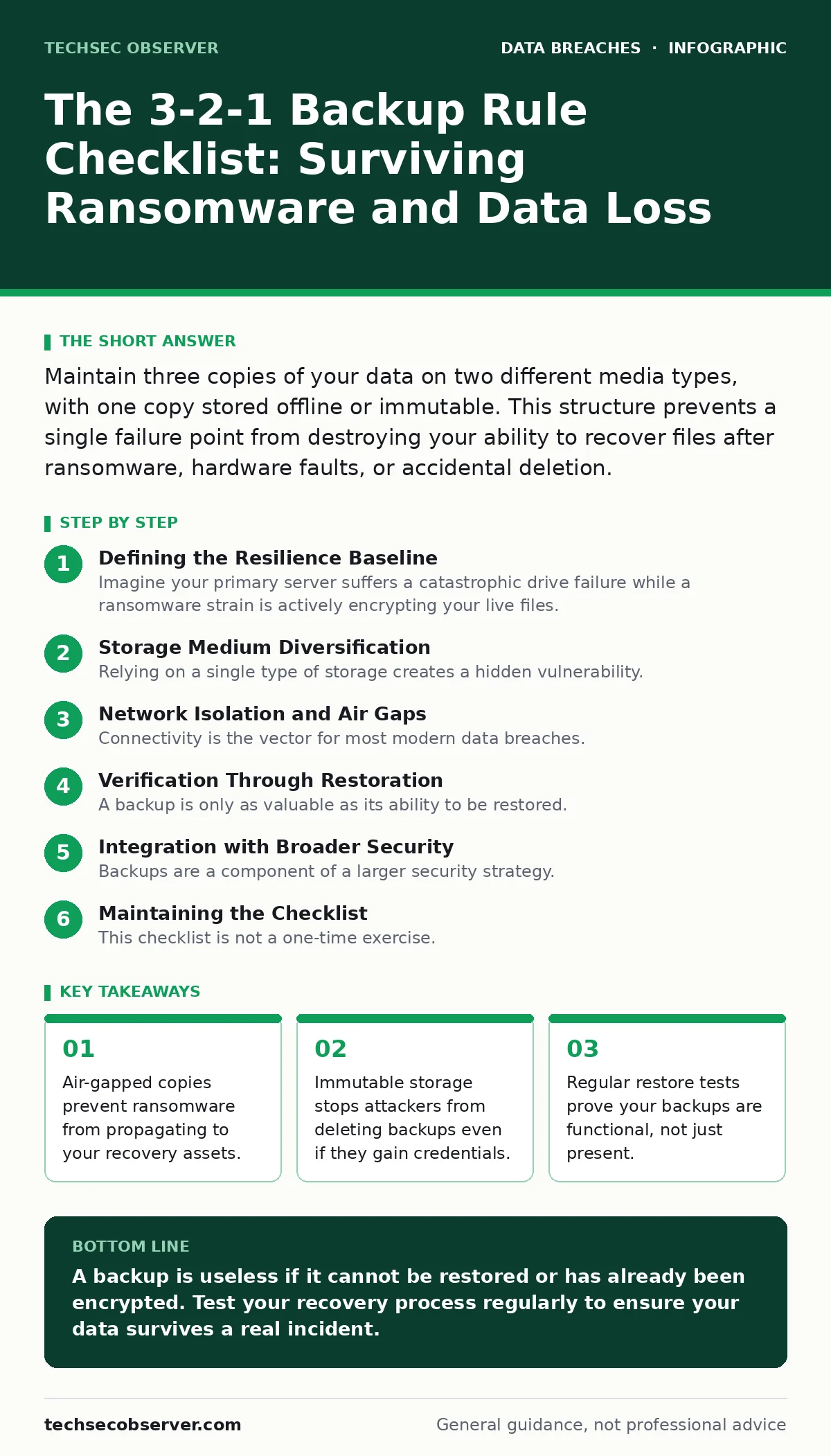
Maintain three copies of your data on two different media types, with one copy stored offline or immutable. This structure prevents a single failure point from destroying your ability to recover files after ransomware, hardware faults, or accidental deletion.
Defining the Resilience Baseline
Imagine your primary server suffers a catastrophic drive failure while a ransomware strain is actively encrypting your live files. If your backups reside on the same network, the malware may reach them before you notice the intrusion. The 3-2-1 backup rule provides a structural defence against this specific sequence of events. It dictates that you hold three total copies of your data.
You store these copies on two distinct types of storage media. One copy must exist offsite or in an isolated environment. This framework addresses the reality that a single point of failure is inevitable. It does not prevent the failure, but it ensures the failure is not terminal. You use this checklist to audit your current recovery posture. It applies to developers who manage local repositories and organisations handling sensitive records.
Storage Medium Diversification
Relying on a single type of storage creates a hidden vulnerability. If your primary and backup systems use the same hardware model, a firmware bug or manufacturing defect could corrupt both simultaneously. You must separate your copies by technology. One copy lives on your primary production system. This is the data you actively use. A second copy resides on local secondary storage, such as a dedicated network-attached storage device or an external hard drive.
This provides speed for recent file recovery. A third copy exists on a different medium entirely, such as cloud object storage or magnetic tape. This diversity ensures that a software bug affecting one file system does not replicate across all your data. You must verify that the secondary and tertiary copies are not merely symlinks or pointers to the primary data. They must be independent entities.
- Primary copy on production storage: This is your working dataset.
- Secondary copy on local hardware: This enables rapid recovery of recent changes.
- Tertiary copy on distinct media: This protects against hardware-specific failures.
Network Isolation and Air Gaps
Connectivity is the vector for most modern data breaches. If your backups are always online, they are always reachable by malware. Ransomware propagates laterally across networks, seeking writable shares. Your tertiary copy must be disconnected from the live environment. This is known as an air gap. It can be a physical disconnect, such as a tape library that is only mounted for reads.
It can also be a logical disconnect, such as immutable cloud storage that prevents modification for a set period. Immutable storage means the data cannot be changed or deleted until a retention window expires. This feature is critical because it neutralises the delete command used by attackers. You must ensure that the process to restore from this copy does not require network access to the compromised system.
- Offline or air-gapped copy: This stops ransomware from encrypting the backup.
- Immutable storage configuration: This prevents credential-based deletion of history.
- Read-only access for restoration: This ensures the backup source remains clean.
Verification Through Restoration
A backup is only as valuable as its ability to be restored. Many organisations discover their backups are corrupted only when they need them. Bit rot, silent corruption, and format obsolescence degrade data over time. You must test your backups regularly. Do not just check that the backup job completed successfully. You must verify that the data is readable and complete.
Perform a full restore of a random subset of files to a isolated test environment. Compare the restored files against the original source using checksums. This process reveals hidden corruption that status logs miss. It also trains your team on the recovery procedure, reducing panic during an actual incident. Without this step, you are gambling on the integrity of your data.
- Scheduled restore tests: This proves the backup software functions correctly.
- Checksum verification: This detects silent data corruption.
- Documented recovery steps: This reduces human error during stress.
Integration with Broader Security
Backups are a component of a larger security strategy. They do not replace the need for strong identity management or network segmentation. If an attacker gains admin rights, they can alter backup configurations to exclude critical directories. You must monitor changes to backup policies. Integrate your backup logs with your security information and event management system.
Look for unusual patterns, such as a sudden increase in data volume or a change in retention settings. These anomalies often indicate an attacker preparing for data exfiltration or attempting to hide their tracks. Your backup strategy should align with your data breach response plans. If you suspect an insider data theft, your immutable copies provide the only reliable version of truth.
- Policy change monitoring: This detects tampering with backup schedules.
- Log integration: This provides context for anomalous backup activity.
- Alignment with incident response: This ensures backups are part of the recovery workflow.
See also: Who Is Responsible for Data Retention Policy: The Real Answer · Data Loss Prevention Rules: How to Stop Leaks Without Blocking Work
Maintaining the Checklist
This checklist is not a one-time exercise. Technology changes, and so do threats. You must review your backup configuration quarterly. Verify that new data sources are included in the backup scope. Check that storage capacities are sufficient for your growth. Ensure that new team members understand the restoration process. If you are managing customer data exposure risks, your backups must comply with data controllers and data processors obligations. You cannot claim compliance if you cannot demonstrate recoverability. Use this checklist to identify gaps in your current setup. Address each item systematically. Do not assume that default settings provide adequate protection.
- Quarterly configuration review: This ensures new assets are included.
- Capacity planning: This prevents backup failures due to space constraints.
- Staff training: This ensures operational readiness.
Key takeaways
- Air-gapped copies prevent ransomware from propagating to your recovery assets.
- Immutable storage stops attackers from deleting backups even if they gain credentials.
- Regular restore tests prove your backups are functional, not just present.
A backup is useless if it cannot be restored or has already been encrypted. Test your recovery process regularly to ensure your data survives a real incident.
Frequently asked questions
Does the 3-2-1 rule protect against cloud provider outages?
Yes, if your tertiary copy is stored with a different provider or on-premises. Diversifying providers prevents a single outage from blocking access.
How often should I perform restore tests?
At least once every quarter. More frequent testing is advisable for critical systems that change rapidly.
Can I use the same cloud provider for primary and backup?
You can, but it is risky. A provider-wide outage or account compromise affects both. Use a different provider for the tertiary copy.
What is the difference between offline and immutable?
Offline means physically disconnected. Immutable means digitally locked against changes. Both prevent modification, but immutable allows remote access.
How this guide was produced: written by the TechSec Observer editorial team with AI assistance, checked against the public references listed below, and reviewed when the facts change. See our editorial policy or report an error.