What Are Digital Certificates: The Trust Anchor Behind Every Secure Connection
Digital certificates bind a public key to an identity, preventing attackers from impersonating servers during encrypted communications.

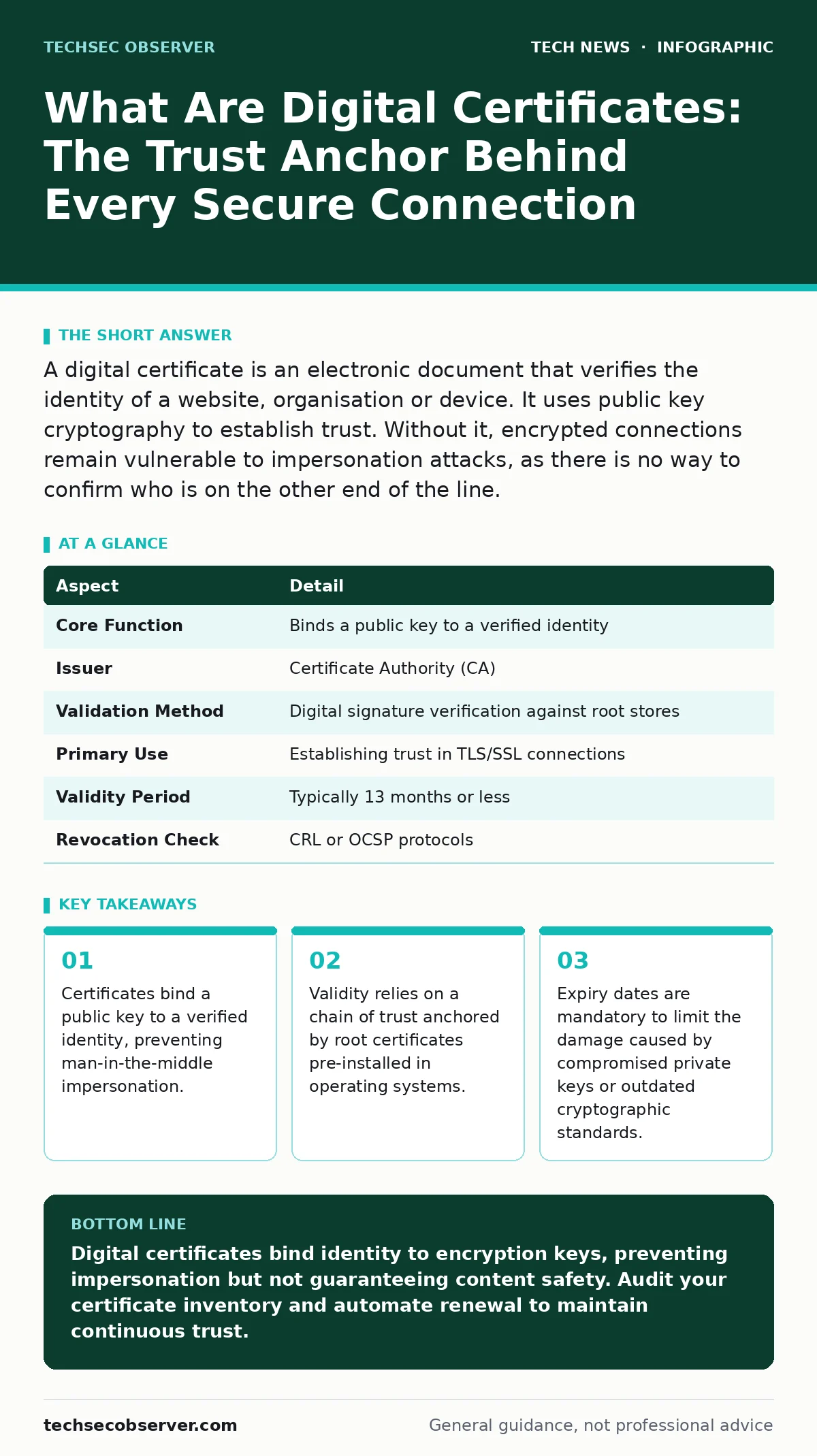
A digital certificate is an electronic document that verifies the identity of a website, organisation or device. It uses public key cryptography to establish trust. Without it, encrypted connections remain vulnerable to impersonation attacks, as there is no way to confirm who is on the other end of the line.
An everyday analogy for digital trust
Imagine you meet someone new at a conference. They hand you a business card with their name and phone number. You cannot trust this information immediately. The person could be anyone. Now suppose a trusted mutual friend introduces them. That friend vouches for the identity. The introduction acts as a verification step. Digital certificates function in the same way. They provide an introduction from a trusted authority. The certificate proves that the public key belongs to the entity claiming to hold it. This mechanism establishes trust without prior personal acquaintance.
What is digital certificates and how it works
What is digital certificates is a question of binding identity to mathematics. A digital certificate is a data structure that contains a public key, the identity of the owner, and a digital signature from a Certificate Authority. The Certificate Authority is an organisation that verifies the owner's identity before issuing the certificate. When you connect to a server, it presents its certificate. Your software checks the signature against a list of trusted root certificates. If the signature matches and the certificate is valid, trust is established. This process enables secure communication without exposing sensitive data.
| Aspect | Detail |
|---|---|
| Core Function | Binds a public key to a verified identity |
| Issuer | Certificate Authority (CA) |
| Validation Method | Digital signature verification against root stores |
| Primary Use | Establishing trust in TLS/SSL connections |
| Validity Period | Typically 13 months or less |
| Revocation Check | CRL or OCSP protocols |
The mechanics of public key cryptography
Digital certificates rely on asymmetric encryption. This method uses two mathematically linked keys: one public and one private. The public key encrypts data. Only the corresponding private key can decrypt it. The certificate distributes the public key safely. It ensures that the key you use to encrypt data actually belongs to the intended recipient. Without the certificate, an attacker could substitute their own public key. They could then decrypt your data. This substitution is the core threat that certificates mitigate. Understanding this relationship is fundamental to securing network communications.
Who digital certificates affect in practice
Every user of the internet is affected by digital certificates. When you visit a banking site, the certificate proves it is the bank. When you send an email with S/MIME, the certificate verifies your identity. Software developers embed certificates in applications to sign code. This proves the code has not been tampered with. Operating system hardening often involves managing these certificates. If a system trusts a malicious root certificate, all subsequent connections are compromised. The impact extends beyond web browsing. It touches email, software updates, and device authentication.
What people usually get wrong about validity
Many assume that a padlock icon means a website is safe. This is a dangerous misconception. The padlock only indicates that the connection is encrypted and the certificate is valid. It does not guarantee that the website is legitimate or free of malware. A phishing site can obtain a valid certificate for its domain. The certificate proves the site is the phishing site, not that it is trustworthy. Users must still verify the URL. Relying solely on the certificate status exposes you to social engineering attacks. The certificate secures the channel, not the content.
Another common error is ignoring certificate expiry. Certificates have short lifespans. This limits the window of opportunity for attackers if a private key is compromised. If a certificate expires, browsers block access. Some users disable warnings to access the site. This action removes the trust anchor. It exposes the connection to interception. Regular renewal processes are necessary. Automated tools help manage this, but manual oversight remains required for critical systems.
See also: How public key infrastructure works behind digital trust
Hidden costs and edge cases in deployment
Deploying certificates introduces operational complexity. You must manage private key storage securely. If the private key is lost, the certificate is useless. If it is stolen, the identity is compromised. Rotation procedures must be rigorous. Automated renewal reduces human error, but misconfiguration can cause outages. Consider the edge case of internal services. These services may use self-signed certificates. They are not validated by public Certificate Authorities. This requires manual trust installation on every client device. It creates a maintenance burden. It also increases the risk of misconfigured trust stores.
Integration with broader security frameworks
Digital certificates interact with other security measures. They complement public key cryptography by providing identity assurance. They support biometric authentication by securing the transmission channel. Data from smart home security devices often travels over encrypted links. These links depend on valid certificates. If the certificate is invalid, the device may fail to connect. This failure can disrupt monitoring. Understanding the OSI model helps visualise where certificates operate. They function at the presentation and session layers. They ensure data integrity and confidentiality before application processing.
VLANs segment network traffic, but they do not encrypt it. Certificates provide encryption across these segments. Content delivery networks use certificates to serve secure content globally. The certificate must be valid at every edge node. macOS security settings allow users to view and manage certificates. This transparency helps users identify potential threats. Regular audits of trusted root stores are necessary. Removing unused or untrusted roots reduces the attack surface.
What to do about certificate management
You must implement a systematic approach to certificate management. Start by inventorying all certificates in use. Identify their owners, expiry dates, and purposes. Use automated tools to monitor expiry. Set alerts well before the deadline. Ensure private keys are stored in hardware security modules or secure vaults. Restrict access to these keys. Implement a clear revocation process. If a key is compromised, revoke the certificate immediately. Update revocation lists. Communicate the change to clients. This minimises the window of exposure. Regular testing of the renewal process prevents outages.
Key takeaways
- Certificates bind a public key to a verified identity, preventing man-in-the-middle impersonation.
- Validity relies on a chain of trust anchored by root certificates pre-installed in operating systems.
- Expiry dates are mandatory to limit the damage caused by compromised private keys or outdated cryptographic standards.
Digital certificates bind identity to encryption keys, preventing impersonation but not guaranteeing content safety. Audit your certificate inventory and automate renewal to maintain continuous trust.
Frequently asked questions
Can I use a digital certificate for internal tools?
Yes, but you should use an internal Certificate Authority. Self-signed certificates require manual trust installation on every client, which is difficult to scale and prone to error.
Why do certificates expire so quickly?
Short validity periods limit the damage from compromised private keys. If a key is stolen, the attacker has a limited time before the certificate becomes invalid and is no longer trusted by clients.
Do I need a certificate for every domain?
You need a certificate for every hostname that serves traffic. Wildcard certificates can cover multiple subdomains, but they must be managed carefully to avoid exposing internal services.
How do I check if a certificate is valid?
Browsers and operating systems validate certificates automatically. You can also use command-line tools to inspect certificate details, expiry dates, and the chain of trust manually.
How this guide was produced: written by the TechSec Observer editorial team with AI assistance, checked against the public references listed below, and reviewed when the facts change. See our editorial policy or report an error.