vlans for home network: isolate traffic without buying enterprise gear
Virtual LANs allow you to segment a single physical switch into multiple logical networks, preventing devices from seeing each other even when connected to the same hardware.
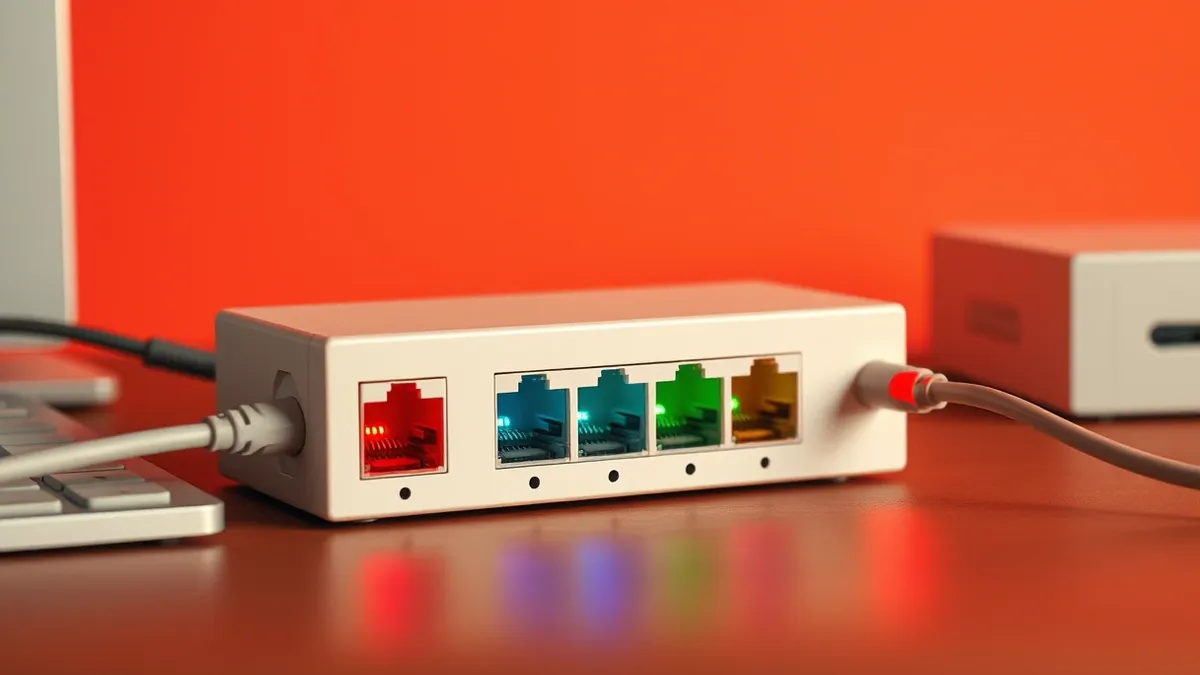
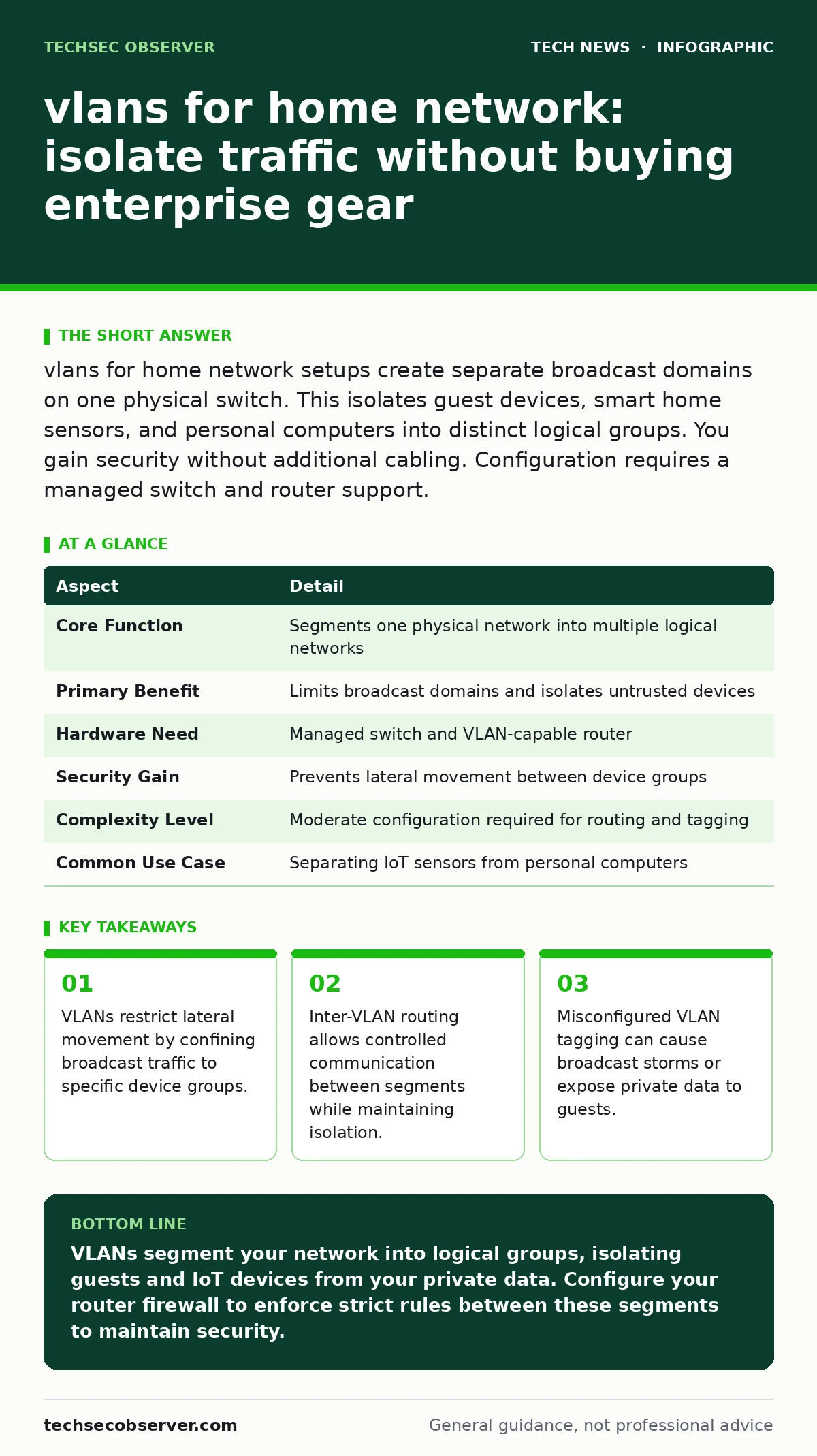
vlans for home network setups create separate broadcast domains on one physical switch. This isolates guest devices, smart home sensors, and personal computers into distinct logical groups. You gain security without additional cabling. Configuration requires a managed switch and router support.
The Library Analogy
Imagine a large public library with open shelves. Everyone can see every book, and noise travels freely across the room. This mirrors a standard flat network where every device hears every broadcast. Now imagine installing glass walls. Patrons in the children’s section cannot see the research archives. They share the same building and the same air conditioning, but their activities remain separate. VLANs provide these digital glass walls for your home infrastructure.
At a Glance
| Aspect | Detail |
|---|---|
| Core Function | Segments one physical network into multiple logical networks |
| Primary Benefit | Limits broadcast domains and isolates untrusted devices |
| Hardware Need | Managed switch and VLAN-capable router |
| Security Gain | Prevents lateral movement between device groups |
| Complexity Level | Moderate configuration required for routing and tagging |
| Common Use Case | Separating IoT sensors from personal computers |
How VLANs Work Technically
Virtual Local Area Networks operate by tagging data frames with an identifier. When a device sends data, the switch attaches a VLAN tag, such as ID 10 for guests or ID 20 for workstations. The switch reads this tag and ensures the frame only reaches ports assigned to that same ID. This process happens at the data link layer of the OSI model. The physical cables remain identical, but the logical path diverges based on the tag. Without this tagging, all devices share one broadcast domain, meaning a single malfunctioning device can flood the entire network with traffic.
VLANs reduce the size of broadcast domains. In a flat network, a broadcast packet reaches every connected device. In a segmented network, it reaches only devices in the same VLAN. This reduction lowers latency and improves performance for critical devices. It also limits the scope of potential security incidents. If a device in the guest VLAN is compromised, the attacker cannot directly scan or attack devices in the private VLAN. The isolation is structural, not merely policy-based.
vlans for home network
People searching for vlans for home network solutions often want to protect their main computers from poorly secured smart home devices. Smart home security is a growing concern because many sensors and cameras lack robust operating system hardening. They run lightweight firmware with limited update cycles. Placing these devices on a separate VLAN ensures that even if they are compromised, the attacker cannot directly access your primary workstation or server. The VLAN acts as a containment zone.
This setup also benefits guests. Visitors connecting to your Wi-Fi often bring devices with unknown security postures. By placing the guest Wi-Fi on a dedicated VLAN, you prevent their devices from discovering or accessing your shared printers and media servers. The guest network remains functional for internet access, but it is logically severed from your private infrastructure. This separation provides peace of mind without requiring separate physical access points.
What People Usually Get Wrong
Many users believe that creating a VLAN automatically blocks all communication between segments. This is incorrect. VLANs only isolate broadcast traffic. If you do not configure firewall rules on your router, inter-VLAN routing may allow unrestricted traffic flow. The router acts as a bridge between VLANs. Without explicit deny rules, the router permits all traffic by default in many configurations. You must define what is allowed, not just what is isolated.
Another common error is assuming VLANs protect against all threats. They do not prevent malware from downloading on a device within the same VLAN. They do not protect against phishing attacks that trick a user into visiting a malicious site. VLANs are a network segmentation tool, not an endpoint security solution. They complement measures like digital certificates for secure communications and biometric authentication for device access, but they do not replace them. Treating VLANs as a silver bullet leads to false confidence.
See also: How Data Exfiltration Works: The Silent Stages of Theft
Hardware Requirements and Limits
Implementing VLANs requires hardware that supports IEEE 802.1Q tagging. Unmanaged switches, common in basic home setups, cannot process these tags. They forward all traffic regardless of VLAN assignment, effectively breaking the segmentation. You need a managed switch that allows you to assign ports to specific VLANs. These switches are more expensive and require configuration via a web interface or command line.
Your router must also support VLANs. Many consumer routers do not. If your router cannot route between VLANs, each segment will be isolated completely, including from the internet. This is often not the desired outcome. You need a router that can perform inter-VLAN routing and apply firewall rules between segments. Some routers support this out of the box; others require custom firmware. Verify compatibility before purchasing hardware. The cost of compatible gear is a trade-off for the security gain.
Configuration Best Practices
Start by defining your VLAN IDs. Use consistent numbering across your switch and router. Assign port 1 to VLAN 10 for guests and port 2 to VLAN 20 for private devices. Configure the uplink port to the router as a trunk port, carrying all VLAN tags. This allows the router to see traffic from all segments. On the router, create virtual interfaces for each VLAN. Apply firewall rules to these interfaces. Allow outgoing traffic to the internet. Deny incoming traffic from guest VLANs to private VLANs.
Test the configuration thoroughly. Attempt to ping a device in the private VLAN from a guest device. The ping should fail. Attempt to access a website from the guest device. This should succeed. Regularly review your firewall rules. Add new rules only when necessary. Avoid broad allow rules. Specificity reduces the attack surface. Document your VLAN assignments. As you add devices, keeping track of which VLAN serves which purpose becomes difficult without records.
The Hidden Cost of Complexity
VLANs introduce management overhead. Troubleshooting connectivity issues becomes harder. When a device cannot connect to the internet, you must determine if the issue is the device, the switch port, the VLAN assignment, or the router firewall rule. Flat networks are simpler to debug. Every device is in the same state. With VLANs, you have multiple states to check. This complexity can deter users from maintaining their configuration.
There is also a risk of misconfiguration leading to outages. A typo in a VLAN tag can isolate an entire segment. If you are away from home, you may not be able to access the switch to fix it. Remote management features can help, but they must be secured carefully. The convenience of having all devices on one network is lost. You gain security and performance, but you sacrifice simplicity. Weigh this trade-off before implementing VLANs.
Key takeaways
- VLANs restrict lateral movement by confining broadcast traffic to specific device groups.
- Inter-VLAN routing allows controlled communication between segments while maintaining isolation.
- Misconfigured VLAN tagging can cause broadcast storms or expose private data to guests.
VLANs segment your network into logical groups, isolating guests and IoT devices from your private data. Configure your router firewall to enforce strict rules between these segments to maintain security.
Frequently asked questions
Do I need a VLAN if I only have Wi-Fi?
Yes. VLANs work over wireless access points. You can assign different SSIDs to different VLANs, isolating guest Wi-Fi from your main network traffic.
Can VLANs stop a device from talking to the internet?
No. VLANs isolate devices from each other. Internet access is controlled by your router's firewall rules and DHCP settings, not by the VLAN itself.
Is VLAN tagging secure from interception?
VLAN tags are part of the Ethernet frame. They are not encrypted. Anyone on the same physical segment can see the tags. Use encryption for sensitive data.
How many VLANs can I create?
Standard VLANs support up to 4,094 IDs. For a home network, you rarely need more than 5 or 6. Complex setups may require provider bridge VLANs for more.
How this guide was produced: written by the TechSec Observer editorial team with AI assistance, checked against the public references listed below, and reviewed when the facts change. See our editorial policy or report an error.